HeyGen turns a doc or link into a two-host video podcast
By Steven Van ·
HeyGen's new Video Podcast adds studio scenes, multi-cam cuts, and B-roll instead of just AI-narrated audio.
HeyGen launched Video Podcast, turning any doc, link, or idea into a two-host video show complete with studio scenes, multi-cam cuts, and B-roll, ready in minutes. The framing draws a clear line against the current wave of AI podcast tools: everyone else stops at audio, this is a show you can publish.
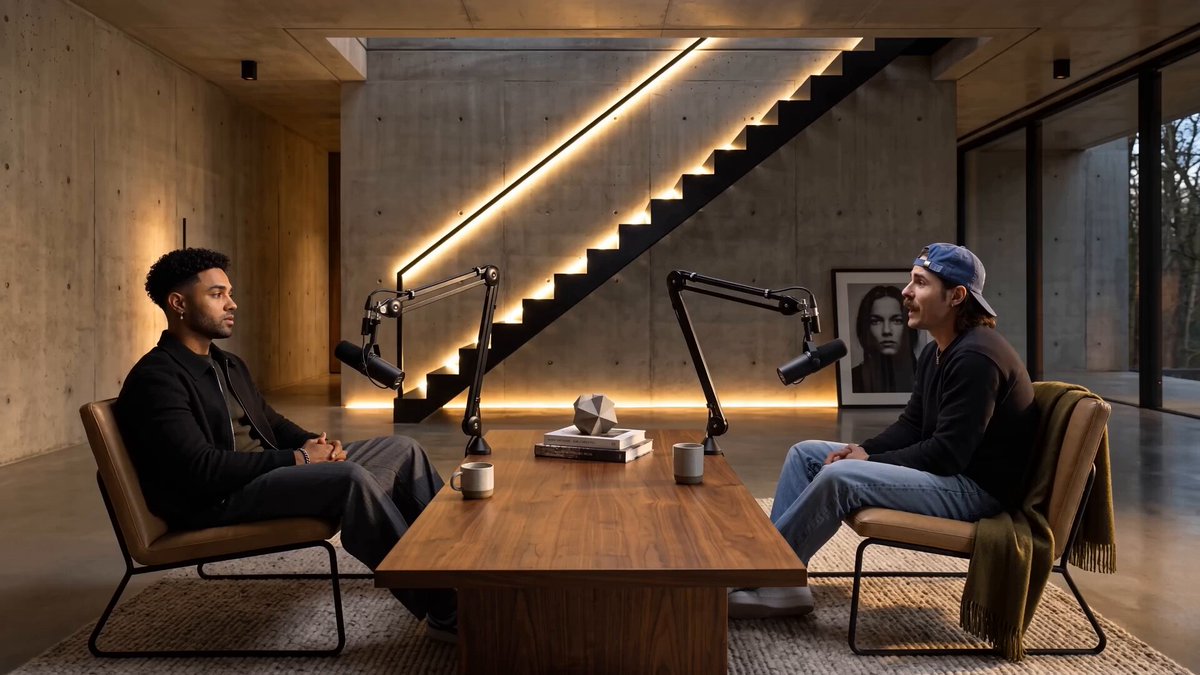
Video, not just audio with a static image
AI-generated podcasts have mostly meant AI-narrated audio, at best paired with a waveform or a single static thumbnail for platforms that require video. Video Podcast goes further, producing an actual two-host video production: studio scenes to set the environment, multi-cam cuts to give it real edit rhythm rather than one static angle, and B-roll to break up long stretches of two people talking. That's the difference between something you'd only put on a podcast feed and something that could plausibly run on YouTube.
From source material to finished show
The input side stays simple, a document, a link, or just an idea, and HeyGen handles turning that into a structured two-host conversation with hosts, pacing, and visual variety already built in. That fits how HeyGen has been positioning itself more broadly, following its recent move to bring HyperFrames inside HeyGen as a Video Agent that builds entire videos, avatar, graphics, captions, and music, from a single prompt.
Why this matters for creators
Producing a genuinely watchable two-host video podcast normally means a studio, two people's schedules, and real editing time. Video Podcast compresses that into a single generation, useful for teams that want podcast-style content, explainer conversations, interview-format summaries of a report, without the production overhead of a live shoot.