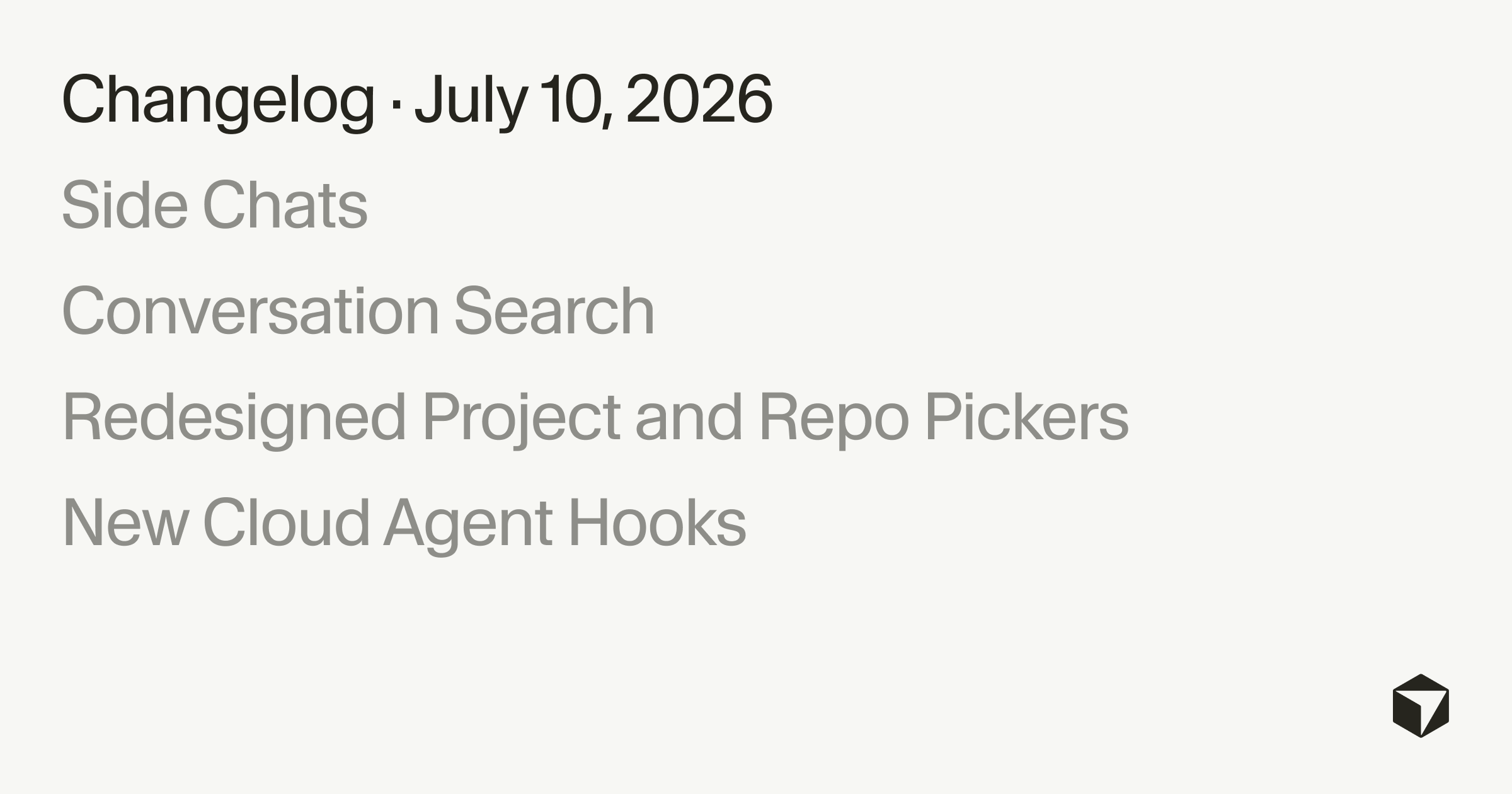
Side Chats and Conversation Search
By Steven Van ·
This release makes it easier to stay in flow with side chats that run alongside your main chat, the ability to search agent transcripts, and simplified…
Cursor's chat panel now supports side chats: separate agent conversations you can open with /side, /btw, or the plus button without interrupting the main thread. Each side chat carries context from the main conversation, defaults to reading, searching, and answering rather than editing, and can be revisited later or pulled back into the main thread with an at-mention. Cursor suggests using them to ask clarification questions, research alternatives without committing to a pivot, or sanity-check a decision while the main agent keeps running.
The release also adds search across past agent conversations. In the Agents Window, Cmd+K now searches transcripts by content rather than just names and PR numbers, backed by a local index that Cursor says scales to thousands of conversations. Cmd+F searches within an open conversation, with a match counter for jumping between results.
- Project and repo pickers are redesigned: you can create a project and connect GitHub, GitLab, or Azure DevOps without leaving the picker, search is now scoped to where you're working (this computer, cloud, or a specific remote machine) instead of one global box, and projects can be removed from Recents with one click.
- Cloud agents get new hooks, including beforeSubmitPrompt, afterAgentResponse, afterAgentThought, stop, and subagentStart, for observing and controlling prompts, responses, thinking, subagents, compaction, and turn completion.