Best Adobe Creative Suite Tutorials for 2026
By Steven Van ·
Discover the best adobe creative suite tutorials for 2026. Our curated list covers Photoshop, Illustrator, Premiere & more to boost your skills.
The Adobe Creative Suite is the industry standard for digital creatives, but mastering its collection of tools-from Photoshop to Premiere Pro-can feel like a monumental task. For beginners taking their first steps, intermediate users looking to fill knowledge gaps, or seasoned pros aiming to perfect new features, the right guidance is crucial. The internet is saturated with content, which makes finding high-quality, structured learning paths a significant challenge.
This guide cuts through the noise. It offers a curated roundup of the best adobe creative suite tutorials and platforms available today. We've done the heavy lifting to help you find the exact resource for your specific needs, whether you're looking for a quick video on a single Photoshop technique or a complete, project-based course in After Effects. Forget endless searching; this is your direct path to improving your skills.
Inside, you will find a detailed breakdown of top-tier learning resources like Adobe's own tutorials, Envato Tuts+, and specialized platforms such as Cinecom. Each entry is structured for clarity and provides actionable information, including:
- Who it's for: Pinpointing the ideal user, from absolute beginners to advanced professionals.
- What you'll learn: Specific outcomes and skills you can expect to gain.
- Best format: Highlighting whether the platform excels in video courses, written guides, or short-form content.
- Key features: Unique benefits that make each resource stand out.
We provide direct links and screenshots for every platform, allowing you to evaluate your options quickly and efficiently. Our goal is to ensure you spend less time searching for quality tutorials and more time creating compelling work. Let’s dive in and find the perfect learning path to elevate your creative workflow.
1. Creators Toolbox
Creators Toolbox serves as a dynamic, curator-first hub designed for creators who need to stay current with the ever-shifting world of digital tools. Rather than hosting its own library of static courses, it functions as a real-time aggregator, presenting a curated feed of the latest tools, tutorials, industry news, and free resources. For anyone looking for fresh adobe creative suite tutorials, this platform offers a unique advantage: discovery. It focuses on what's new and noteworthy, ensuring you find the most relevant techniques and plugins as they emerge.
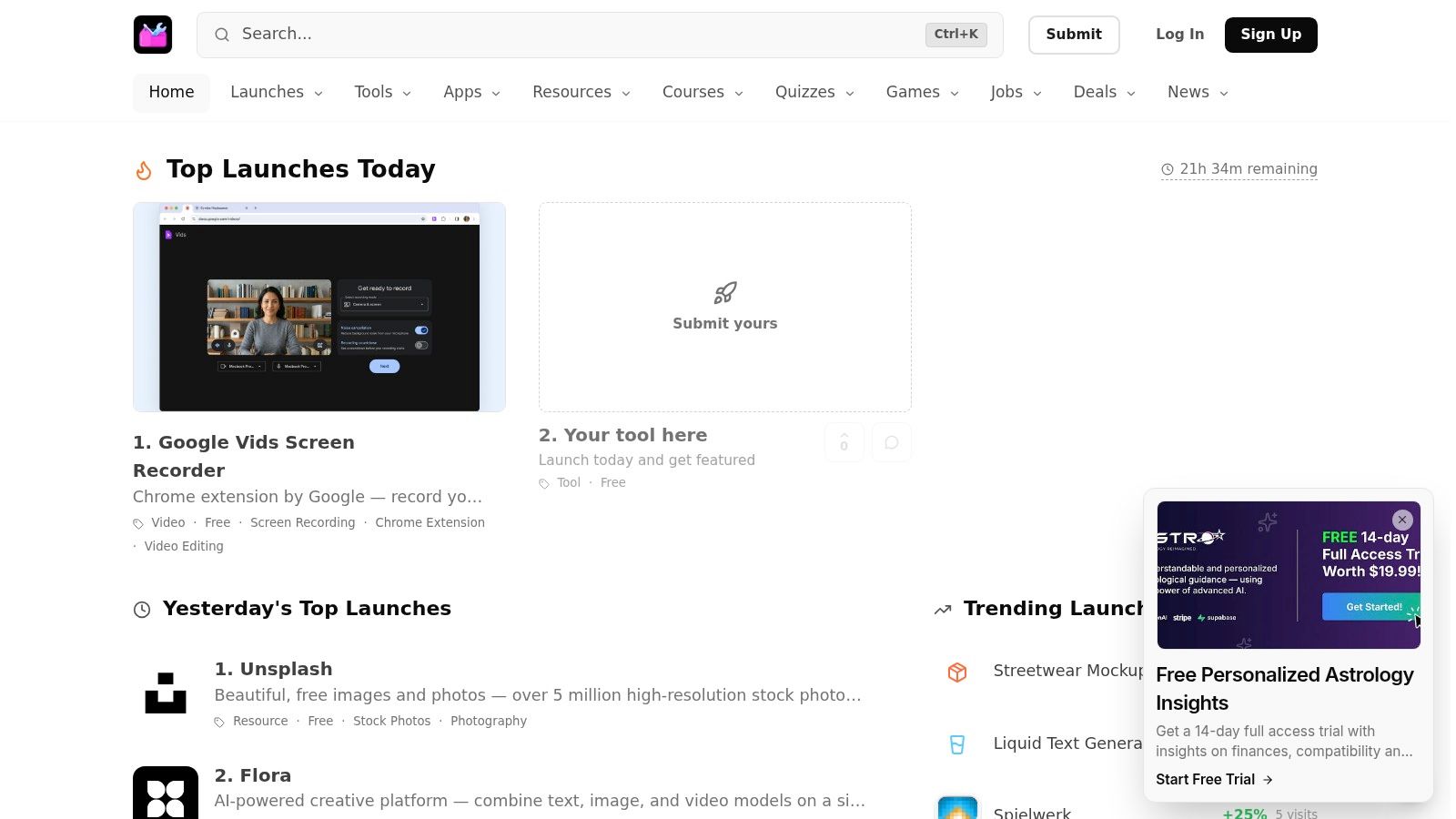
The platform’s structure is built around timeliness. Weekly roundups, daily launch highlights, and "Top Products" lists surface everything from major Adobe updates to promising indie tools. This approach cuts through the noise, making it an indispensable resource for professionals who need to maintain a competitive edge. The site is free to browse, and its clear tagging system (Free / Freemium / Paid) allows for immediate filtering based on your budget.
Why It Stands Out: A Curation-First Model
What makes Creators Toolbox a standout choice is its commitment to breadth and discovery. While many platforms offer deep dives into established software, this site excels at showing you what's next. You might find a new AI-powered Photoshop plugin one day and an advanced After Effects workflow guide the next. This constant stream of newness is invaluable for creatives whose work depends on using the most modern tools available.
The site is not just a passive directory. It actively supports learning with step-by-step guides and links to direct-from-the-source tutorials that help you evaluate and adopt new technologies quickly. This is particularly useful for video editors who need to keep up with new features in Premiere Pro. For instance, as captioning workflows become more automated, understanding the latest techniques is critical. A detailed guide on Mastering Premiere Pro Subtitles can be an excellent resource to add to your personal learning path, complementing the new tools you discover.
Key Features & User Experience
The user interface is clean, minimalist, and built for quick scanning. Information is organized logically, allowing you to move between categories like video, design, AI, and web development with ease.
- Curated Discovery: Instead of searching aimlessly, you get a handpicked selection of the most impactful new tools and resources delivered daily and weekly.
- All-in-One Coverage: It brings together apps, courses, deals, and even job listings, making it a well-rounded professional resource.
- Clear Cost Filtering: Instantly see if a tool is free, freemium, or paid, saving you time and helping you manage your budget.
- Launchpad for Makers: A submission pipeline gives new developers a chance to get their tools in front of an engaged audience of creators.
Practical Application & Final Verdict
Creators Toolbox is best used as a starting point for your creative exploration. Think of it as your morning briefing on the state of creative tech. It's the place you visit to spot a new trend, discover a free alternative to a paid app, or find a tutorial on a just-released feature.
While it's an aggregator and doesn't produce its own in-depth reviews, its strength lies in pointing you to the best original sources. The platform excels at providing the "what" and "why," leaving the deep "how" to the creators of the tools themselves. This makes it an essential bookmark for any creative professional looking to stay ahead.
Website: creatorstoolbox.com
2. Adobe Learn
For authoritative, up-to-date guidance, the best place to start is often the source itself. Adobe Learn is the official training hub for the entire Creative Cloud ecosystem, offering a curated collection of tutorials directly from the software's creators. This makes it an essential first stop for anyone looking to master the fundamentals or get acquainted with the very latest features.
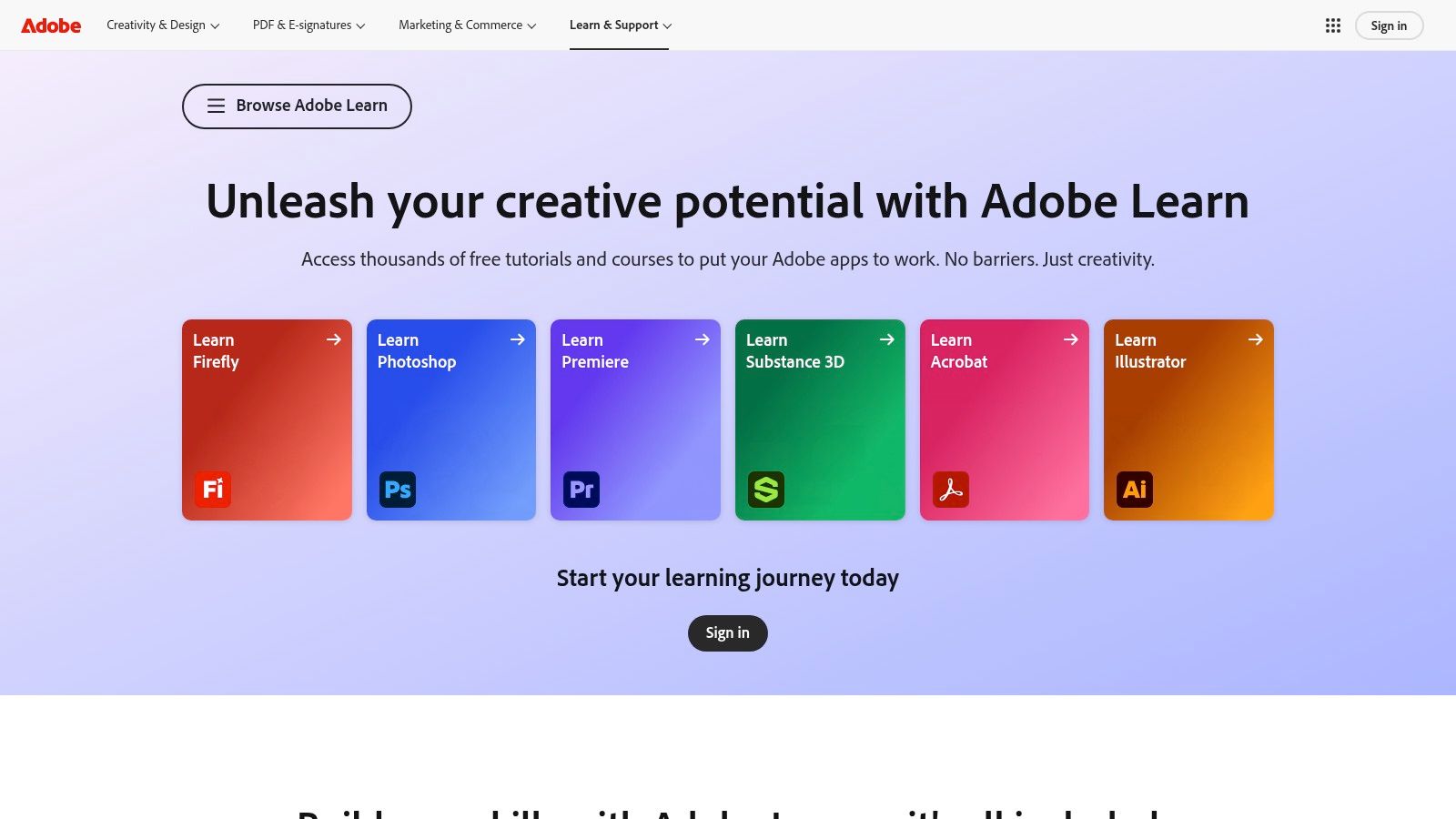
The platform’s core strength is its direct integration and version accuracy. When Adobe releases a new tool or updates an interface, Adobe Learn is among the first to provide tutorials that reflect those changes. This eliminates the confusion of following older videos that no longer match the current software. Content ranges from quick, two-minute "how-to" videos for specific tasks to comprehensive, multi-step projects that guide you through creating a finished piece from scratch.
Key Features and User Experience
Adobe Learn is entirely free for anyone with an Adobe ID, removing any cost barrier to entry. The platform is structured with clear learning paths for each application, including Photoshop, Illustrator, Premiere Pro, and even newer tools like Adobe Firefly.
- Learning Paths: Content is organized by skill level (Beginner, Intermediate, Advanced) and by project, helping you build practical skills systematically.
- In-App Integration: A standout feature is the "Learn" panel available directly within many Creative Cloud applications. This allows you to follow along with a tutorial without constantly switching windows, providing a seamless learning environment.
- Practice Assets: Most project-based tutorials include downloadable sample files, so you can work with the exact same assets the instructor is using.
Practical Advice for Using Adobe Learn
To get the most out of this resource, start by completing the "Get Started" series for your chosen application. These introductory courses are invaluable for understanding core concepts and interface navigation. For a more structured approach on how to build a curriculum for yourself, check out our guide on how to learn the Adobe Creative Suite. While Adobe Learn lacks the personality of some third-party instructors and may not delve into niche, real-world client scenarios, it provides an unmatched foundation. It's the perfect place to build core confidence before exploring more specialized tutorials elsewhere.
Website: https://www.adobe.com/learn/
3. Envato Tuts+
For those who prefer a mix of structured courses and quick, searchable answers, Envato Tuts+ offers a massive library of both written and video tutorials. It covers the full Adobe Creative Suite, from core applications like Photoshop and Illustrator to specialized software like After Effects and InDesign. Best of all, Envato has made its entire Tuts+ catalog of courses and tutorials free, making it a powerful resource for self-directed learners.
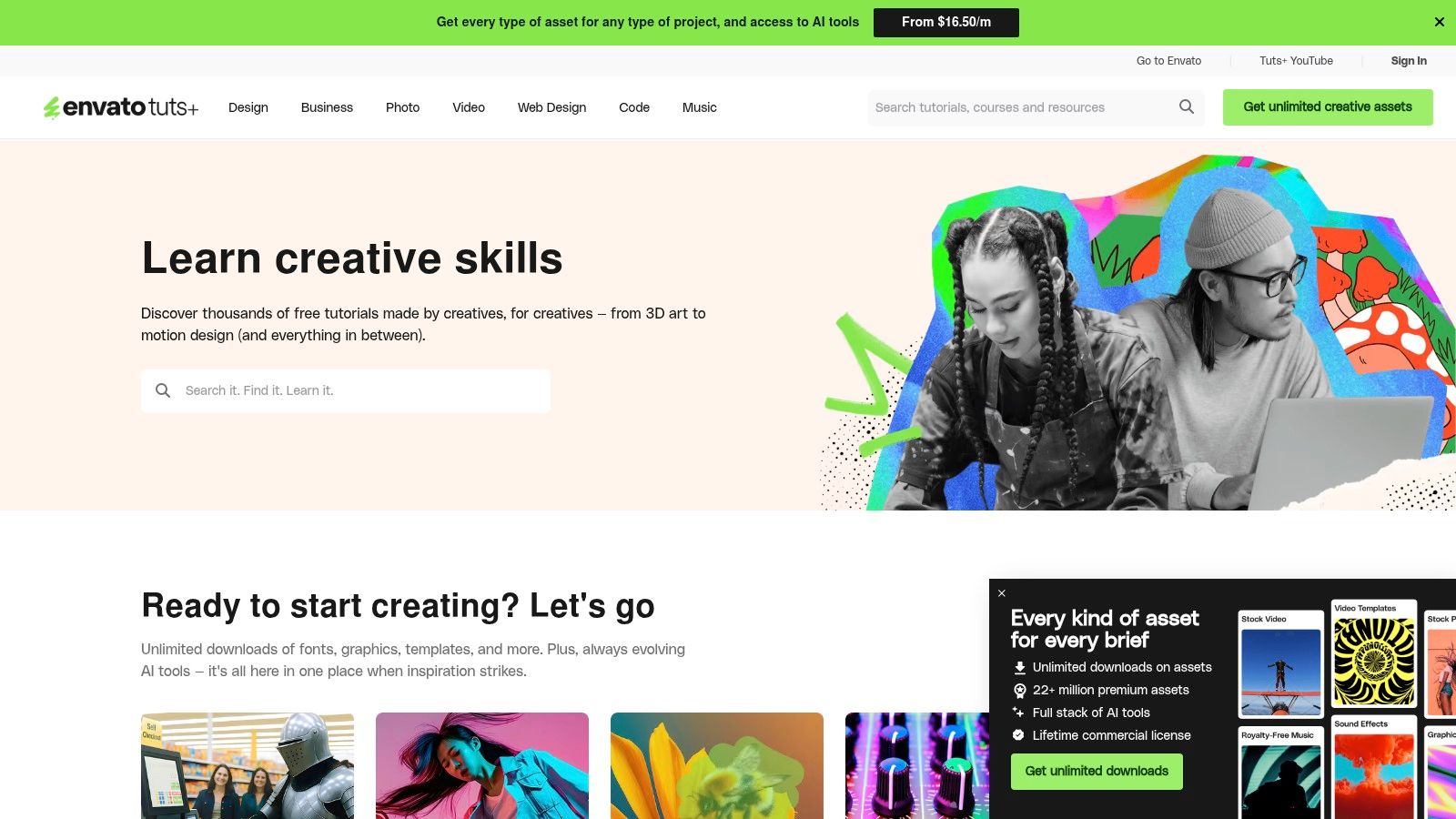
The platform shines in its dual functionality. You can follow a curated series like "Learn Adobe Illustrator from Scratch" to build foundational knowledge, or you can use its robust search engine to find a quick five-minute article on a specific technique you need for a project. This flexibility makes it ideal for both beginners looking for a starting point and experienced users needing to solve a specific problem on the fly.
Key Features and User Experience
With thousands of tutorials available without a paywall, Envato Tuts+ is an excellent destination for in-depth Adobe Creative Suite tutorials and broader creative education. The content is created by a diverse group of industry professionals, bringing a wide range of perspectives and styles.
- Free Access: The entire library of courses and how-to articles is completely free, removing any financial barrier to learning.
- Mixed Media Formats: The platform provides a blend of detailed, step-by-step written articles and video courses, catering to different learning preferences.
- Broad Topic Range: Beyond just Adobe software, Tuts+ has content on design theory, illustration, motion graphics, and even the business side of being a creative professional.
- Searchable Knowledge Base: Its strength as a quick reference is significant. You can easily find an article on a single tool or function without committing to a full course.
Practical Advice for Using Envato Tuts+
To make the most of Tuts+, start by exploring its curated "Learn Adobe" collections for your chosen software. These series provide a more structured path than just searching for random topics. However, don't overlook its value for specific problem-solving. For instance, if you need a quick guide on a fundamental task, you can easily find a tutorial such as one covering how to resize an image in Photoshop. Because the content comes from many different authors, the quality can vary, and some tutorials may assume prior knowledge. It's best to use Envato Tuts+ as a supplementary resource or for focused, technique-based learning rather than as a single, linear bootcamp.
Website: https://tutsplus.com/
4. Skillshare
For learners who prefer a project-based approach taught by working professionals, Skillshare offers a massive subscription-based library of creative classes. Unlike academic or corporate training platforms, Skillshare's strength lies in its community of practicing designers, animators, and editors who teach practical, real-world skills. This makes it a fantastic resource for finding a wide variety of adobe creative suite tutorials that are both inspirational and immediately applicable.
The platform's model centers on short, digestible classes that guide you through creating a specific piece of work. Instead of long, theoretical lectures, most courses get you into the software right away. This project-driven format helps solidify learning by doing, and the community gallery allows you to share your work and get feedback from peers and the instructor. This focus on practical application and community interaction makes learning feel less isolated and more collaborative.
Key Features and User Experience
Skillshare operates on a subscription model, giving you unlimited access to its entire catalog for a monthly or annual fee. The interface is clean and discovery-oriented, encouraging you to explore new topics and instructors.
- Project-Driven Classes: Most courses are built around a central project, ensuring you finish with a tangible portfolio piece and a clear understanding of the workflow involved.
- Bite-Sized Lessons: Classes are broken into short video lessons, often just 5-15 minutes long, making it easy to fit learning into a busy schedule.
- Community and Feedback: Each class has a project gallery where students can upload their work, receive feedback, and see how others approached the same assignment.
- Mobile and Offline Access: Skillshare’s mobile apps allow you to download classes for offline viewing, perfect for learning on the go.
Practical Advice for Using Skillshare
The quality of courses on Skillshare can vary, so it's critical to vet instructors. Look for "Staff Picks," check recent reviews, and see how many students have completed the class. Start with popular, highly-rated instructors like Aaron Draplin for graphic design or Jake Bartlett for motion graphics. These instructors often teach fundamental concepts with great clarity. For example, once you learn the basics of a tool like the Pen Tool, you can apply it to more complex tasks, like learning how to make a clipping mask in Adobe Illustrator to enhance your designs. While the catalog can sometimes feel overwhelming and courses can become outdated, the sheer variety of teaching styles and niche topics makes Skillshare an exceptional value for continuous creative learning.
Website: https://www.skillshare.com/
5. Udemy
For learners who prefer a structured, self-paced curriculum, Udemy is a massive online course marketplace with an extensive catalog of Adobe Creative Suite tutorials. Unlike subscription services, Udemy operates on a per-course model, where you purchase individual courses for lifetime access. This approach is ideal for those who want to master an application from the ground up or who appreciate being able to revisit specific lessons months or years later.
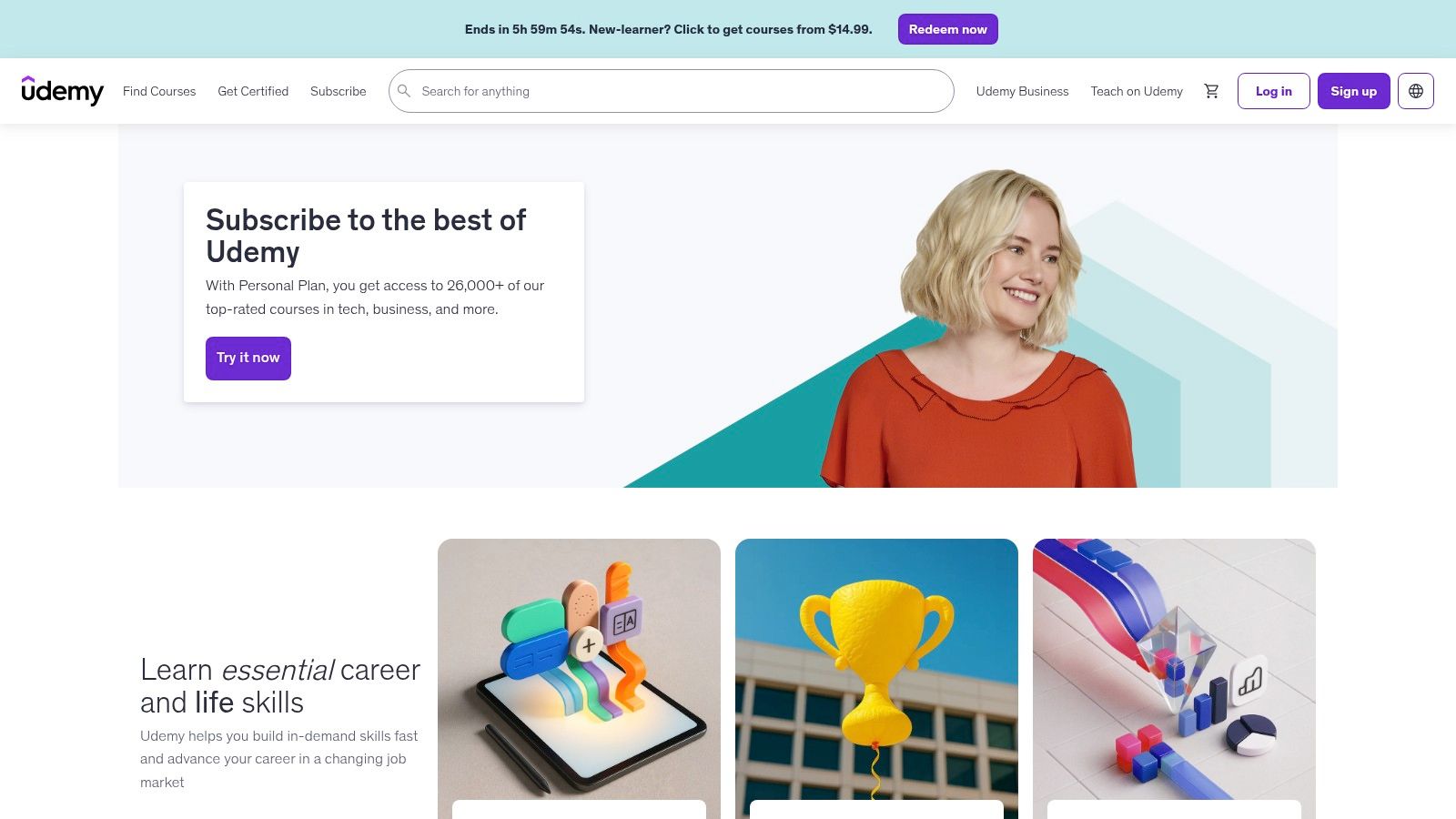
The platform's main advantage is the sheer depth and variety of its offerings. You can find everything from a 50-hour "zero to pro" masterclass in Adobe After Effects to a focused, three-hour workshop on creating infographics in Illustrator. Because instructors are independent creators, the teaching styles are diverse, allowing you to find a personality and pace that matches your learning preference. This makes it a go-to for deep dives into nearly any Adobe software.
Key Features and User Experience
Udemy’s interface is built around course discovery and consumption. The robust student review and rating system is a critical feature, helping you filter out lower-quality content and identify the most effective and popular courses. Lifetime access to purchased material, including any future updates the instructor adds, provides significant long-term value.
- Massive Course Selection: Thousands of courses cover every major Adobe application, often with highly specialized topics not found elsewhere.
- Lifetime Access: Pay once for a course and own it forever. This is perfect for building a personal library of tutorials you can reference on demand.
- Student Reviews and Ratings: Before you buy, you can see detailed feedback, ratings, and even preview lessons to judge an instructor’s teaching style and the course quality.
Practical Advice for Using Udemy
The key to succeeding with Udemy is patience in both purchasing and learning. Full-price courses can be expensive, but the platform runs frequent, deep-discount sales where even top-rated courses are available for a fraction of their list price. It’s wise to add courses to your wishlist and wait for a promotion. Before committing, always check the "Last Updated" date to ensure the content is relevant to the current version of the Adobe software you're using. While the quality can vary between instructors, the best Udemy courses offer some of the most thorough Adobe training available online.
Website: https://www.udemy.com/
6. Cinecom
For aspiring filmmakers and video editors looking to master Adobe's video applications, Cinecom is an exceptional resource. This platform specializes in practical, production-tested workflows for Premiere Pro and After Effects, making it a go-to for anyone moving into motion graphics and visual effects. The tutorials are created by working professionals, ensuring the techniques are not just theoretical but applicable to real-world client projects.
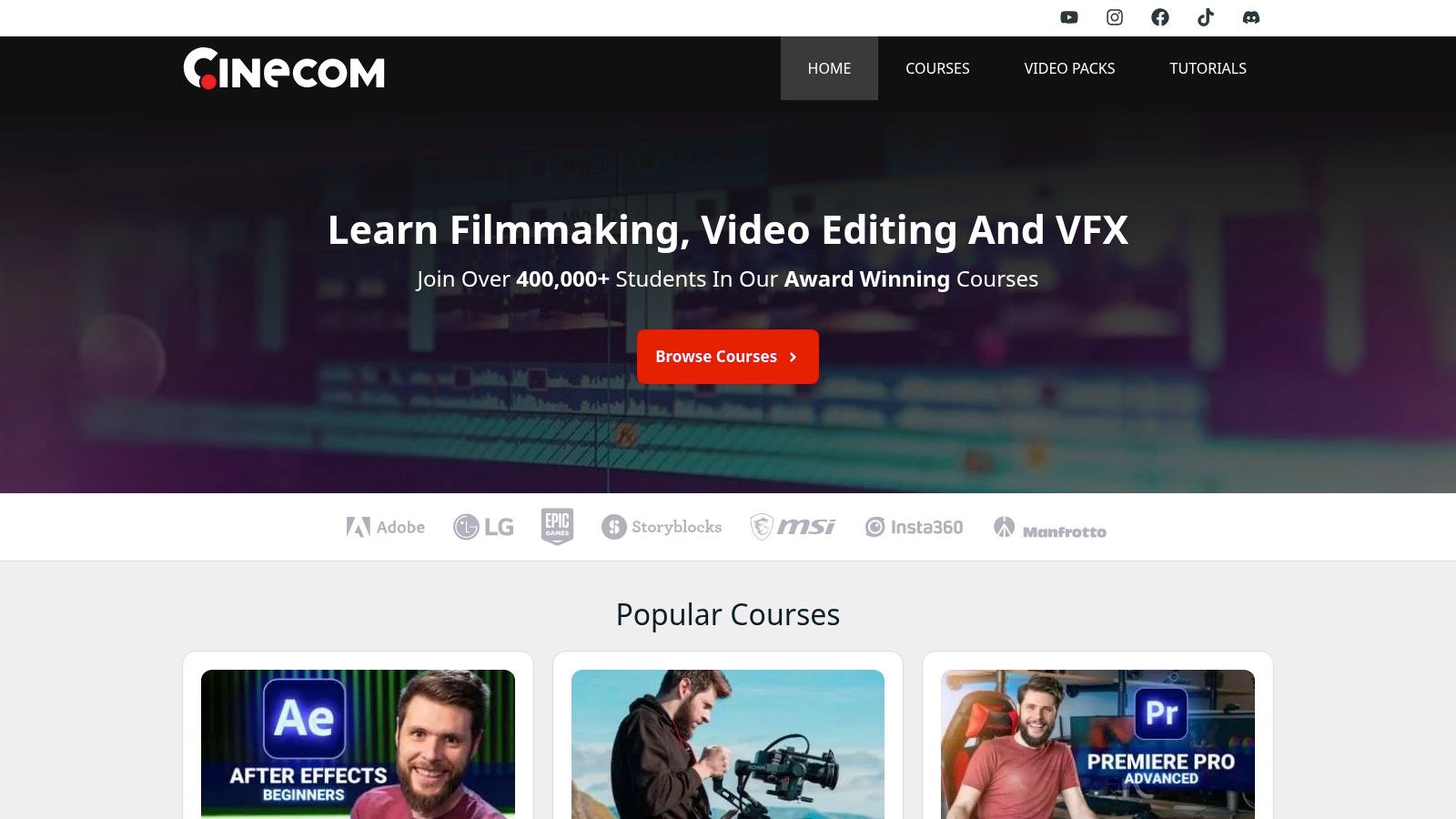
Cinecom's strength lies in its project-based approach, which grounds complex concepts in tangible outcomes. Instead of just explaining a tool, their tutorials guide you through creating specific effects, transitions, or complete video sequences. While they maintain a prolific free tutorial library on YouTube, their paid courses offer a more focused learning experience with lifetime access, downloadable project files, and community support, all without a recurring subscription.
Key Features and User Experience
Cinecom offers a straightforward and accessible path for learning video production skills. The platform is structured around both free, quick-tip content and more in-depth paid courses, allowing users to choose their level of commitment. The one-time purchase model for courses is a significant advantage for those who prefer to own their learning materials.
- Project-Based Learning: Every lesson is designed around a practical outcome, whether it's a specific visual effect, a sound design trick, or a professional editing workflow.
- Downloadable Assets: Paid courses include all necessary project files and assets, enabling you to follow along precisely with the instructor and replicate the results on your own machine.
- Active Community: Purchasers gain access to a Discord community, a valuable space for asking questions, getting feedback, and connecting with other video creators.
- Lifetime Access: Once you buy a course, it’s yours forever. This is perfect for revisiting specific techniques long after your initial viewing.
Practical Advice for Using Cinecom
To get the most out of Cinecom, start by exploring their extensive YouTube channel to get a feel for their teaching style and identify areas you want to improve. Their free content is excellent for solving specific problems or learning a quick new trick. If you find their approach valuable, consider investing in a targeted paid course like "After Effects for Beginners" to build a strong foundational skill set. While Cinecom's catalog is heavily focused on video and lacks depth for print or design apps like InDesign, it provides outstanding value for anyone seeking practical, results-driven Adobe Creative Suite tutorials for video production.
Website: https://www.cinecom.net/
7. KelbyOne
For photographers and digital artists whose work revolves around imaging, KelbyOne offers a specialized and deeply focused training ground. Founded by the team behind the venerable Photoshop User magazine, this platform is purpose-built for those looking to master Photoshop and Lightroom within a photography-centric context. It moves beyond generalist tutorials to deliver professional-grade workflows for retouching, compositing, and photo management.
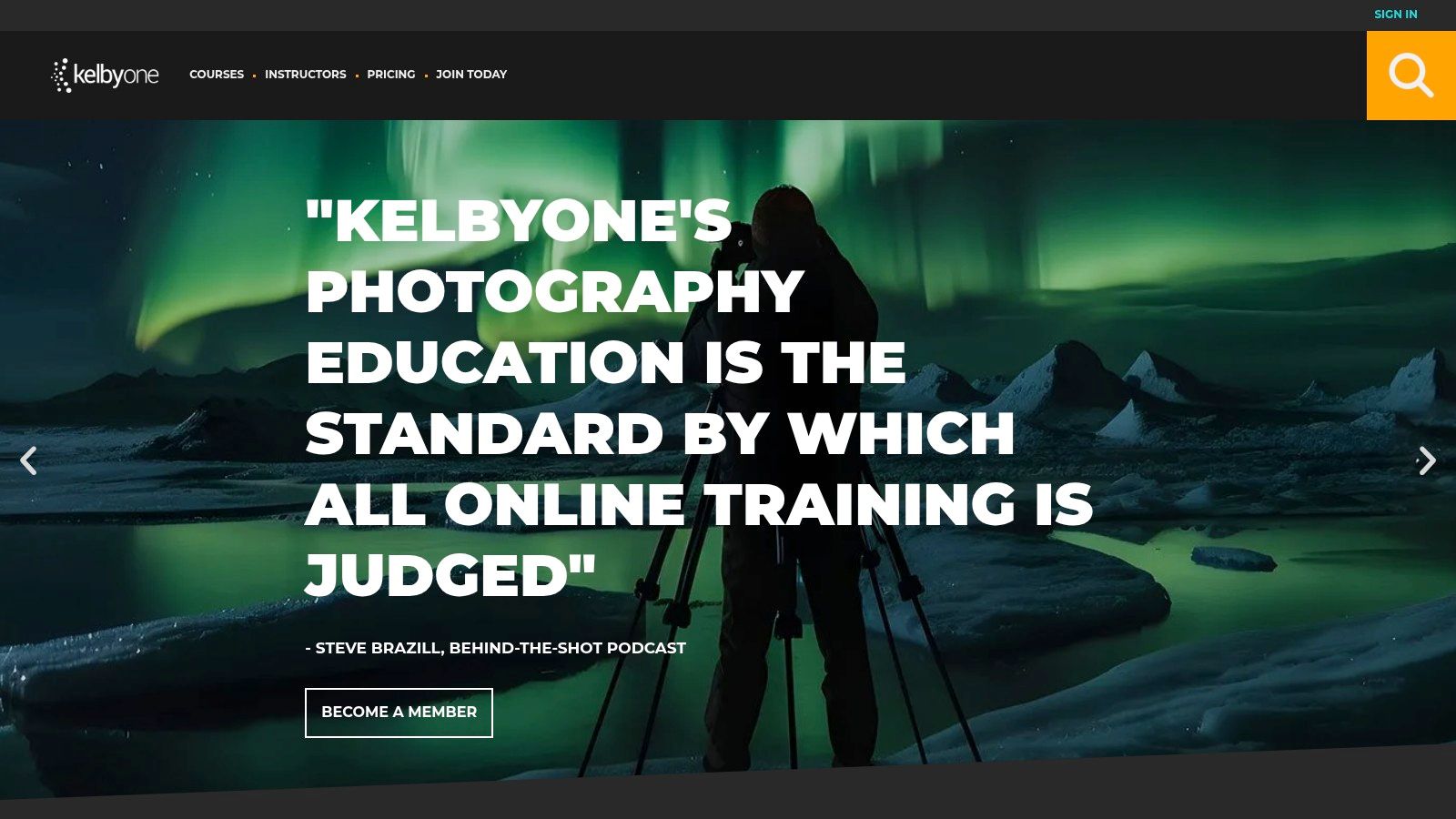
The platform’s standout quality is its authoritative voice in the photography world, led by industry veterans like Scott Kelby. Unlike broader marketplaces, KelbyOne’s content is curated with a consistent, professional-first philosophy. It’s less about chasing trendy effects and more about teaching the time-tested techniques that professional photographers use daily. Courses are structured and comprehensive, often taking you from an initial concept all the way to a polished final image with clear, step-by-step guidance.
Key Features and User Experience
KelbyOne operates on a subscription model, offering a "Plus" plan for course access and a "Pro" plan that includes more interactive features and extras. This all-inclusive approach provides access to a massive back-catalog of lessons, making it a valuable resource for anyone committed to photography. The user experience is straightforward, with a clean interface that makes it easy to find courses by instructor, topic, or software.
- Photography-First Curriculum: The course library is heavily weighted toward Photoshop and Lightroom, covering everything from beginner basics to advanced portrait retouching, landscape editing, and complex compositing.
- Pro-Level Instructors: Classes are taught by a roster of world-renowned photographers and retouchers, ensuring the techniques are practical and field-tested.
- Member-Exclusive Perks: A subscription includes digital access to Photoshop User and Lightroom Magazine, along with participation in a members-only community for feedback and support.
- Live Online Conferences: Pro members gain access to multi-day online conferences focused on specific topics like portraiture or landscape photography, with on-demand replays available.
Practical Advice for Using KelbyOne
To get the best value, identify your primary area of focus. If you're a portrait photographer, dive into the retouching tracks from instructors like Kristina Sherk or Scott Kelby. For landscape enthusiasts, courses on luminosity masking and color grading are excellent starting points. While KelbyOne's focused approach is a major strength for photographers, it's a drawback for generalist designers; you won't find much on Illustrator, InDesign, or Premiere Pro here. Its traditional, community-oriented style also feels different from the fast-paced, project-based nature of other platforms, appealing more to learners who prefer a structured, magazine-like ecosystem for their Adobe Creative Suite tutorials.
Website: https://kelbyone.com/
Adobe Creative Suite Tutorials: 7-Platform Comparison
| Tool | 🔄 Implementation complexity | ⚡ Resource requirements & speed | 📊 Expected outcomes | Ideal use cases | ⭐ Key advantages / 💡 Tip |
|---|---|---|---|---|---|
| Creators Toolbox | Low — browse & filter curated entries | Minimal resources; free to browse; very fast discovery | Broad, timely discovery of new tools and trends | Finding new creative tools, comparing free vs paid, maker launches | ⭐ Wide, up‑to‑date curation; 💡 Use alongside hands‑on tutorials for adoption |
| Adobe Learn | Low–Medium — guided official tutorials | Free; in‑app help speeds learning of new features | Accurate, version‑aligned workflow skills | Learning official workflows and new product features | ⭐ Authoritative and current; 💡 Pair with projects for real‑world context |
| Envato Tuts+ | Low–Medium — self‑directed series & articles | Free access to a large library; search speeds problem solving | Technique-focused solutions and varied-depth tutorials | Quick fixes, learning specific techniques, exploratory learning | ⭐ Extensive free catalog; 💡 Follow series for coherent learning paths |
| Skillshare | Low — bite‑sized, project‑driven classes | Subscription; mobile/offline available; fast micro‑lessons | Practical project outcomes and community feedback | Trying new skills quickly; short project practice | ⭐ Diverse instructors and projects; 💡 Start with top-rated short classes |
| Udemy | Medium — full-length paid courses | Per-course purchase (lifetime access); time investment needed | Deep, structured start‑to‑finish mastery | Comprehensive learning and long‑term reference | ⭐ Wide selection and ownership; 💡 Check ratings and last update date |
| Cinecom | Medium — production-tested video workflows | Mix of free YouTube and focused paid courses; targeted resources | Production-ready Premiere/After Effects workflows and VFX | Video editors seeking practical, client-ready techniques | ⭐ Project files & community support; 💡 Buy course for focused VFX practice |
| KelbyOne | Medium — specialist photography training | Membership cost; includes magazines and live events; deep pacing | Advanced Photoshop/Lightroom and photography techniques | Photographers and imaging professionals | ⭐ Pro-level photography focus; 💡 Ideal for career-oriented skill depth |
Start Your Learning Journey Today
Mastering the Adobe Creative Suite is a continuous journey of growth, not a final destination. The creative tools themselves are always evolving, and so are the techniques that separate exceptional work from the ordinary. You've just explored a curated collection of resources, from the official fundamentals on Adobe Learn to the project-driven courses on Skillshare and the specialized deep dives from experts at Cinecom and KelbyOne. The key takeaway is that no single platform holds all the answers; the most effective learning strategy is a blended one.
Think of these resources as building blocks for your personalized creative education. You can construct a learning path that perfectly fits your goals, schedule, and current skill level. This guide has equipped you with a map, but you are the one who charts the course.
Synthesizing Your Learning Path
The true power of this list comes not from picking just one resource, but from combining them strategically. A successful workflow might look like this:
- Foundation First: Start with Adobe Learn to grasp the core functions of a new application. Their structured, official guides are the perfect, no-cost entry point.
- Project-Based Practice: Move to a platform like Skillshare or Udemy to apply those foundational skills. Following a project from start to finish solidifies your knowledge and gives you a tangible piece for your portfolio.
- Specialized Skills: When you need to master a specific, professional technique-like advanced color grading in Premiere Pro or complex photo manipulation in Photoshop-turn to specialists. KelbyOne for photographers and Cinecom for videographers offer that targeted, expert instruction.
- Ongoing Inspiration: Make resources like Envato Tuts+ and Creators Toolbox a regular part of your creative diet. These platforms keep you informed about new features, emerging trends, and fresh techniques to keep your work relevant.
The goal is to create a flexible, personal learning system. A system that allows you to dive deep into a specific subject when needed, then pull back for a broader, project-based perspective. This approach ensures you are not just learning features, but learning how to think and create like a professional.
Putting Theory Into Practice
Information without action is just trivia. The most critical step you can take after reading this article is to choose one tutorial and begin. Don't fall into the trap of "analysis paralysis," where you spend more time researching tutorials than actually doing them.
Your next step is simple:
- Identify Your Goal: What is one skill you want to learn right now? Is it creating a vector logo in Illustrator, editing a short video in Premiere, or designing a user interface in XD?
- Pick a Resource: Based on your goal, select the most appropriate resource from this list. If you're a beginner, start with Adobe Learn. If you want a portfolio piece, find a project on Skillshare.
- Commit and Create: Dedicate time to completing the tutorial. The most valuable learning happens when you encounter problems and work through them. The imperfections in your first project are not failures; they are lessons.
The journey to becoming proficient with the Adobe Creative Suite is built one project, one tutorial, and one new skill at a time. The powerful tools and expert guidance are readily available. The only missing ingredient is your dedication. Pick a starting point, open the application, and take that next important step to elevate your creative work today.
Ready to discover even more high-quality tutorials and stay current with industry trends? Creators Toolbox curates the best creative resources, including many of the adobe creative suite tutorials featured here, into one easy-to-search platform. Find your next project and the perfect guide to complete it at Creators Toolbox.