
Tyson Singer
SVP of Technology and Platform, Spotify; oversees Xirp
Spotify's vendor-neutral agentic development environment — run and manage agent sessions across Claude Code, Gemini CLI, and Codex from one place.
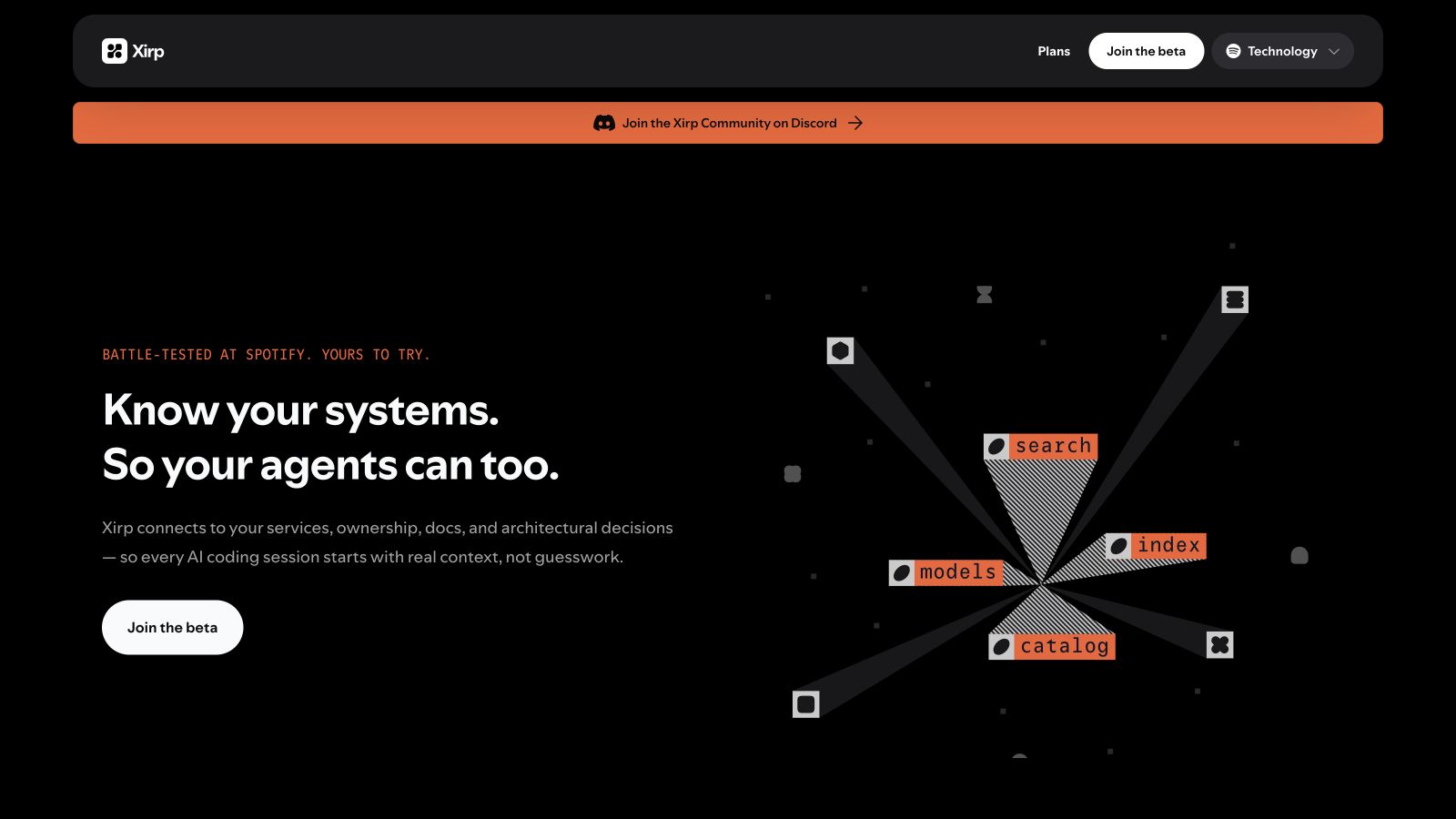
Xirp is the agentic development environment Spotify built for its own engineers and opened to everyone in August 2026. It gives coding agents institutional memory: instead of starting cold, agents connect to your services, documentation, and architectural decisions so they understand system ownership and dependencies before they write anything. Sessions run locally or remotely and work across Claude, Gemini, and Codex, so the environment stays vendor-neutral and you can change models without changing how you work.
A Workspace plugin for Portal centralises work items, sessions, and docs for the whole team, and Xirp generates living documentation from the sessions themselves. More than 1,300 Spotify engineers use it internally; it is currently in open beta.
Common questions about Xirp
Traffic and momentum for Xirp
6 similar tools

Cursor
AI code editor built on VS Code — agents that edit across your codebase, run in the cloud, review pull requests, and now host your repos.

Replit
Build, refine, and publish apps, websites, and other projects by describing what you want to Replit Agent.

Claude
AI assistant by Anthropic — write, analyze, code, and create with one of the most capable large language models available.

Microsoft Copilot
Microsoft's AI companion — get answers, advice, writing help, and image generation across the web and Microsoft apps.

Hermes Agent
Open-source AI agent from Nous Research that lives in your terminal and desktop — persistent memory, scheduling, subagents, and sandboxed execution.
Codex
Cloud-based AI coding agent by OpenAI — assign tasks and Codex writes, tests, and ships code in a sandboxed environment.
The people behind Xirp
SVP of Technology and Platform, Spotify; oversees Xirp
Similar Launches
Claude Code
Anthropic's agentic coding tool — Claude in your terminal, IDE, desktop app and browser, reading and editing your codebase, running commands, opening pull requests and working on tasks in the cloud.
Cursor for iOS
Cursor's iOS app — kick off and manage AI coding agents from your phone, talk to Cursor by voice, annotate images for feedback, and review work on the go.
Codex
Cloud-based AI coding agent by OpenAI — assign tasks and Codex writes, tests, and ships code in a sandboxed environment.
Ora
Scan any site or MCP server and get a 0–100 agent-readiness score — can agents find you, access you, use you, and pay you.
Namespace
Cloud dev platform from Namespace Labs — Devboxes give AI coding agents a real Mac or Linux computer, and its GitHub Actions runners cut CI times on hardware it built itself.
Browser Use
Open-source browser automation platform for AI agents — let LLMs drive a real browser to research, fill forms, scrape, and complete multi-step tasks.
Comments