
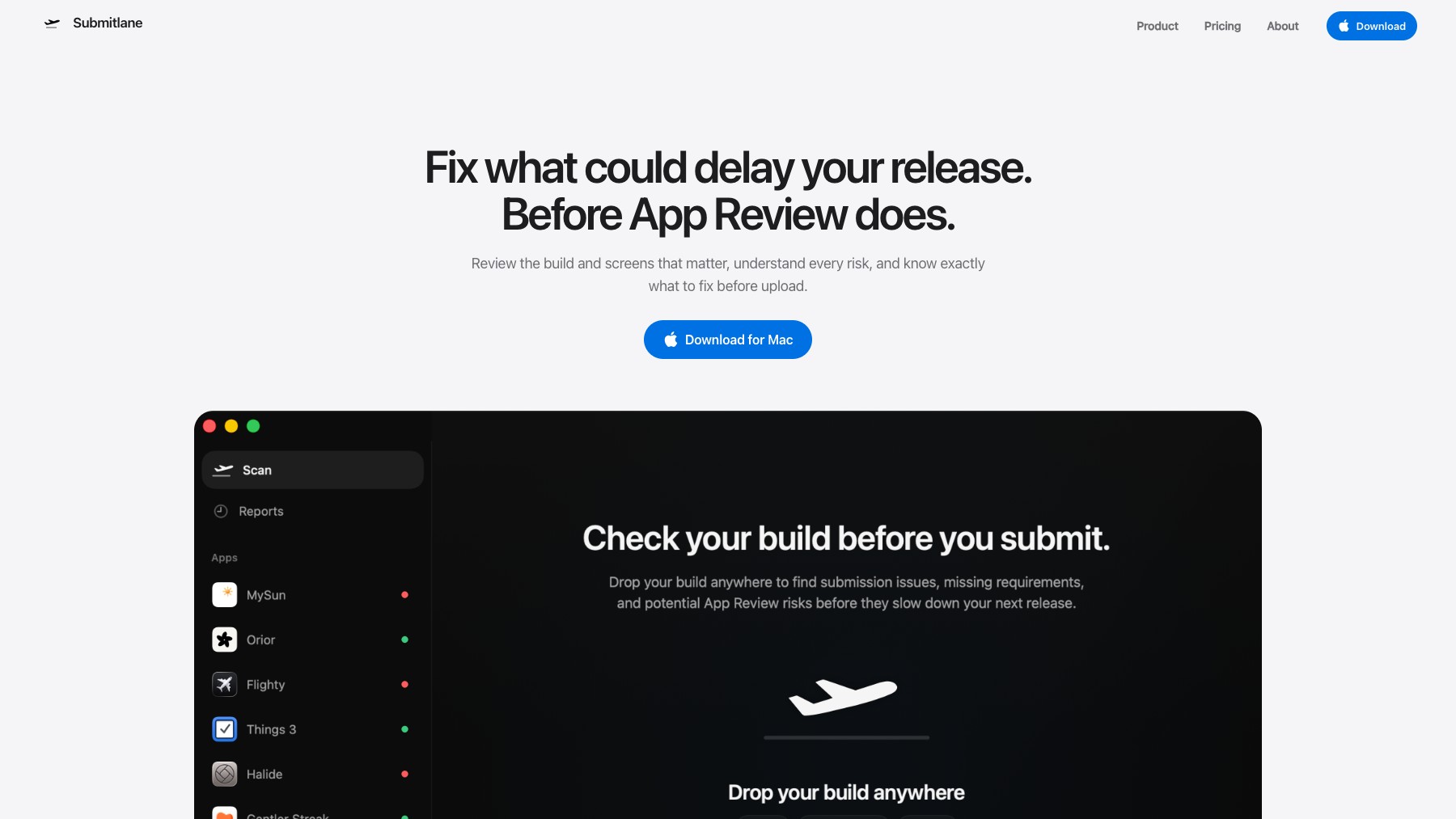
Mac app that checks an iOS build and its screenshots for App Review problems before you upload, and turns each one into a finding you can act on.

What is Submitlane?
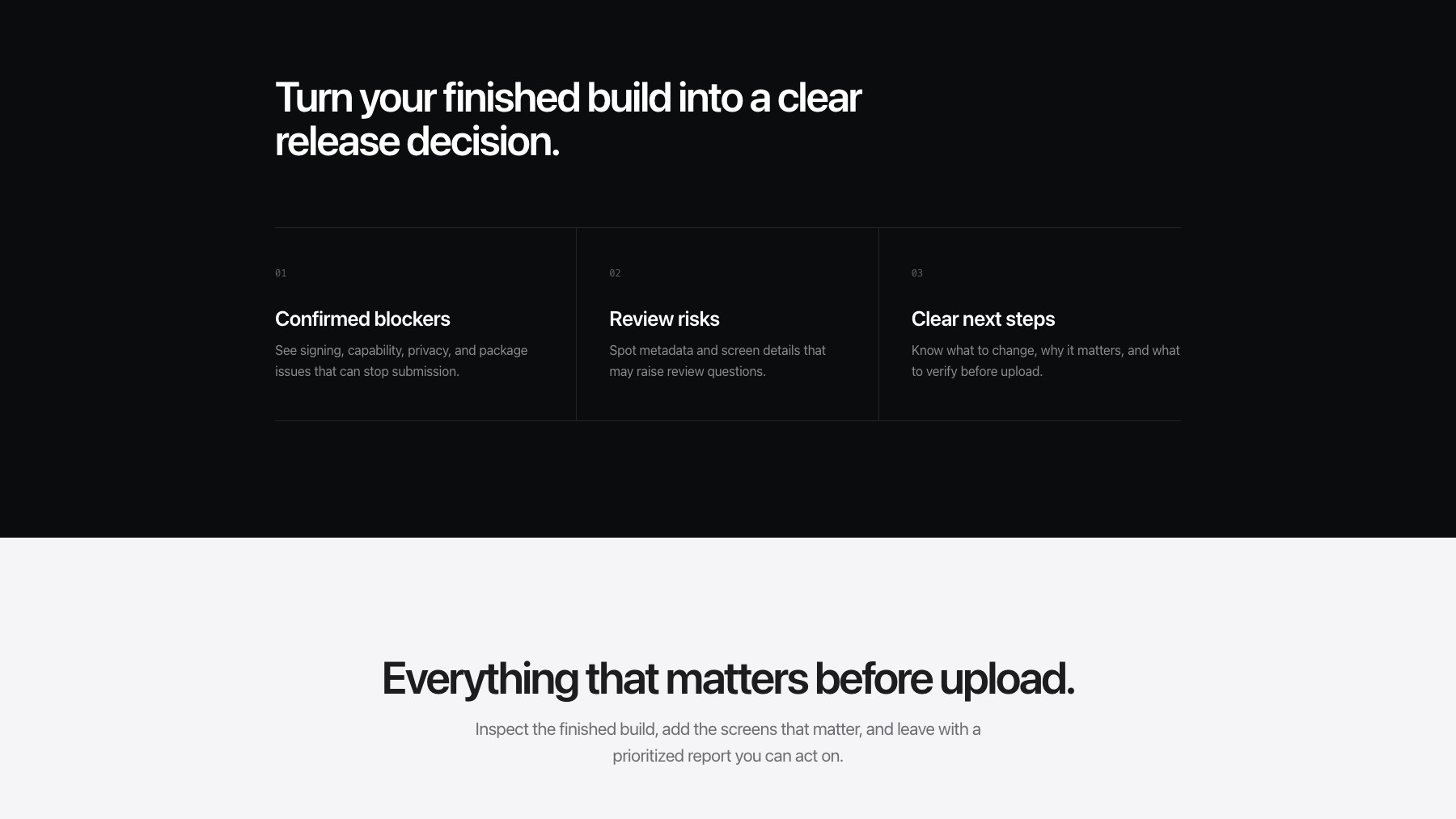
Submitlane is a macOS app that inspects a finished iOS build and the screenshots going with it, then reports what App Review is likely to object to. It separates confirmed blockers — signing, capabilities, privacy declarations, packaging — from softer risks worth a second look, and explains each one rather than only naming it. The checks run on your own machine against the files you choose.
The point is the timing: these problems are all visible in the build itself, but finding them through App Review means discovering them after a queue wait and starting the wait again once fixed.
Features
- Runs locally on your Mac against the build and screens you pick
- Flags confirmed blockers: signing, capabilities, privacy, and packaging
- Separates hard blockers from softer review risks
- Explains each finding so you know what to change
- Checks screenshots alongside the binary
- Gives a release decision before you upload
FAQs
Common questions about Submitlane
Does the build leave my machine?
Does it guarantee approval?
What does it check?
Insights
Traffic and momentum for Submitlane
What are alternatives to Submitlane?
6 similar tools

10x
AI-powered iOS app builder for macOS — describe the app you want and get SwiftUI code, an Xcode project, and simulator preview.
ChippyTea
Free, open-source Mac app that finds the build folders, project dependencies and old installers eating your disk, shows you the size of each, and clears only what you approve.

Cursor for iOS
Cursor's iOS app — kick off and manage AI coding agents from your phone, talk to Cursor by voice, annotate images for feedback, and review work on the go.
CUA Spaces
A free early-access desktop environment where AI agents can use full computers, while you watch and work alongside them.
Calesto
A native task and calendar app that captures requests and lets AI agents handle the work.

Mockup Kit
Compose, position, and export iPhone App Store screenshots on Mac — a native app for polished store mockups.
Similar Launches
10x
AI-powered iOS app builder for macOS — describe the app you want and get SwiftUI code, an Xcode project, and simulator preview.
ChippyTea
Free, open-source Mac app that finds the build folders, project dependencies and old installers eating your disk, shows you the size of each, and clears only what you approve.
Cursor for iOS
Cursor's iOS app — kick off and manage AI coding agents from your phone, talk to Cursor by voice, annotate images for feedback, and review work on the go.
CUA Spaces
A free early-access desktop environment where AI agents can use full computers, while you watch and work alongside them.
Calesto
A native task and calendar app that captures requests and lets AI agents handle the work.
Mockup Kit
Compose, position, and export iPhone App Store screenshots on Mac — a native app for polished store mockups.
Comments