Extract transcripts from any YouTube video instantly — copy, translate to 125+ languages, and remove unwanted sections.
What is YouTube To Transcript?
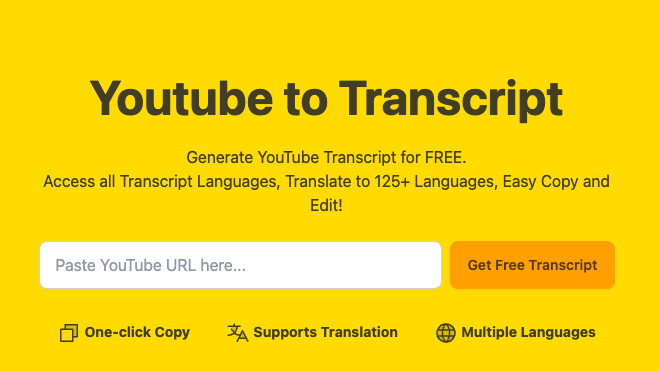
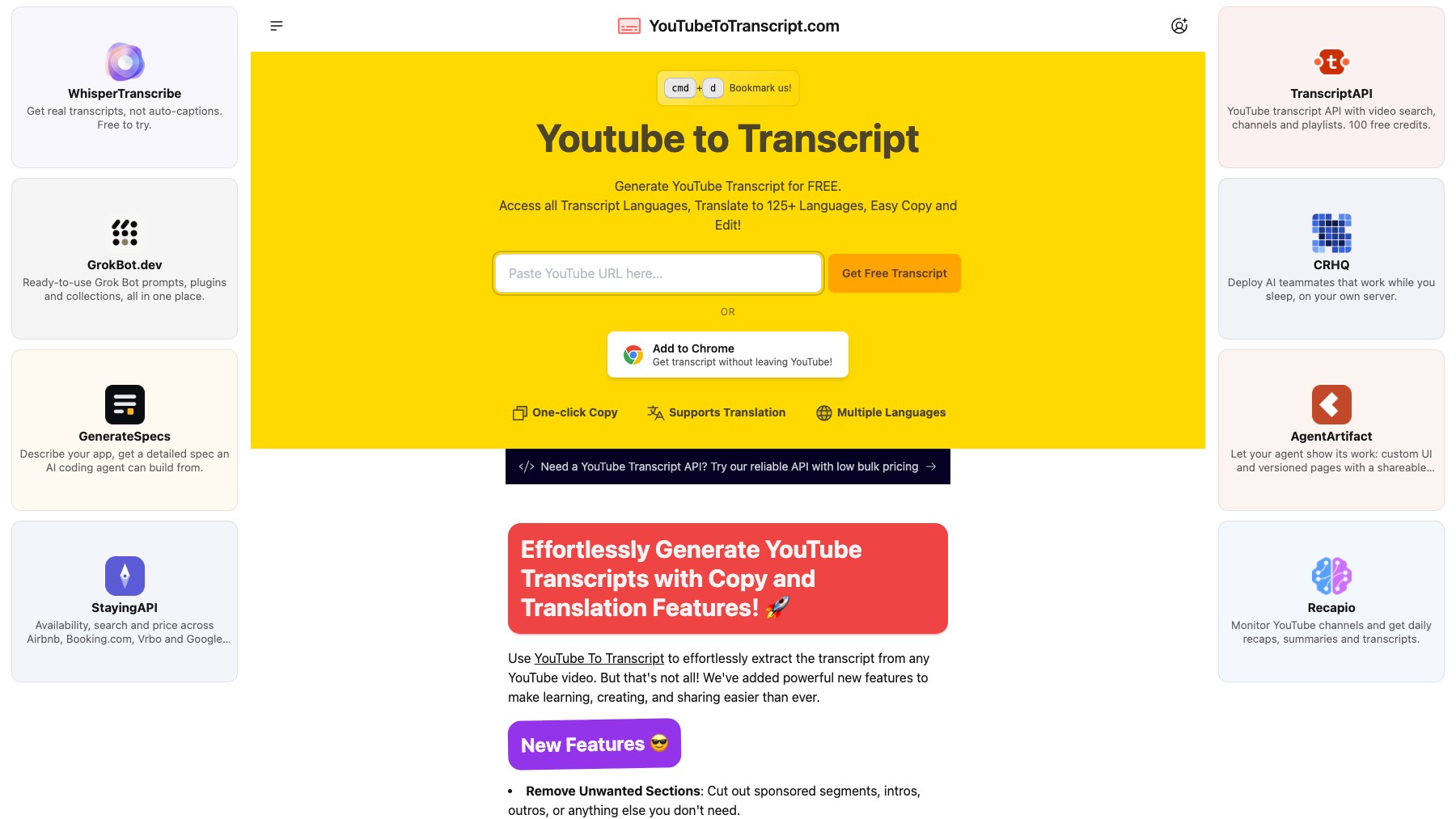
YouTube To Transcript extracts transcripts from any YouTube video instantly. Paste a URL and get a full timestamped transcript with an embedded video player for side-by-side viewing. Click any line to jump to that moment in the video.
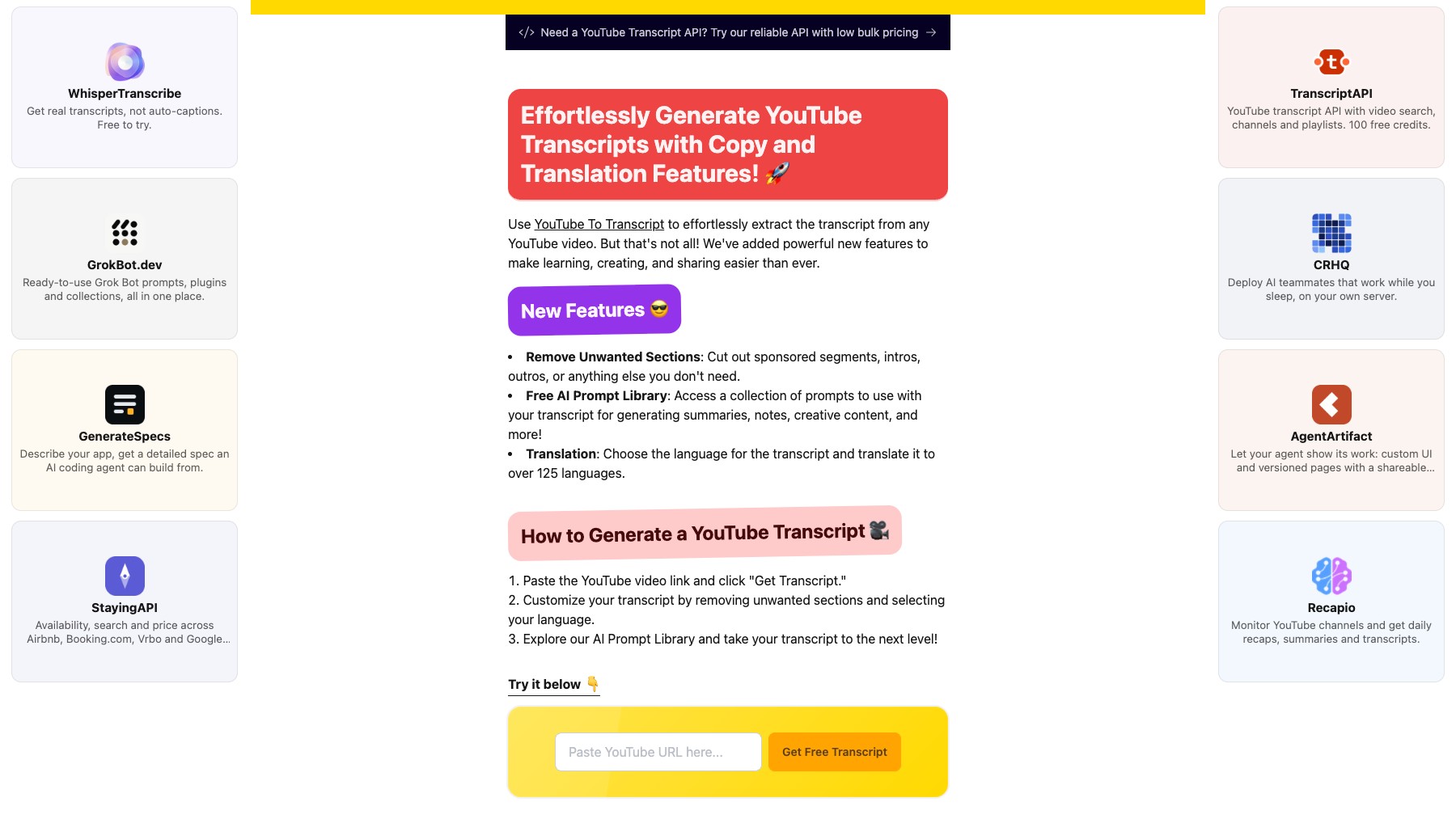
Remove unwanted sections like sponsored content, intros, and outros. Translate transcripts to 125+ languages with one click. Use the built-in AI prompt library to generate summaries, study notes, and creative content from your transcripts.
No video length limits, unlimited use, completely free.
Features
- One-click transcript extraction
- Translate to 125+ languages
- Remove intros, outros & sponsors
- Clickable timestamps
FAQs
Common questions about YouTube To Transcript
Is YouTube To Transcript free?
Can I translate transcripts?
Insights
Traffic and momentum for YouTube To Transcript
What are alternatives to YouTube To Transcript?
6 similar tools

cobalt
Free, open-source media downloader — paste a link from YouTube, X, TikTok, Instagram, Reddit, or 20+ other sites and save the file with no ads, tracking, or paywalls.
Vadoo AI
AI-powered video creation platform — turn text, blogs, and ideas into engaging short videos automatically.
Thumio
Free AI thumbnail editor for YouTube — edit, redesign, and generate click-worthy thumbnails in seconds.

Muse
Meta's personal AI agent for everyday tasks, connected apps, and longer-term goals, with approval before sensitive actions.
Stanley
Your AI Head of Content across social media — Stanley helps you grow your following and own your distribution, from iMessage and now anywhere via MCP.
Similar Launches
Muse
Meta's personal AI agent for everyday tasks, connected apps, and longer-term goals, with approval before sensitive actions.
Stanley
Your AI Head of Content across social media — Stanley helps you grow your following and own your distribution, from iMessage and now anywhere via MCP.
meinGPT
GDPR-compliant AI platform for teams and businesses in the EU.
Outrank
Grow organic traffic on autopilot — AI-powered SEO content, keyword research, and backlink building.
Raycast
An extendable launcher for Mac and Windows — a collection of powerful productivity tools that are fast, ergonomic, and reliable.
NexLev
AI-powered YouTube niche finder — discover profitable niches, research content, and scale faceless channels with real data.
Comments