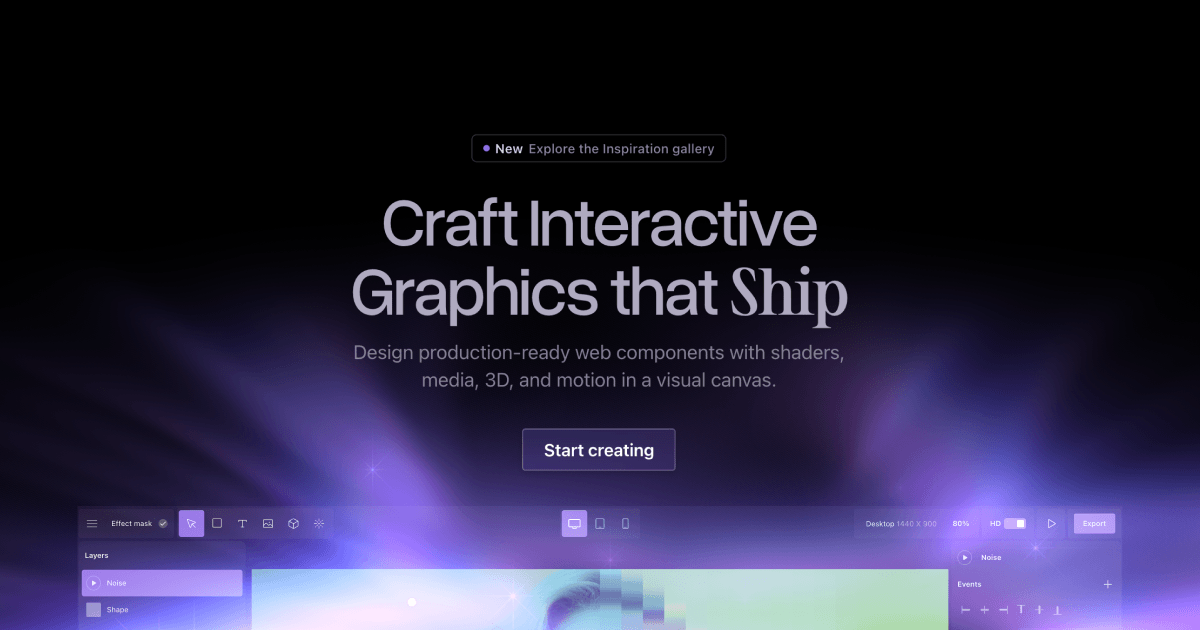
No-code WebGL tool — create enchanting visual effects, motion, and interactivity for Framer, Webflow, or any website.
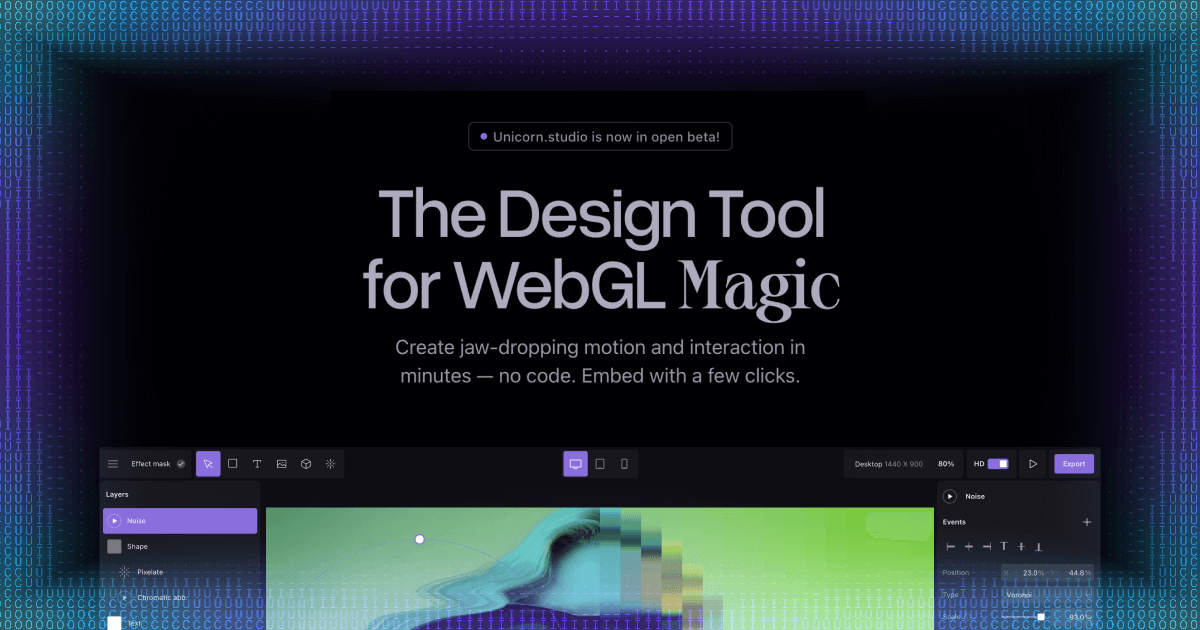
Unicorn Studio is a no-code WebGL design tool that makes it easy for designers to create enchanting visual effects, motion, and interactivity for websites. Build gradient meshes, particle systems, 3D scenes, and interactive hover effects in a visual editor, then embed them directly in Framer, Webflow, or any website with a simple embed code. What used to take hours of shader programming now takes minutes with an intuitive drag-and-drop interface.
No — Unicorn Studio is a fully visual, no-code tool. Just design your effect and embed it.
Anywhere — Framer, Webflow, WordPress, or any website that supports HTML embeds.
There's a free tier for getting started. Paid plans unlock more effects, exports, and features.
Creators Toolbox is a free, browser-based platform with 100+ design tools, creative resources, interactive games, and curated courses for graphic designers, web designers, video editors, and content creators. Every tool runs in the browser — no downloads, no sign-ups.
Generate noise textures, CSS gradients, halftone patterns, flow fields, duotone images, SVG blobs, mesh gradients, glassmorphism effects, color palettes, and more. Each tool exports production-ready assets in PNG, SVG, or CSS.
Browse curated collections of free fonts, icon libraries, stock photography, texture packs, animation libraries, UI kits, illustration sets, and inspiration platforms — hand-picked for designers and developers.
Sharpen your design skills with interactive challenges: match hex colors by eye, identify typefaces, test your knowledge of design history, and compete on leaderboards.
Learn motion design, typography, and visual fundamentals through structured, hands-on lessons built directly into the platform.
Creators Toolbox serves graphic designers building brand assets, web designers prototyping layouts, video editors creating thumbnails, social-media managers generating content, and students learning design fundamentals. Whether you need a quick gradient for a hero section or a full noise-texture pack for a client project, every tool is free and instantly accessible.
Yes. All tools, games, quizzes, and most resources are completely free to use with no account required.
No. Every tool runs in the browser. There is nothing to download or install.
Most tools export PNG, SVG, or CSS code. Some tools also support JPEG and WebP export.
Yes. Assets you generate with Creators Toolbox tools are yours to use in personal and commercial projects.
Creators Toolbox is a focused collection of single-purpose generators and utilities — not a full design editor. It complements tools like Canva and Figma by producing textures, patterns, gradients, and effects you can import into your main workflow.