
Draw on maps, add markers, routes, and shapes — create custom maps for presentations, websites, and projects.
What is Scribble Maps?
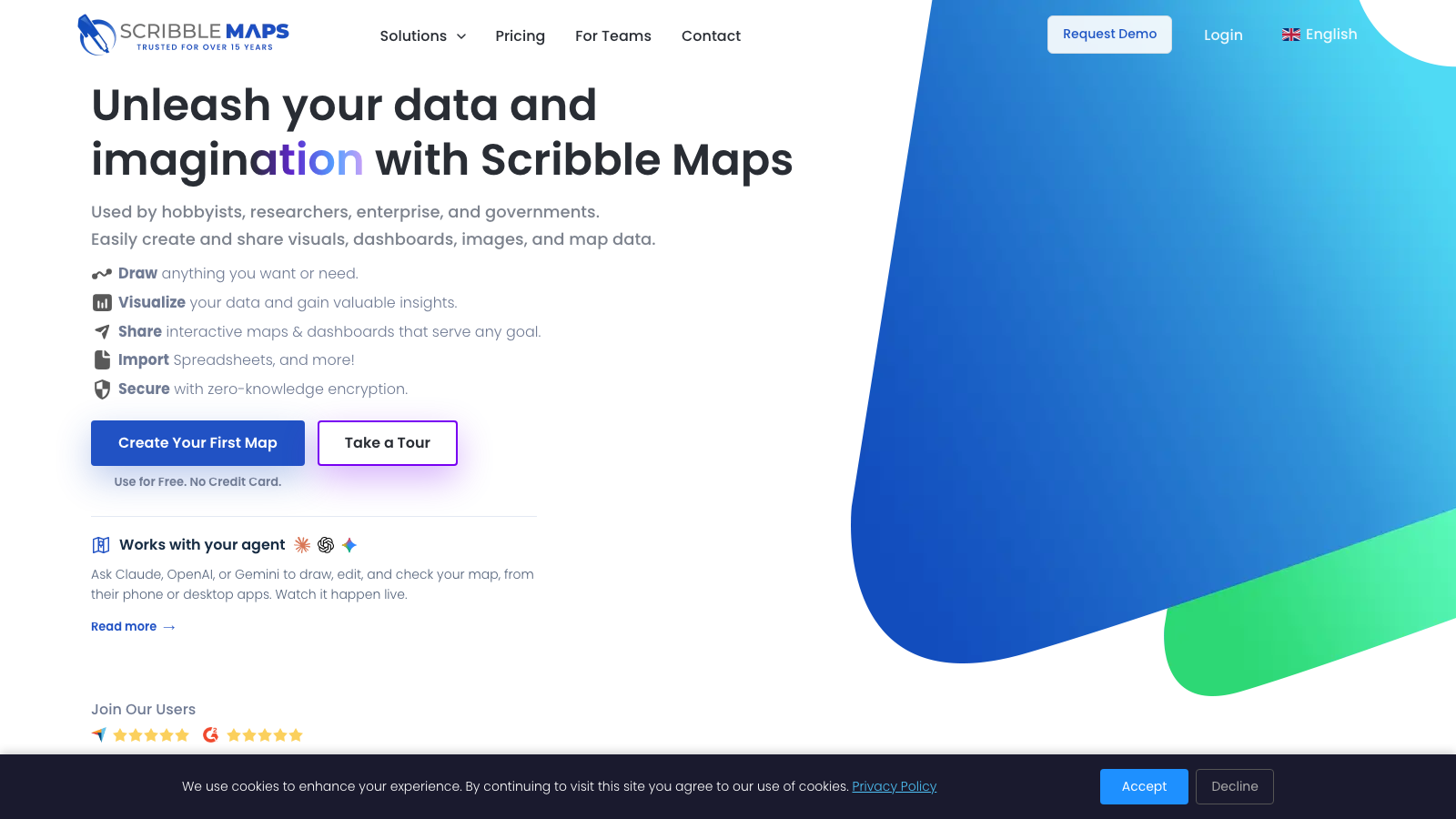
Scribble Maps is a browser-based tool for creating custom maps. Draw directly on the map, add markers, routes, polygons, and text annotations, then export as an image, PDF, or embed on your website. It's used by designers for infographics, marketers for location-based content, educators for teaching geography, and businesses for territory mapping.
Advanced features include data import, heatmap visualization, distance measurement, and collaborative editing. The free tier covers basic map creation; paid plans unlock advanced analysis, higher-resolution exports, and team collaboration.
Features
- Draw and annotate on maps
- Add markers, routes, and shapes
- Export as image or PDF
- Embed maps on websites
- Data analysis and heatmaps
FAQs
Common questions about Scribble Maps
Is Scribble Maps free?
Can I embed maps on my website?
What formats can I export?
Insights
Traffic and momentum for Scribble Maps
What are alternatives to Scribble Maps?
3 similar tools
GitMind
GitMind is a free AI-powered mind mapping & brainstorming app. Create and collaborate on mind maps online in real-time. The easiest way to make project plan, take notes, flowcharts, org charts,...
Google Earth
Explore the world with high-res satellite imagery, 3D terrain, Street View, and historical timelapses — right in your browser.

Firehose
Real-time web data streaming API — define filter rules and receive instant updates when matching pages are crawled.
Comments