Adobe's browser-based 3D design tool — create stylized 3D illustrations and compositions faster with intuitive controls.
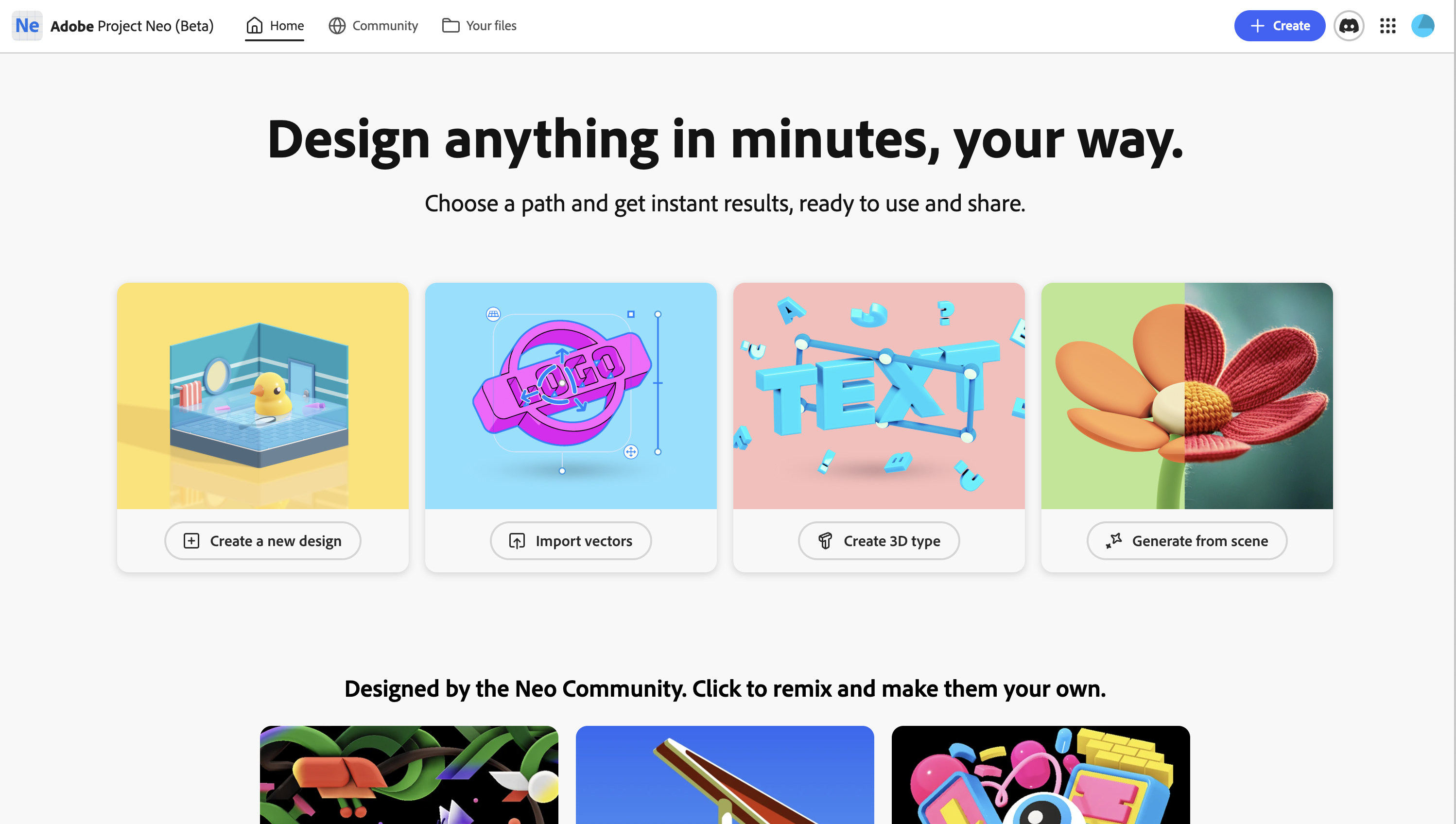
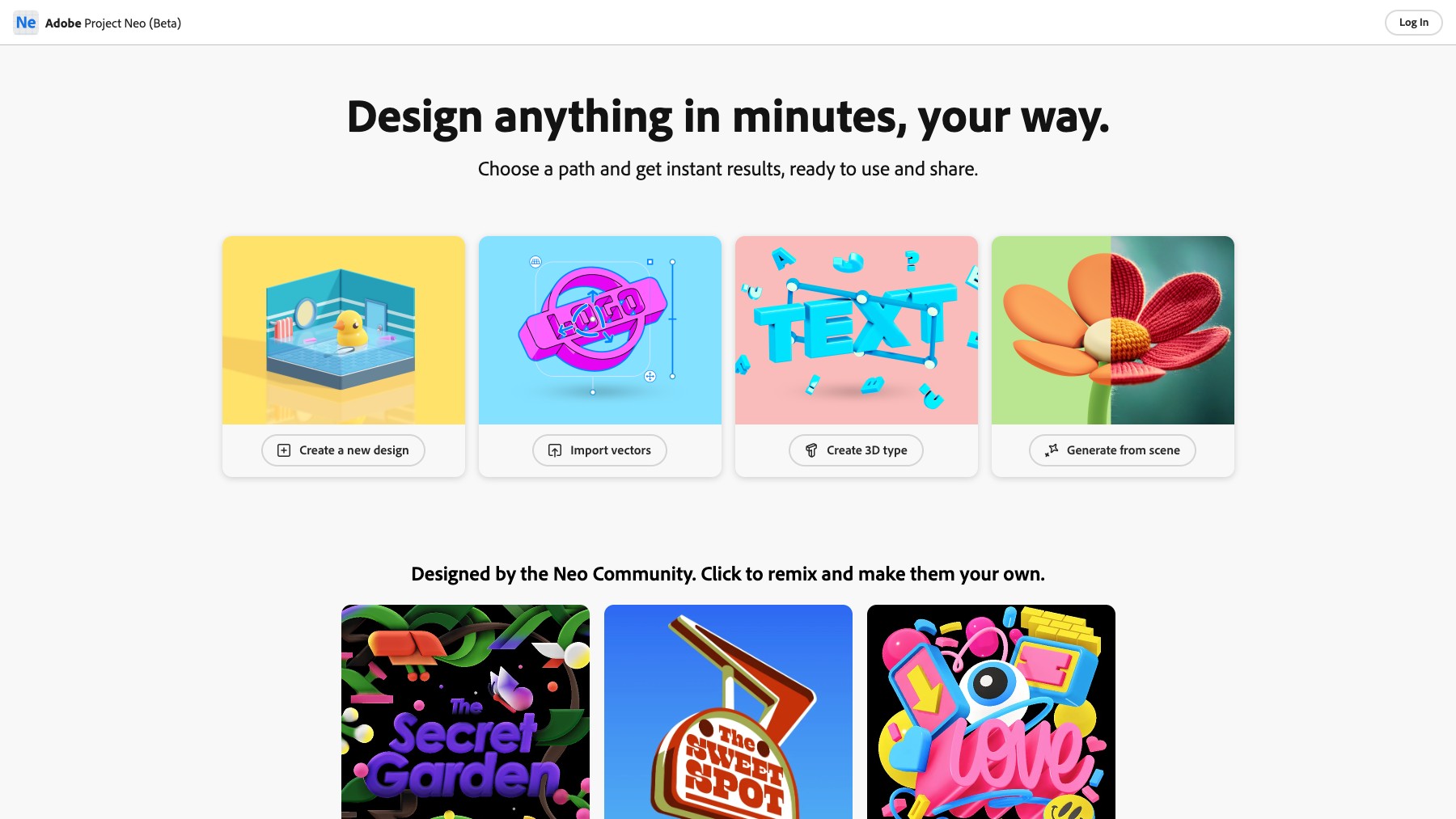
Project Neo is a beta product from Adobe's 3D & Immersive Labs that makes 3D illustration accessible to 2D designers. Create stylized 3D shapes, build compositions, and produce illustrations that pop — all in a browser-based editor with intuitive controls designed for graphic designers, not 3D specialists. Combine geometric primitives, apply materials and lighting, and export your 3D creations for use in presentations, social media, web design, and branding projects.
Yes — Project Neo is currently free during its beta period as part of Adobe's 3D & Immersive Labs.
No — Project Neo is designed for 2D designers with intuitive controls that don't require prior 3D knowledge.
Project Neo is an experimental product from Adobe Labs, separate from the main Creative Cloud suite.
Creators Toolbox is a free, browser-based platform with 100+ design tools, creative resources, interactive games, and curated courses for graphic designers, web designers, video editors, and content creators. Every tool runs in the browser — no downloads, no sign-ups.
Generate noise textures, CSS gradients, halftone patterns, flow fields, duotone images, SVG blobs, mesh gradients, glassmorphism effects, color palettes, and more. Each tool exports production-ready assets in PNG, SVG, or CSS.
Browse curated collections of free fonts, icon libraries, stock photography, texture packs, animation libraries, UI kits, illustration sets, and inspiration platforms — hand-picked for designers and developers.
Sharpen your design skills with interactive challenges: match hex colors by eye, identify typefaces, test your knowledge of design history, and compete on leaderboards.
Learn motion design, typography, and visual fundamentals through structured, hands-on lessons built directly into the platform.
Creators Toolbox serves graphic designers building brand assets, web designers prototyping layouts, video editors creating thumbnails, social-media managers generating content, and students learning design fundamentals. Whether you need a quick gradient for a hero section or a full noise-texture pack for a client project, every tool is free and instantly accessible.
Yes. All tools, games, quizzes, and most resources are completely free to use with no account required.
No. Every tool runs in the browser. There is nothing to download or install.
Most tools export PNG, SVG, or CSS code. Some tools also support JPEG and WebP export.
Yes. Assets you generate with Creators Toolbox tools are yours to use in personal and commercial projects.
Creators Toolbox is a focused collection of single-purpose generators and utilities — not a full design editor. It complements tools like Canva and Figma by producing textures, patterns, gradients, and effects you can import into your main workflow.