
Capture and share beautiful, customizable YouTube screenshots and thumbnails.

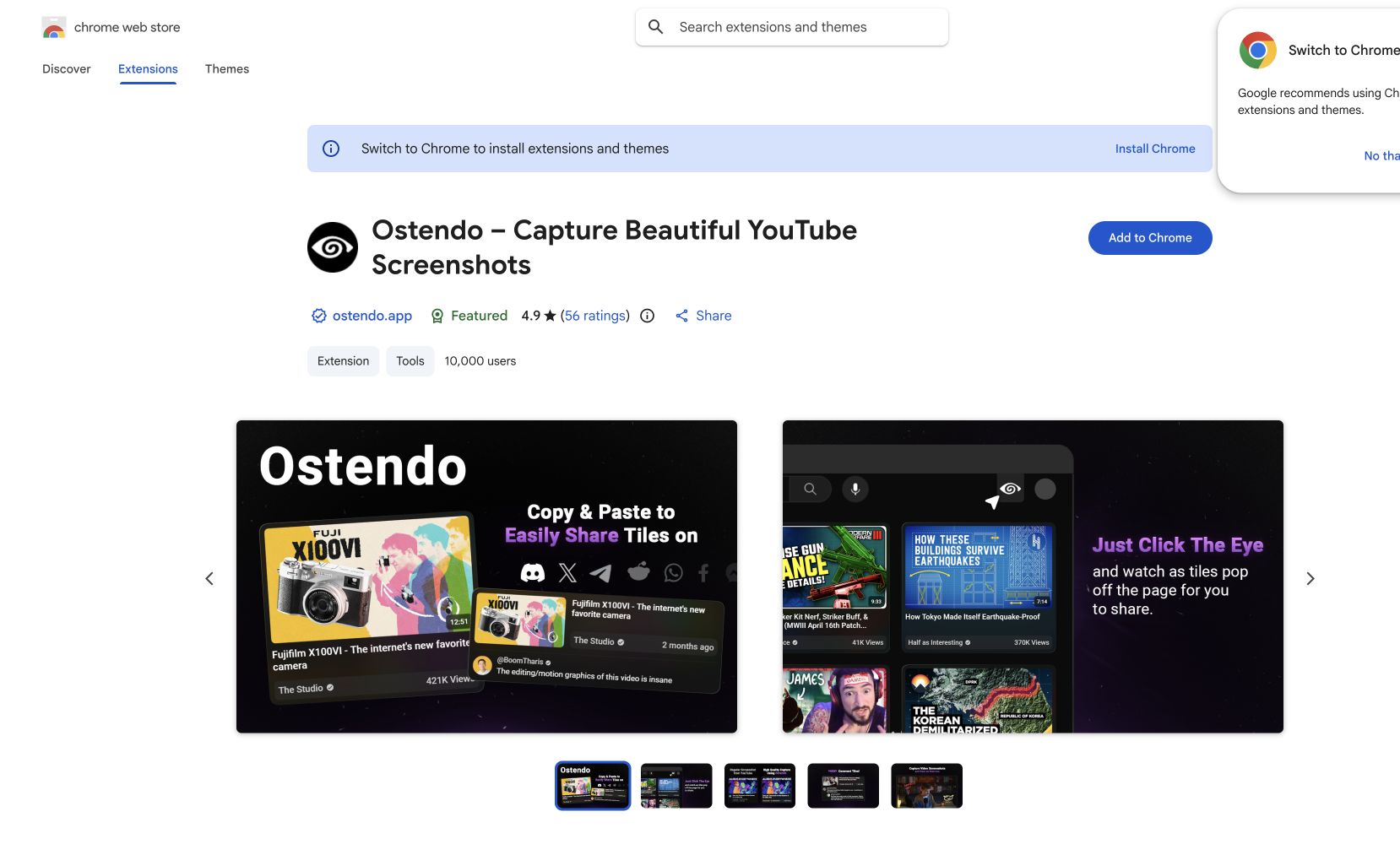
What is Ostendo?
Ostendo is a browser extension for Chrome and Firefox that lets you capture beautiful, high-quality screenshots from YouTube. Create thumbnail tiles in multiple sizes, capture specific comments, draw directly on video screenshots with multiple brush sizes and colors, and toggle between light and dark themes. Customize what's shown — video length, view count, titles, timestamps — then save or copy to clipboard for instant sharing on Twitter, Discord, Reddit, or anywhere else.
Features
- High-quality YouTube screenshots
- Customizable thumbnail tiles
- Draw & annotate on captures
- Light/dark theme options
FAQs
Common questions about Ostendo
Is Ostendo free?
What browsers does it support?
Insights
Traffic and momentum for Ostendo
What are alternatives to Ostendo?
4 similar tools
Thumio
Free AI thumbnail editor for YouTube — edit, redesign, and generate click-worthy thumbnails in seconds.
before.click
App Store screenshot design inspiration — browse real examples of how top apps present their screenshots and metadata.
Shotwell
Screenshot editor for iPhone — wrap screenshots in device frames, add backgrounds and shadows, and export in one tap.
Appshot Gallery
Curated gallery of App Store screenshots — inspiration for ASO and mobile app UI design.
Comments