
Create audio-reactive videos with artwork, text and browser-based live previews, then purchase credits for cloud-rendered video exports.
What is Music Visualizer?
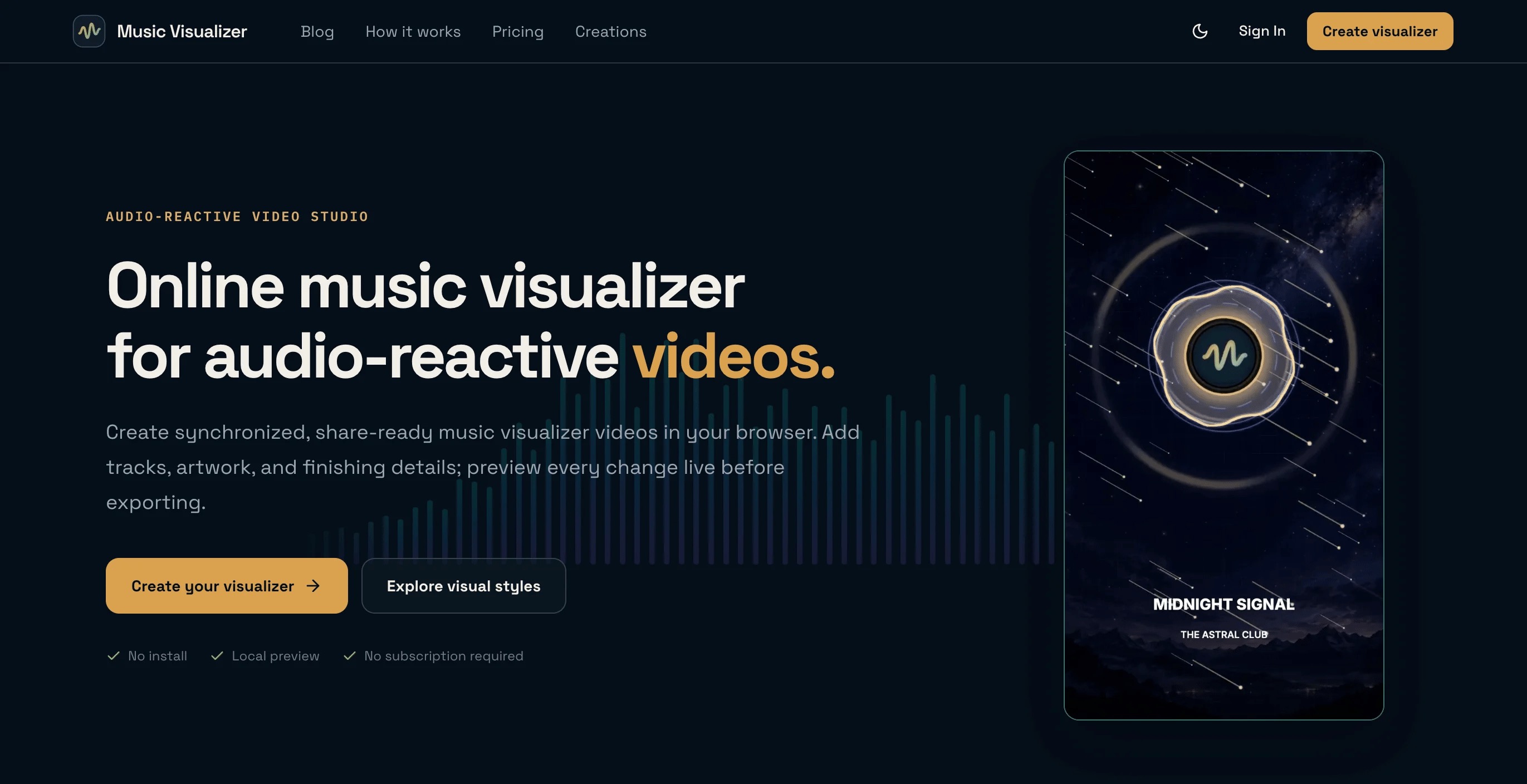
Music Visualizer is a browser-based editor and cloud-rendering service for making audio-reactive videos from a music track or other audio. Users pick one of 25 presets and add audio, cover art, a logo, a title and artist text. They can then adjust colors, visual intensity and framing while a live preview reacts to the track's frequency and waveform data.
The publisher says it is made for musicians, producers, labels, DJs, bands, podcasters and independent creators who want a video version of a release, mix or episode without installing motion-graphics software. Videos can be square 1:1, vertical 9:16 or widescreen 16:9. They export as H.264 MP4 at 720p, 1080p or 2K, at up to 60 FPS.
The editor accepts MP3, WAV, M4A and AAC tracks up to 10 minutes long and runs in desktop and mobile browsers. Editing and preview happen locally in the browser. Audio and images are uploaded only when an export starts.
Source media, rendered videos and creation records are scheduled for deletion 14 days after the export task is created, and finished videos can be downloaded any number of times until then. Exporting requires an account, with Google sign-in or a verified email. Editing and live preview are free.
Exports use one-time credit packs paid in USD through Stripe: 2 credits for $3.90, 10 for $14.90 or 30 for $34.90. A 720p or 1080p export costs 1 credit and a 2K export costs 2. Credits do not expire, and there is currently no subscription.
Pricing: Free editing and preview; one-time export credit packs: 2 for $3.90, 10 for $14.90, 30 for $34.90. 720p/1080p costs 1 credit, 2K costs 2
Features
- 25 customizable audio-reactive presets in minimal, atmospheric and energetic styles
- Free live preview in the browser, with audio and images kept local until export
- Add audio, cover art, a logo, title and artist text, colors and visual intensity
- Square 1:1, vertical 9:16 and widescreen 16:9 formats with artwork crop, pan and zoom
- Cloud-rendered H.264 MP4 exports at 720p, 1080p or 2K, up to 60 FPS
- Accepts MP3, WAV, M4A and AAC tracks up to 10 minutes long
- Runs in modern desktop and mobile browsers with nothing to install
- Finished videos can be downloaded any number of times for 14 days
FAQs
Common questions about Music Visualizer
Is Music Visualizer free?
Are audio files uploaded while editing?
What video formats and resolutions are supported?
Can it be used on a phone?
What happens if a render fails?
Who makes Music Visualizer?
Insights
Traffic and momentum for Music Visualizer
Comments