
Matt Perry
Motion creator
A visual timeline and AI editing agent for refining Motion animations directly on a live website.
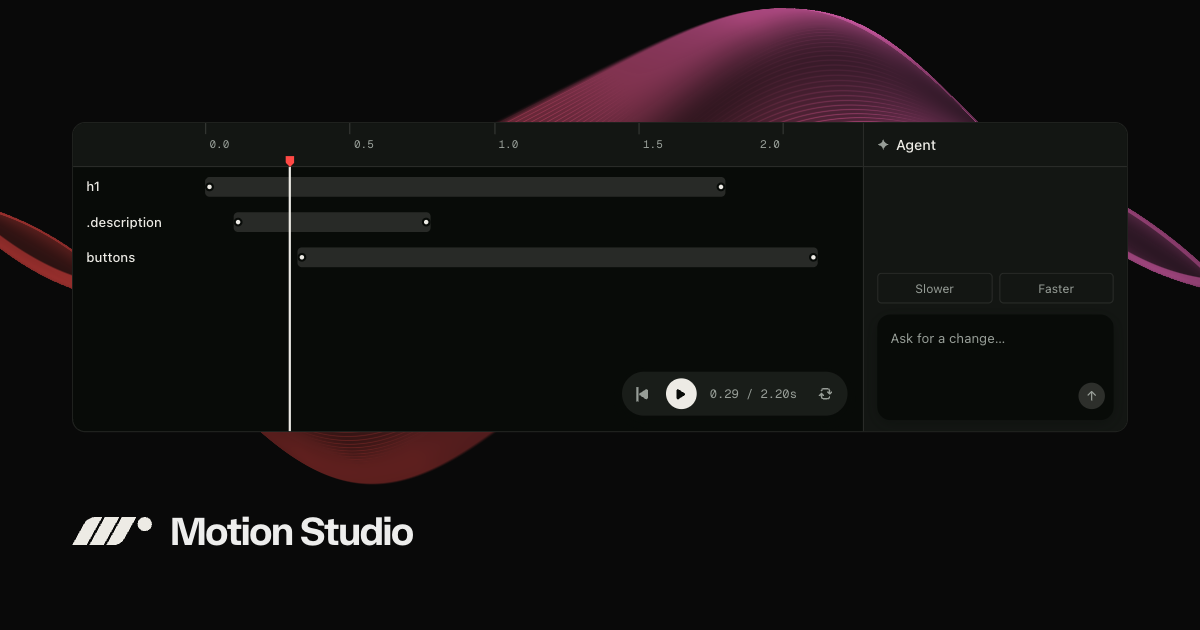
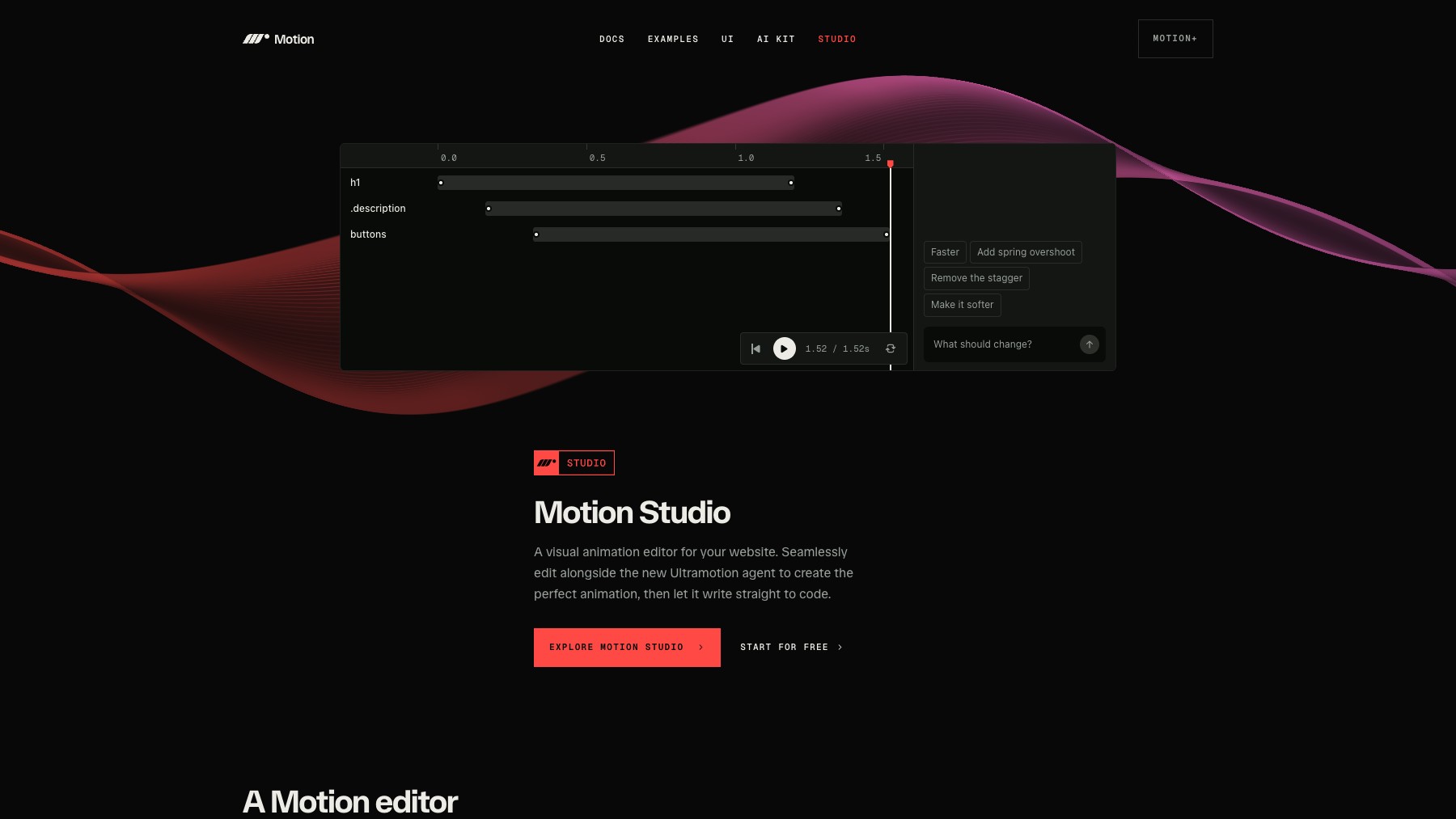
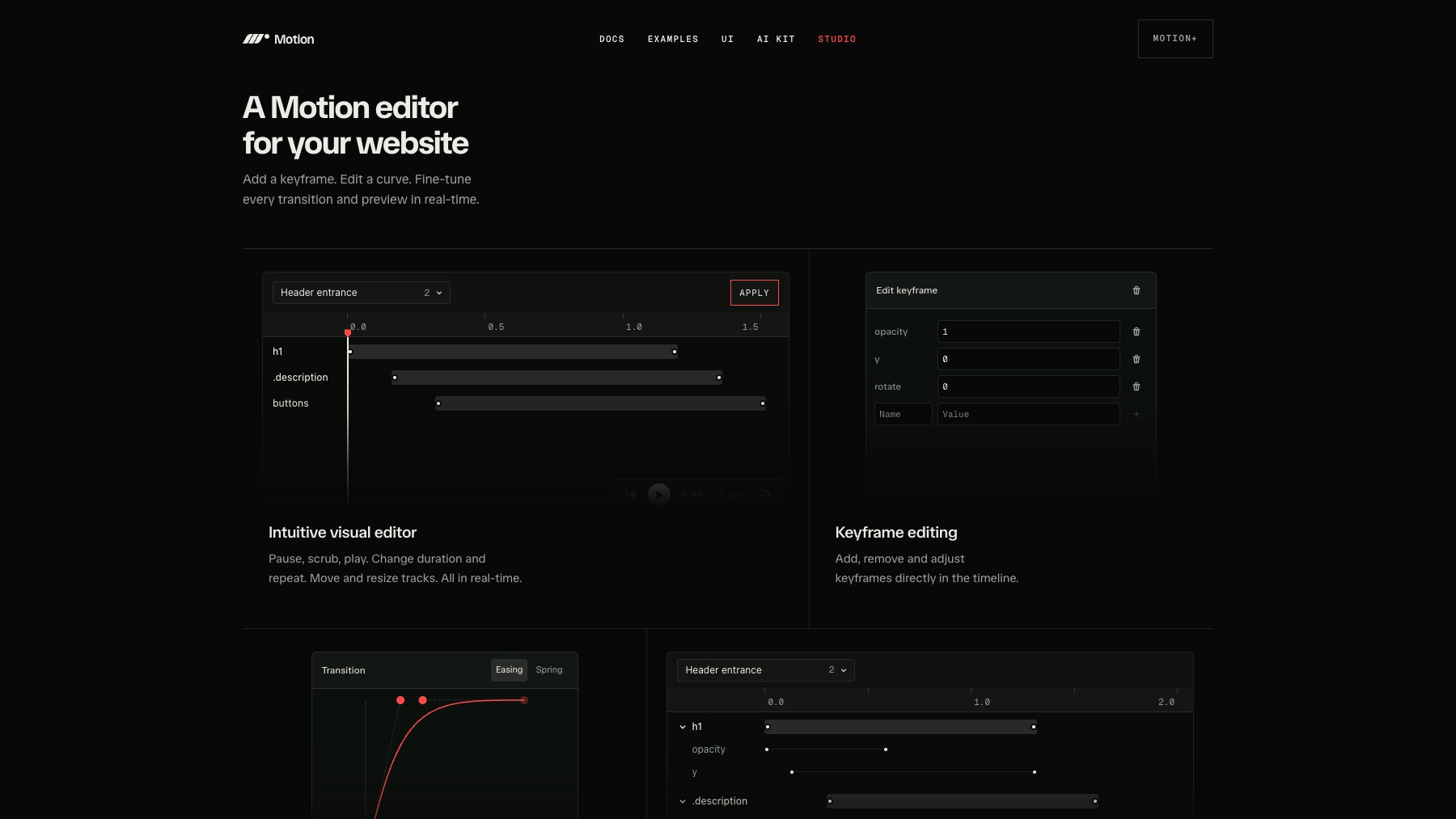
Motion Studio is a development-time visual editor for the Motion animation library. It discovers animations on a local site and lets you scrub a timeline, adjust keyframes, timing, easing, and springs, and preview changes in context. Ultramotion, its AI editing agent built on Jev, can change existing animations from a text instruction.
Installation, inspection, and local visual editing are free; agent edits and applying changes to source require a Motion Studio subscription. It supports Motion for React, JavaScript, Vue, vgpu, and Three.js.
Common questions about Motion Studio
Traffic and momentum for Motion Studio
6 similar tools
beUI
Free, open-source animated components for React and Next.js — 108 motion primitives and blocks built with Motion and Tailwind, installable via the shadcn CLI.
Border Beam
A lightweight React component that renders an animated glowing border beam effect — multiple sizes, color variants, and themes.
useLayouts
Free animated React components and micro-interactions built with Framer Motion and Tailwind CSS, designed to work with shadcn/ui.
Bencho
Interactive React UI components and micro-interactions you can explore, tweak, and use in your projects.
Arc UI
Motion-rich React components and complete UI blocks for shadcn and Next.js, with live examples and AI-readable docs.
animations.dev
Learn professional web animations with Framer Motion — interactive course by Emil Kowalski.
The people behind Motion Studio
Motion creator
Similar Launches
beUI
Free, open-source animated components for React and Next.js — 108 motion primitives and blocks built with Motion and Tailwind, installable via the shadcn CLI.
Border Beam
A lightweight React component that renders an animated glowing border beam effect — multiple sizes, color variants, and themes.
useLayouts
Free animated React components and micro-interactions built with Framer Motion and Tailwind CSS, designed to work with shadcn/ui.
Bencho
Interactive React UI components and micro-interactions you can explore, tweak, and use in your projects.
Arc UI
Motion-rich React components and complete UI blocks for shadcn and Next.js, with live examples and AI-readable docs.
animations.dev
Learn professional web animations with Framer Motion — interactive course by Emil Kowalski.
Comments