XH
Creator
Make a personal website that feels uniquely you in under five minutes — a playful, collage-style drag-and-drop site builder.

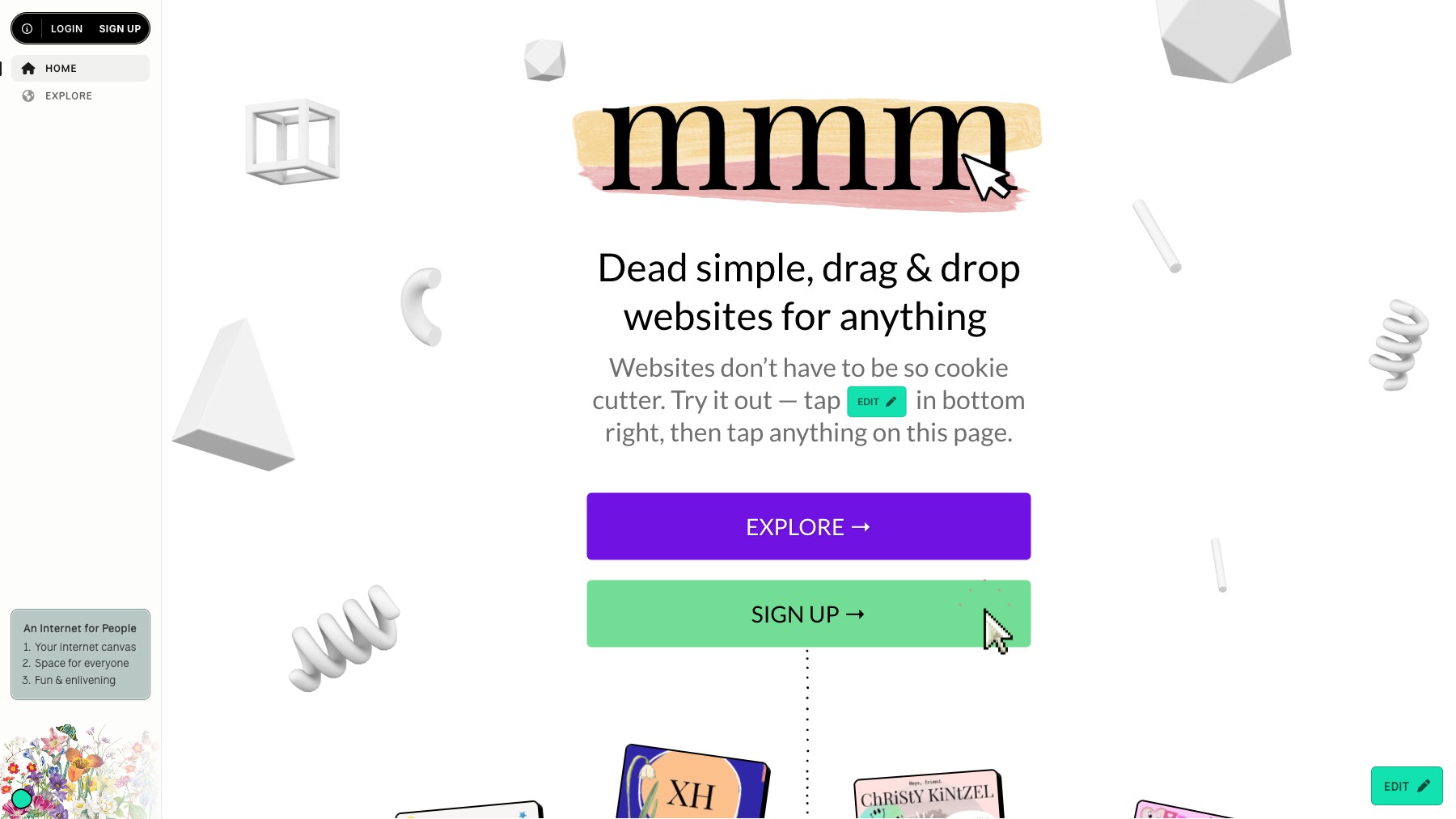
mmm.page is a playful website builder for making personal pages that feel uniquely you. Drag and drop images, text, links, and stickers onto a free-form canvas — like a digital collage — and publish a one-of-a-kind site in under five minutes. No templates that make everything look the same, and no code.
Perfect for link-in-bio pages, personal sites, portfolios, and little corners of the internet that show some personality.
Common questions about mmm.page
Traffic and momentum for mmm.page
6 similar tools

Framer
No-code website builder with a visual canvas, built-in CMS, localization, scroll animations, and one-click publishing to fast hosting.

Squarespace
All-in-one website builder with designer templates, drag-and-drop editing, built-in SEO, email marketing, scheduling, and a full online store.

Canva Website Builder
Build and publish websites with drag-and-drop — no code, custom domains, and hundreds of templates.

Replit Design
AI-powered design tool by Replit — describe what you want and get professional, brand-consistent designs in minutes.

Webflow
Build professional websites visually — no code required, with CMS, interactions, and hosting built in.
Bolt
AI coding platform that turns text prompts into full-stack websites and apps — with built-in databases, auth, hosting, and analytics.
The people behind mmm.page
Creator
Similar Launches
Replit Design
AI-powered design tool by Replit — describe what you want and get professional, brand-consistent designs in minutes.
Webflow
Build professional websites visually — no code required, with CMS, interactions, and hosting built in.
Bolt
AI coding platform that turns text prompts into full-stack websites and apps — with built-in databases, auth, hosting, and analytics.
Canva Website Builder
Build and publish websites with drag-and-drop — no code, custom domains, and hundreds of templates.

Figma Sites
Turn Figma designs into live websites — publish directly from Figma with responsive layouts, CMS, and custom domains.
AI Frame
AI agent, site builder, and content generator for Framer — automate landing pages, copy, FAQs, and conversion audits.
Comments