

Soraia
Founder
Chrome extension that extracts design assets, code, and design tokens from any website without opening DevTools.

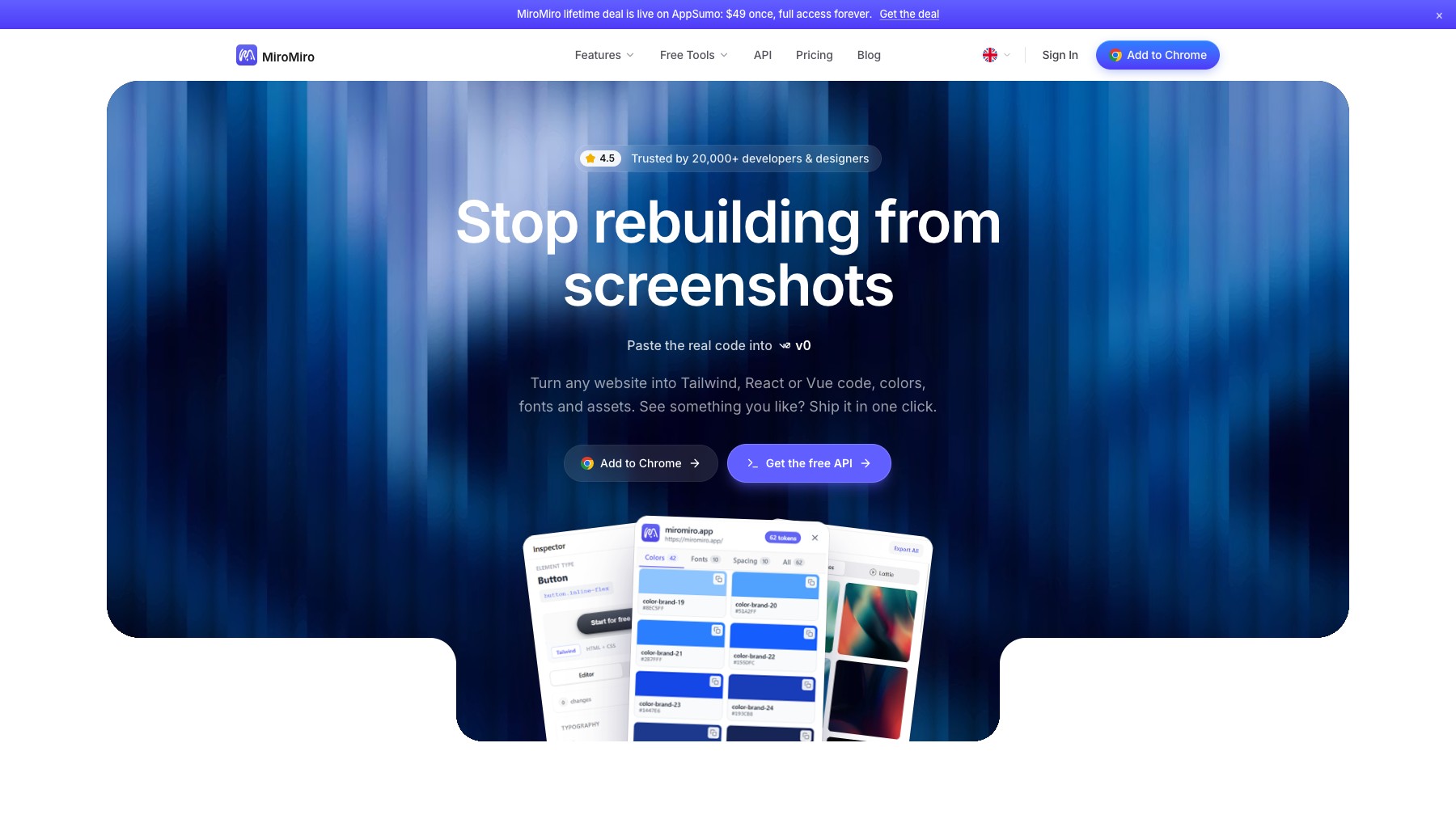
MiroMiro is a Chrome extension for designers and frontend developers that lets you extract design assets and code from any website without opening DevTools. Hover over elements to instantly inspect styles, dimensions, and spacing. Download images, SVGs, videos, and Lottie animations with one click.
Convert any section of a webpage into clean, production-ready HTML and CSS. Extract colors, fonts, spacing, and border radius values and export them as a Tailwind configuration. It also includes a built-in WCAG contrast checker for accessibility.
Everything runs locally in your browser for privacy. Free plan includes 15 monthly downloads and 5 code exports, with paid plans starting at €9/month for more.
Common questions about MiroMiro
Traffic and momentum for MiroMiro
6 similar tools

Figma
Collaborative design tool for building interfaces, prototypes, and design systems — all in the browser.
Refero Styles
Curated DESIGN.md library for AI agents — drop-in design systems for Cursor, Claude Code, Lovable, and other AI coding tools.
Figma for Chrome
Official Figma browser extension — capture live websites and import them into Figma as editable layers, not screenshots.

DESIGN.md Style Extractor
Chrome extension that extracts CSS styles from any website and generates DESIGN.md files for AI-assisted development.

Paper Snapshot
Chrome extension that copies real website elements directly into Paper as editable layers — no more screenshots.
The people behind MiroMiro
Founder
Comments