
Andrey Khusid
Co-founder and CEO
Collaborative visual workspace for brainstorming, diagrams, workshops, and project planning, with AI tools on a shared canvas.

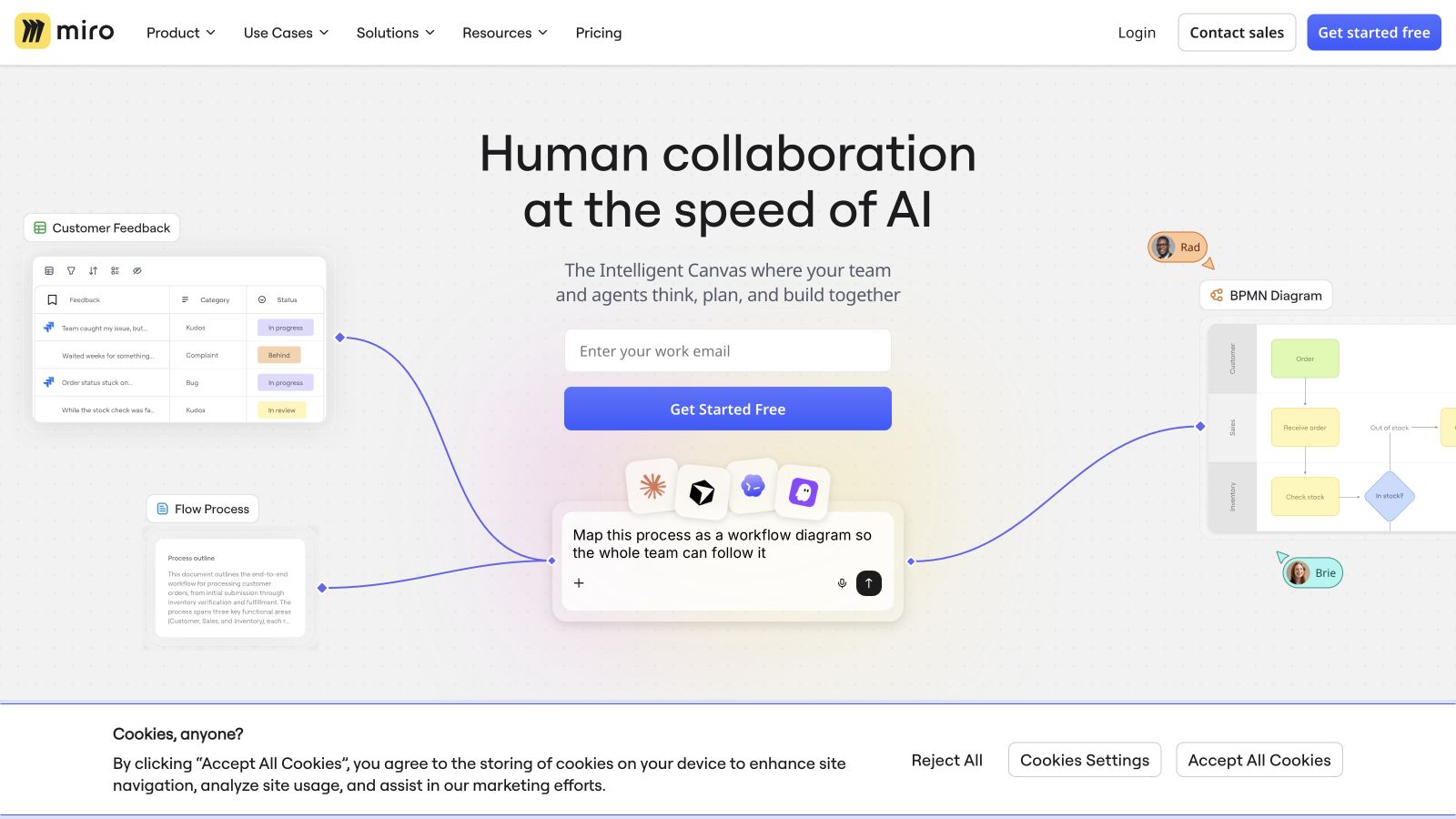
Miro is a visual workspace for teams to brainstorm, diagram, run workshops, and plan projects together. Its shared canvas combines sticky notes and templates with structured formats such as docs, tables, slides, and Kanban. AI tools help generate diagrams and summarize work, while integrations connect boards to the apps teams already use.
A free plan includes three editable boards; paid plans add unlimited boards and more collaboration features.
Common questions about Miro
Traffic and momentum for Miro
6 similar tools

Muse
Meta's personal AI agent for everyday tasks, connected apps, and longer-term goals, with approval before sensitive actions.

Figma
Collaborative design tool for building interfaces, prototypes, and design systems — all in the browser.

MonoDesk
Envato's workspace for freelance creatives: proposals, projects, a client portal, invoices and an AI Co-Worker for the admin, in one place.
Raycast
An extendable launcher for Mac and Windows — a collection of powerful productivity tools that are fast, ergonomic, and reliable.
Flowith
AI workspace with infinite canvas — think, create, and execute with AI agents, image/video generation, and a knowledge system.
The people behind Miro
Similar Launches
Muse
Meta's personal AI agent for everyday tasks, connected apps, and longer-term goals, with approval before sensitive actions.
Figma
Collaborative design tool for building interfaces, prototypes, and design systems — all in the browser.
MonoDesk
Envato's workspace for freelance creatives: proposals, projects, a client portal, invoices and an AI Co-Worker for the admin, in one place.
meinGPT
GDPR-compliant AI platform for teams and businesses in the EU.
Raycast
An extendable launcher for Mac and Windows — a collection of powerful productivity tools that are fast, ergonomic, and reliable.
Flowith
AI workspace with infinite canvas — think, create, and execute with AI agents, image/video generation, and a knowledge system.
Comments