
Etienne Albert
Co-founder
Collaborative motion design tool on the web — create professional animations in minutes, no experience required.
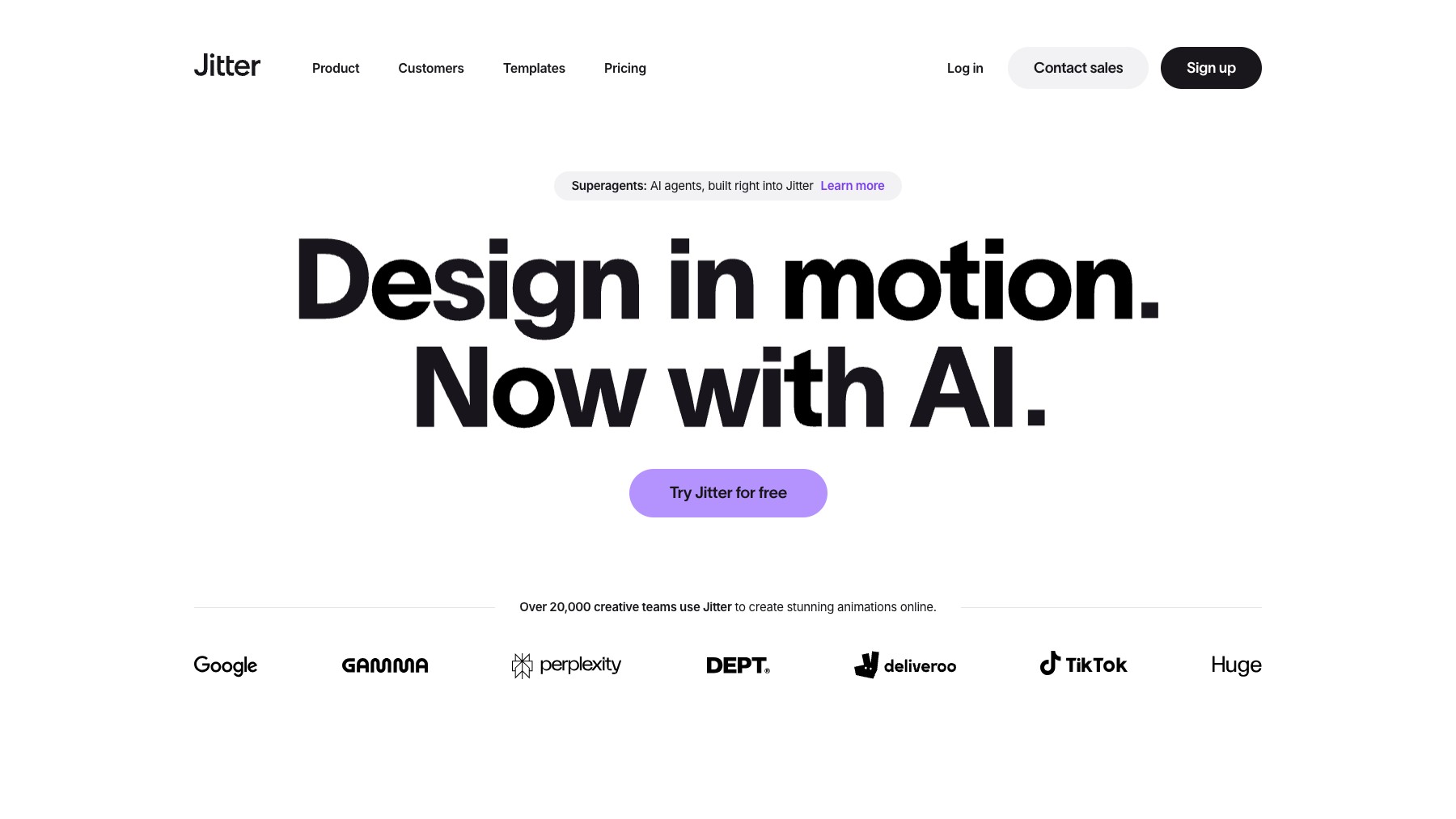
Jitter is a web-based motion design tool that lets anyone create professional animations without needing After Effects or complex desktop software. Its intuitive timeline editor, pre-built templates, and collaborative features make it easy for designers, marketers, and teams to produce scroll animations, social media content, product demos, and UI motion — all in the browser. Export as MP4, GIF, or Lottie for web and app integration.
Common questions about Jitter
Traffic and momentum for Jitter
Official videos and tutorials for Jitter.
6 similar tools

Adobe After Effects
Motion graphics, VFX, and compositing on a timeline — animated titles, rotoscoping, 3D tracking, particles, and expression-driven animation.
Rive
The interactive experience engine — design, animate, and code interactive graphics that ship everywhere.

Autograph
Free motion graphics and VFX app by Maxon — combine 2D and 3D in one compositing workflow with GPU-accelerated effects.

MotionVid
AI-powered motion design — create beautiful motion videos and graphics from text, images, and drawings in seconds.
Remotion
Make videos programmatically — create animations, data visualizations, and dynamic video content using React and code.
Similar Launches

Jitter MCP
A beta MCP server that lets AI assistants create, edit, and animate native Jitter files from a chat.

LottieFiles
Create, manage and implement lightweight animations across websites, apps, presentations, social and more.
Rive
The interactive experience engine — design, animate, and code interactive graphics that ship everywhere.

Swishy
AI motion designer — turn prompts and text into animated typography, kinetic titles, and multi-layer motion graphics in about 30 seconds.

Motion Prompt Gallery
Explore AI motion graphics with prompts, creator credits, and links to the original sources.

Eyecandy
A visual technique library for motion designers and animators. Browse curated examples of transitions, animation styles, motion blur, and more.
Comments