
Etienne Albert
Co-founder
Collaborative motion design tool on the web — create professional animations in minutes, no experience required.
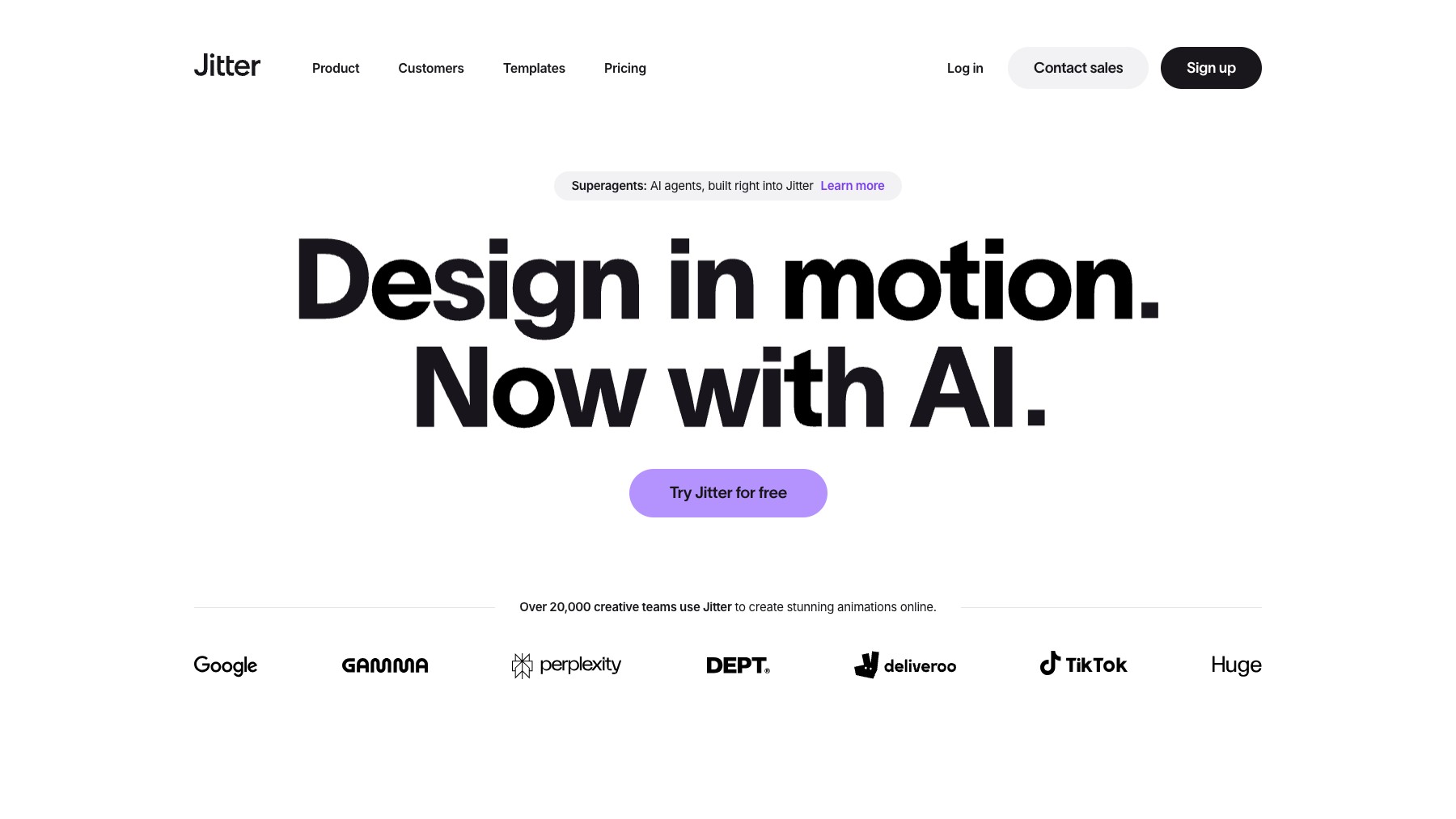
Jitter is a web-based motion design tool that lets anyone create professional animations without needing After Effects or complex desktop software. Its intuitive timeline editor, pre-built templates, and collaborative features make it easy for designers, marketers, and teams to produce scroll animations, social media content, product demos, and UI motion — all in the browser. Export as MP4, GIF, or Lottie for web and app integration.
Common questions about Jitter
Traffic and momentum for Jitter
Official videos and tutorials for Jitter.
6 similar tools

Adobe After Effects
Motion graphics, VFX, and compositing on a timeline — animated titles, rotoscoping, 3D tracking, particles, and expression-driven animation.
Rive
The interactive experience engine — design, animate, and code interactive graphics that ship everywhere.

Autograph
Free motion graphics and VFX app by Maxon — combine 2D and 3D in one compositing workflow with GPU-accelerated effects.

MotionVid
AI-powered motion design — create beautiful motion videos and graphics from text, images, and drawings in seconds.
Remotion
Make videos programmatically — create animations, data visualizations, and dynamic video content using React and code.
Similar Launches

LottieFiles
Create, manage and implement lightweight animations across websites, apps, presentations, social and more.
Rive
The interactive experience engine — design, animate, and code interactive graphics that ship everywhere.

Swishy
AI motion designer — turn prompts and text into animated typography, kinetic titles, and multi-layer motion graphics in about 30 seconds.

Motion Prompt Gallery
Explore AI motion graphics with prompts, creator credits, and links to the original sources.

Eyecandy
A visual technique library for motion designers and animators. Browse curated examples of transitions, animation styles, motion blur, and more.
Jitter AI Templates
Type your idea and Jitter AI builds a ready-to-use motion template — drop it into Jitter and customize on the canvas.
Comments