
Georges Gomes
Creator
Convert any website into fully editable Figma designs with one click.
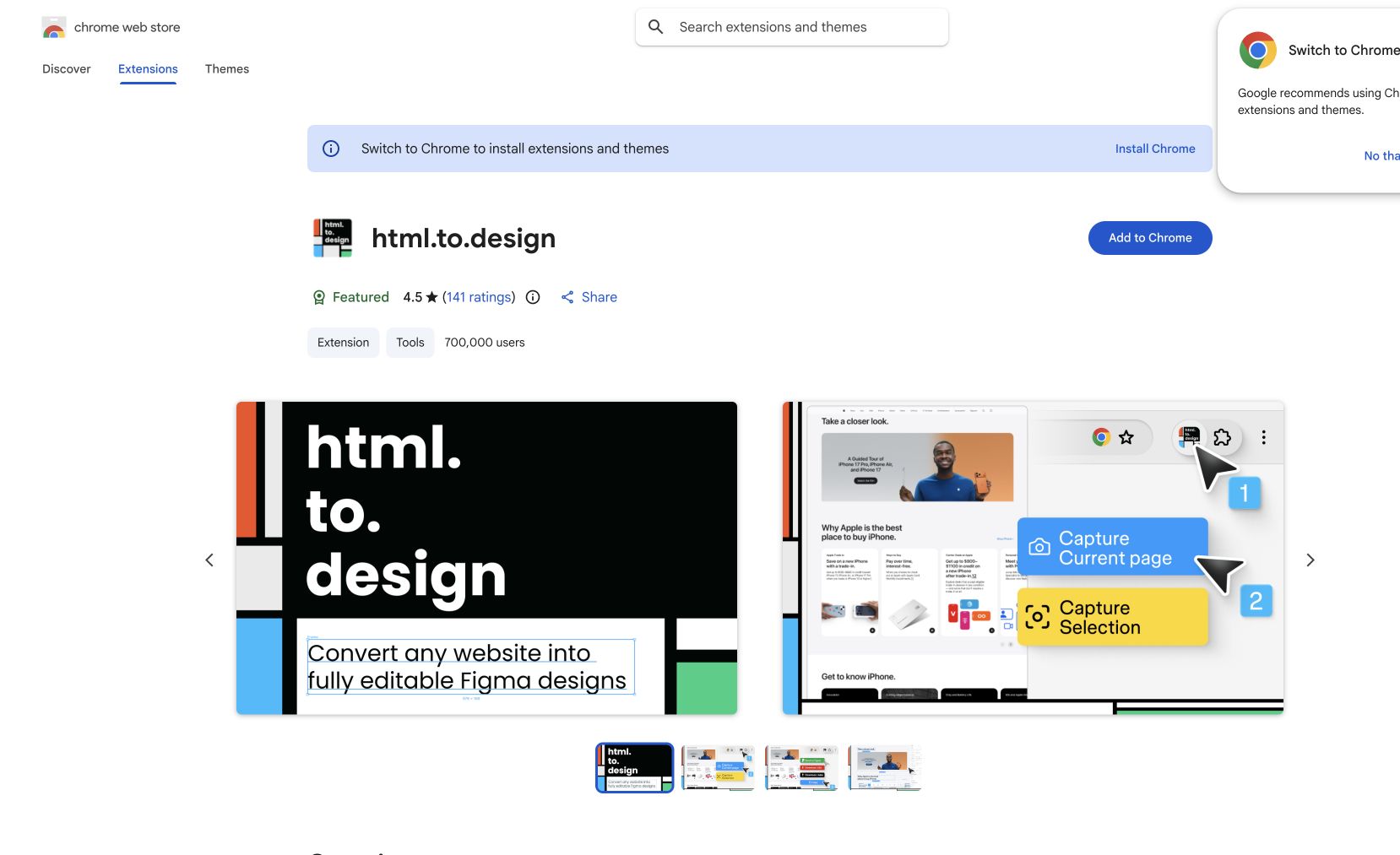
HTML to Design is a Figma plugin and Chrome extension that converts any website into fully editable Figma designs. Select any webpage, click the extension, and get a pixel-perfect Figma file with real layers, editable text, and preserved styling. Perfect for redesigning existing sites, studying layouts, creating design systems from live products, or quickly mocking up ideas based on real websites.
Works with any URL and supports complex layouts, images, fonts, and responsive designs.
Common questions about HTML to Design
Traffic and momentum for HTML to Design
6 similar tools

Figma
Collaborative design tool for building interfaces, prototypes, and design systems — all in the browser.

MiroMiro
Chrome extension that extracts design assets, code, and design tokens from any website without opening DevTools.
Figma for Chrome
Official Figma browser extension — capture live websites and import them into Figma as editable layers, not screenshots.
HorizonX
A subscription library of UI kits, components, Figma files, coded templates, textures, shaders, and interactive web tools.
CTA.gallery
A curated gallery of the web's best call-to-action buttons and sections — inspiration for designing CTAs that convert.
Free Browser Mockups
Customizable browser mockups for Figma — Arc, Safari, Chrome, Dia, and Little Arc. Perfect for showcasing websites and web apps in style.
Similar Launches
HorizonX
A subscription library of UI kits, components, Figma files, coded templates, textures, shaders, and interactive web tools.
CTA.gallery
A curated gallery of the web's best call-to-action buttons and sections — inspiration for designing CTAs that convert.
Figma for Chrome
Official Figma browser extension — capture live websites and import them into Figma as editable layers, not screenshots.
Free Browser Mockups
Customizable browser mockups for Figma — Arc, Safari, Chrome, Dia, and Little Arc. Perfect for showcasing websites and web apps in style.
Comments