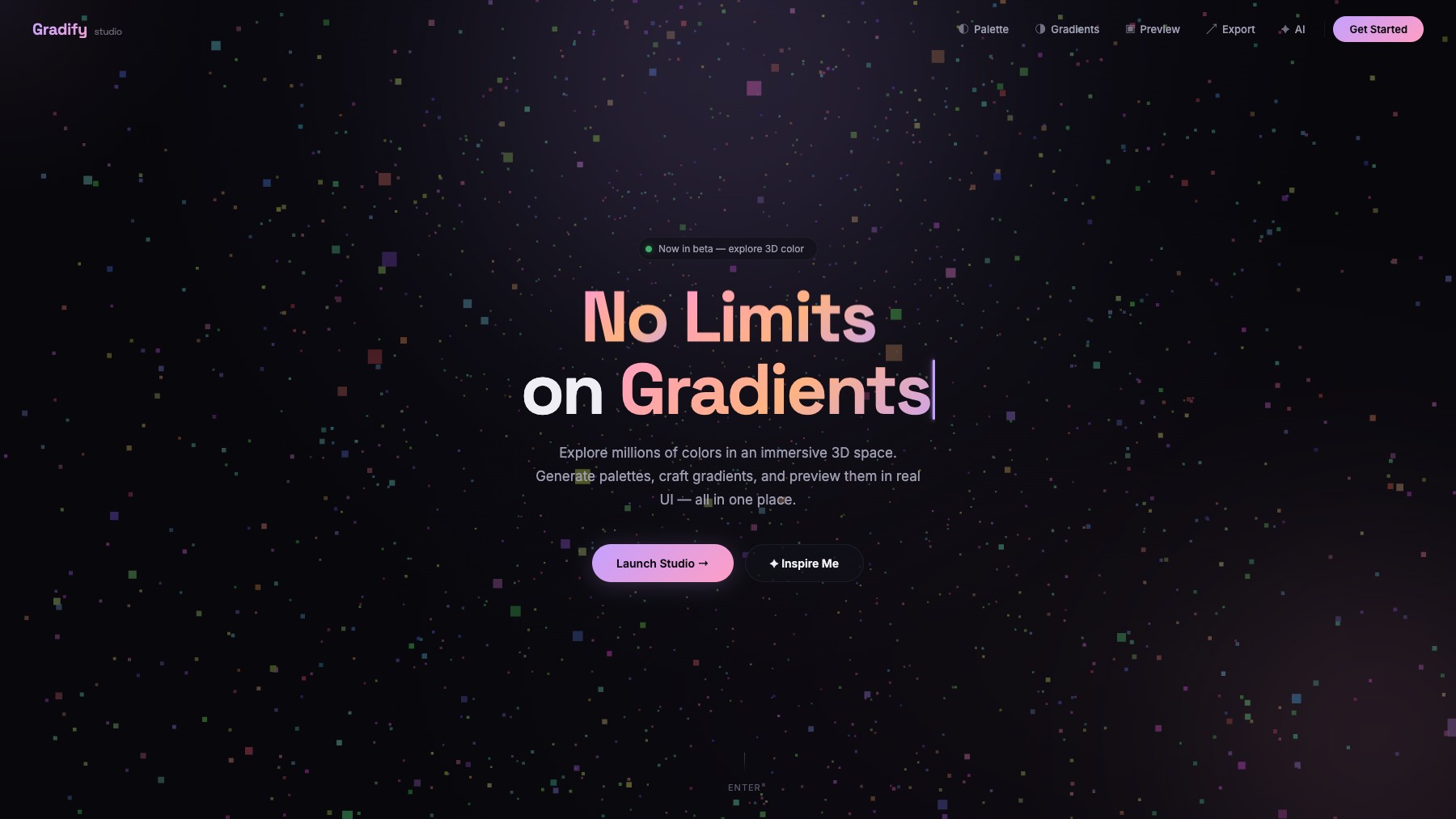
Explore millions of colors in an immersive 3D space — generate palettes, craft gradients, and preview them in real UI components.
What is Gradify?
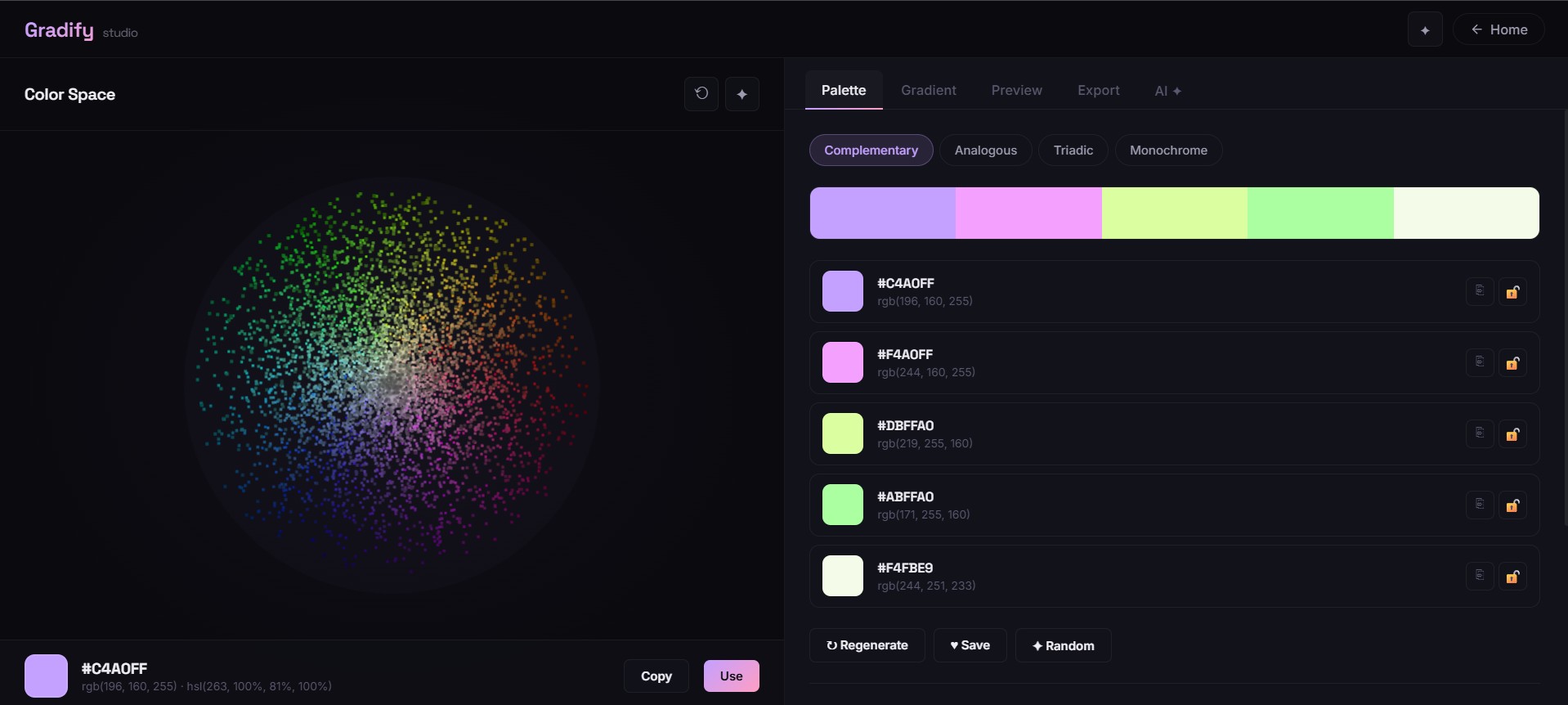
Gradify is a 3D color exploration and design tool that lets you navigate millions of colors in an interactive 3D sphere. Generate harmonious palettes using complementary, analogous, triadic, and monochrome schemes, or describe what you want and let AI suggest colors. Build linear, radial, and conic gradients with customizable stops, and preview everything in real UI components in both dark and light modes.
Export your work as CSS variables, Tailwind config, HEX, RGB, HSL, or JSON.
Features
- 3D color sphere exploration
- AI palette generation
- Gradient builder with live preview
- Export to CSS, Tailwind, HEX, RGB, HSL, JSON
FAQs
Common questions about Gradify
Is Gradify free to use?
What export formats does Gradify support?
Insights
Traffic and momentum for Gradify
What are alternatives to Gradify?
5 similar tools
SVG Pattern Generator
Create and customize seamless SVG patterns for websites and interfaces — adjust colors, combine patterns, and export clean production-ready code.

fylm.ai
Browser-based color grading — match any reference image palette with AI, tune curves and film LUTs, then export for Premiere, Resolve, or Lightroom.

Shape-O-Holic
Free library of 140+ SVG shapes — abstract, geometric, organic, and decorative, with color and size controls, SVG or PNG export, and copy to Figma.

Gradientool
A simple gradient tool for infinite unique outputs — generate distinctive gradients fast and drop them into your designs.

Pryzm
Browser-based studio for creating custom backgrounds and animated video loops by blending gradients, glass, and grain.
Comments