
Larry Page
Google co-founder
Google's free browser-based presentation tool — build decks together in real time, with Gemini AI to generate slides, images, and summaries.
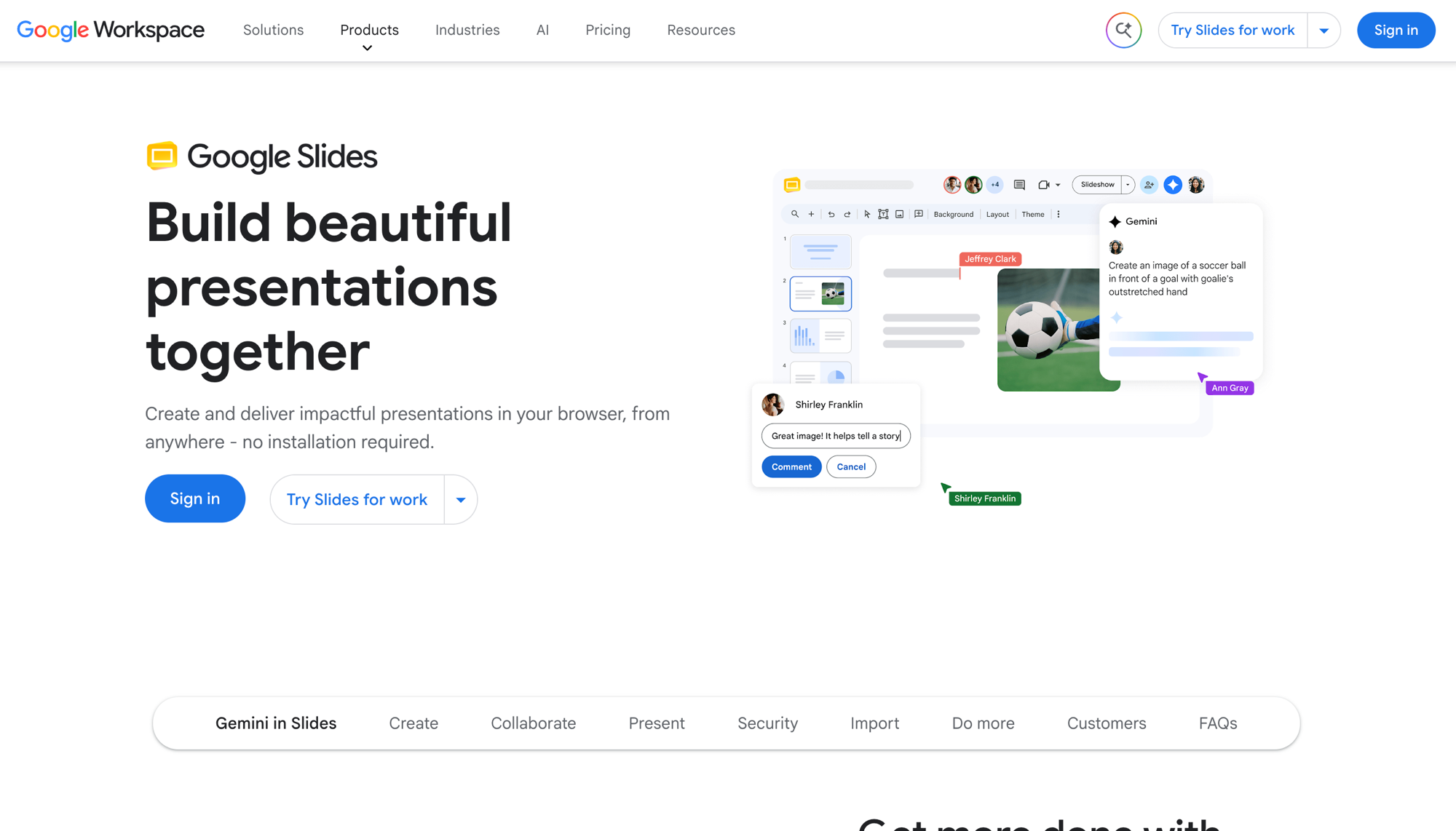
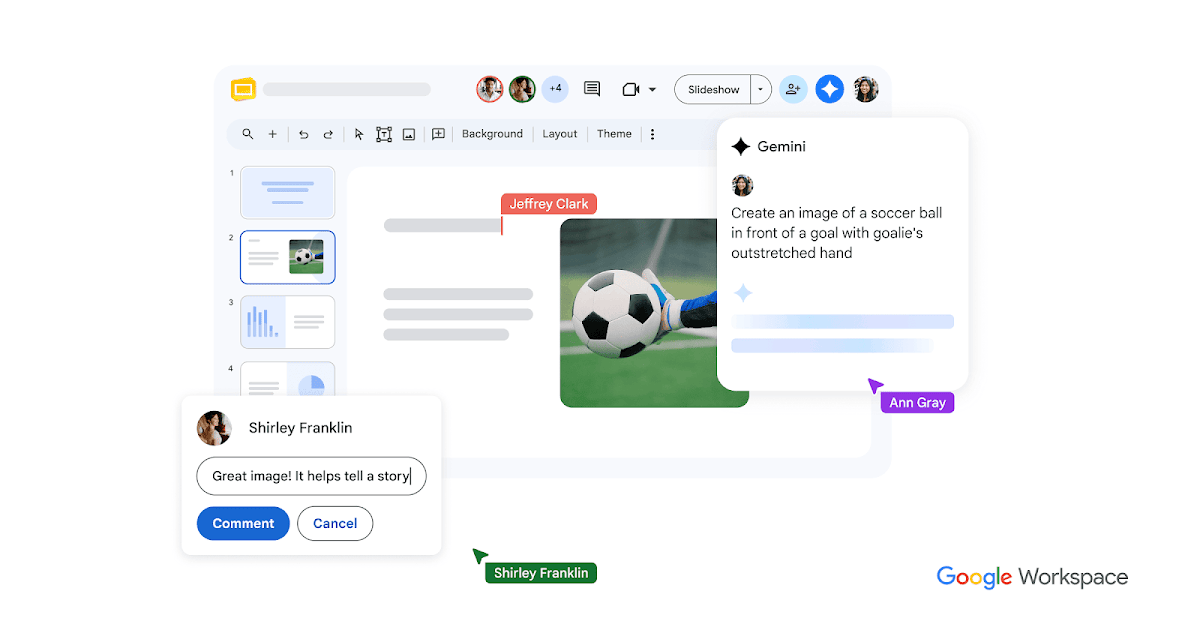
Google Slides is Google's free, cloud-based presentation tool. Build and co-edit decks in the browser with real-time collaboration, live pointers, and comments. Gemini for Google Workspace can generate slides from a prompt, create custom images, and summarize content.
It ships with templates, GIFs, and stickers, imports and edits PowerPoint files, presents directly through Google Meet with speaker spotlight and recording, and works offline plus on iOS and Android. Free for personal use with a Google Account; premium and Gemini features come with Google Workspace plans.
Common questions about Google Slides
Traffic and momentum for Google Slides
6 similar tools

Canva
Free online design platform for creating presentations, social media graphics, videos, websites, and print materials with thousands of templates.
Bolt Slides
Open-source building blocks any AI agent (Claude Code, Codex, Bolt) can use to compose presentation decks that are real, shareable web apps.

Beautiful.ai
The AI presentation maker built for speed and polish. Beautiful.ai helps you create professional, client-ready slide decks in minutes. Try it free for 14 days - Make slides with the #1 AI slide gen...
Gamma
AI generates presentations, documents, and webpages from a prompt — edit in a visual editor, embed videos and charts, then share as a link.
Moda
AI design tool that creates fully-editable, on-brand slides, social posts, PDFs, and diagrams on a real canvas you control.
Slack
The AI work platform — channels, messaging, huddles, and workflow automation that connect your team and tools in one place.
The people behind Google Slides
Google co-founder
Google co-founder
CEO of Google and Alphabet
Similar Launches
Slack
The AI work platform — channels, messaging, huddles, and workflow automation that connect your team and tools in one place.
Milanote
Visual tool for organizing creative projects — collect notes, images, videos, and tasks on flexible boards.

Claude for Google Workspace
Use Claude in Google Docs, Sheets, and Slides to edit documents, analyze data, fix formulas, and build presentations.
Google Chrome
Fast, secure web browser with built-in Gemini AI — browse, search, and automate tasks across all your devices.
Google App for Desktop
AI-powered search on your desktop — press Alt+Space to search the web, your files, apps, and Google Drive with Gemini AI.
Comments