
Publisher
Google’s video meetings for Workspace, with Gemini notes and next steps that draft a follow-up or send action items to Tasks.
Freemium·Meetings·Google·Video
Freemium·Meetings·Google·Video
What is Google Meet?
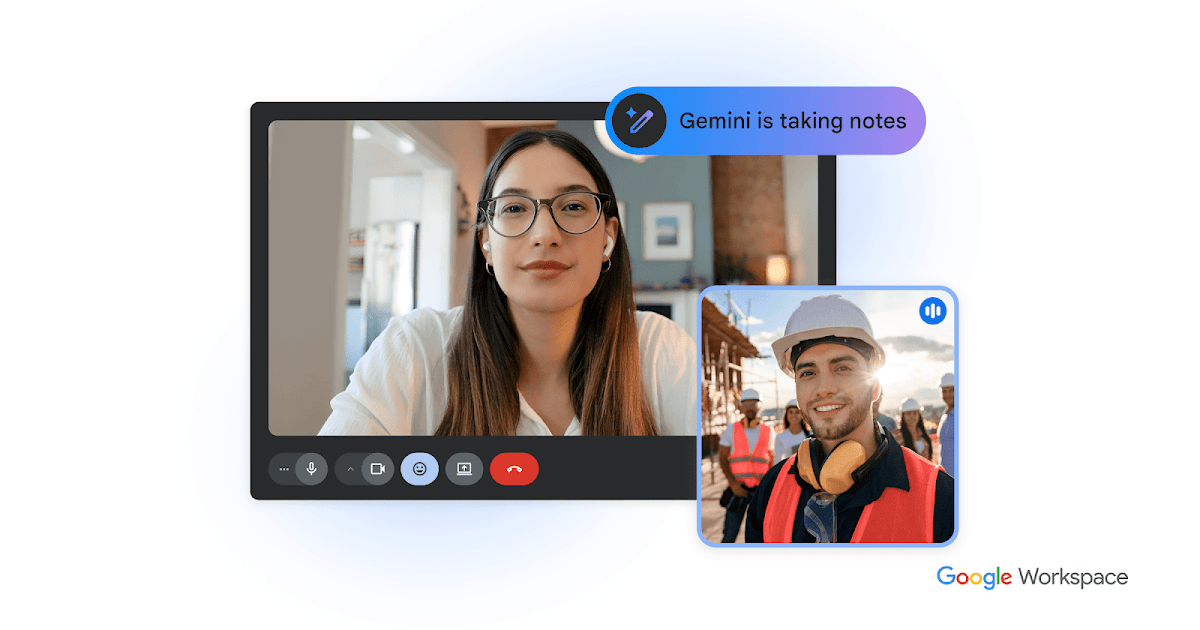
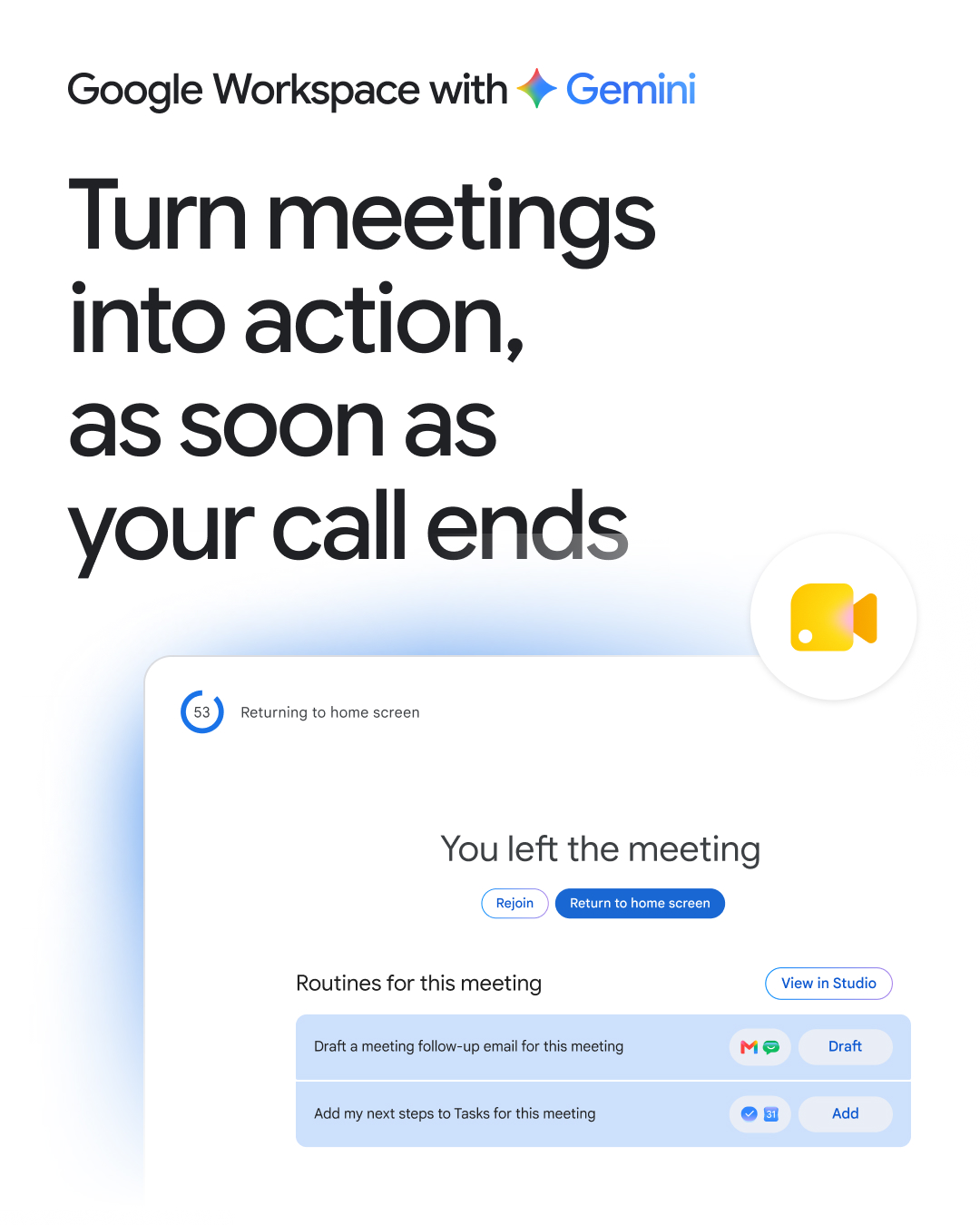
Google Meet is Google’s video meeting product at meet.google.com, included with Google Workspace. On October 12, 2026 Google documented next steps, powered by Gemini and Workspace Studio, with rollout starting October 5. Two routines draft a follow-up email in Gmail or export action items to Google Tasks.
They require Take notes for me, a Calendar event, a computer, and a work or school account. Availability is Business Standard and Plus, Enterprise Standard and Plus, and Google AI Pro for Education. The email draft also requires the host, a meeting that is not a repeating series, and an external participant.
Pricing: Google Meet has a free consumer tier. The next-steps routines are on Business Standard and Plus, Enterprise Standard and Plus, and Google AI Pro for Education. A separate add-on price is not listed.
Features
- Video meetings in the browser and in Workspace apps
- Take notes for me, powered by Gemini
- Next steps that draft a Gmail follow-up or export action items to Google Tasks
- Next steps on Business and Enterprise Standard and Plus, and Google AI Pro for Education
FAQs
Common questions about Google Meet
What is Google Meet?
Google Meet is Google’s video meetings product. The main page is https://meet.google.com, and the Workspace product page is https://workspace.google.com/products/meet/.
What are next steps?
After a meeting with Take notes for me, Meet can draft a follow-up email or send action items to Google Tasks. Rollout started October 5, 2026. The email draft needs a host, a non-repeating meeting, and an external participant.
Which plans include next steps?
Business Standard and Plus, Enterprise Standard and Plus, and Google AI Pro for Education. An admin can turn the routines off.
Insights
Traffic and momentum for Google Meet
Loading chart…
Team
The people behind Google Meet
Comments