
Real-time dither animation tool for creating visual effects with patterns like Bayer, halftone, ASCII, and more.
What is DotForge?
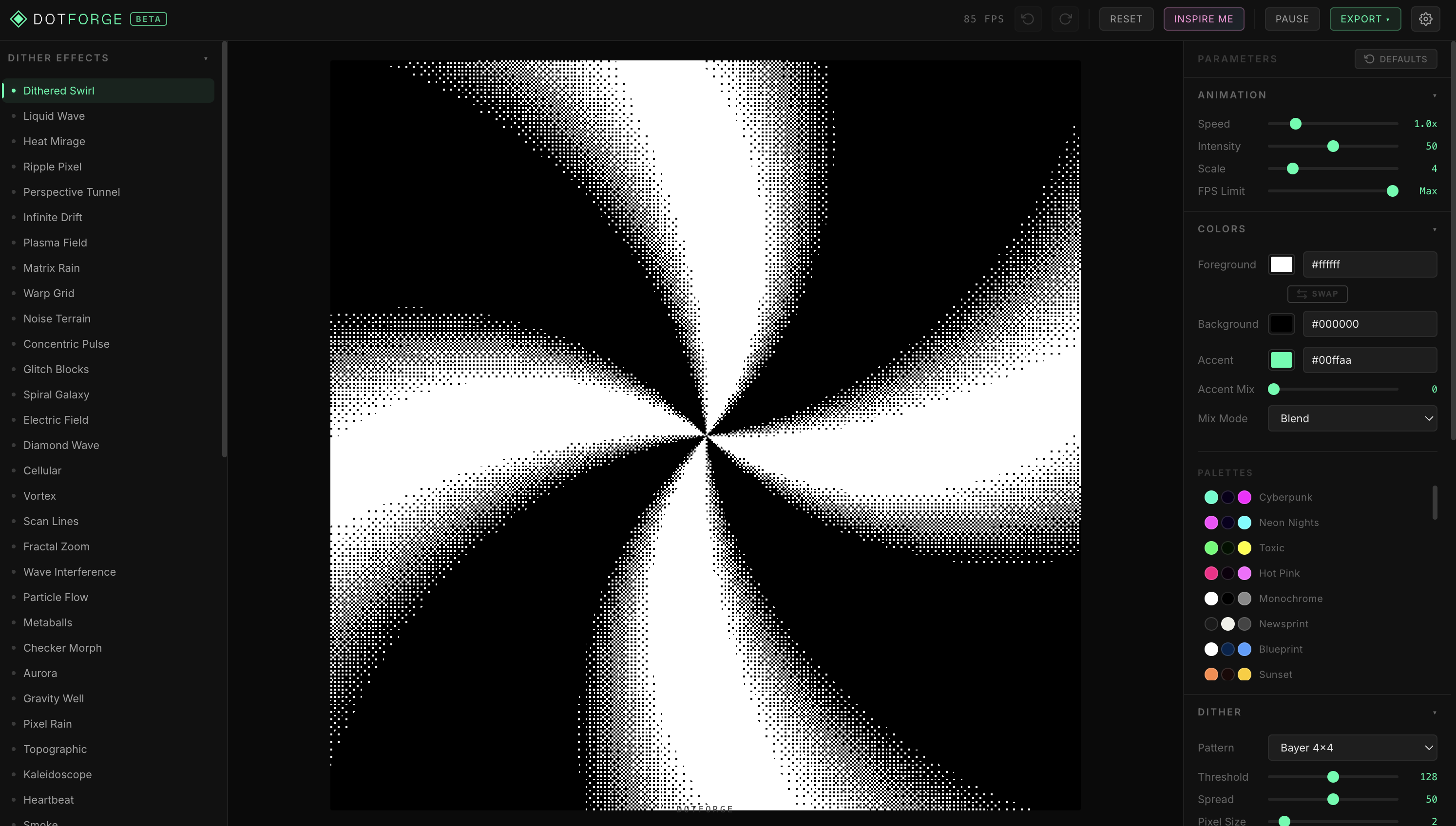
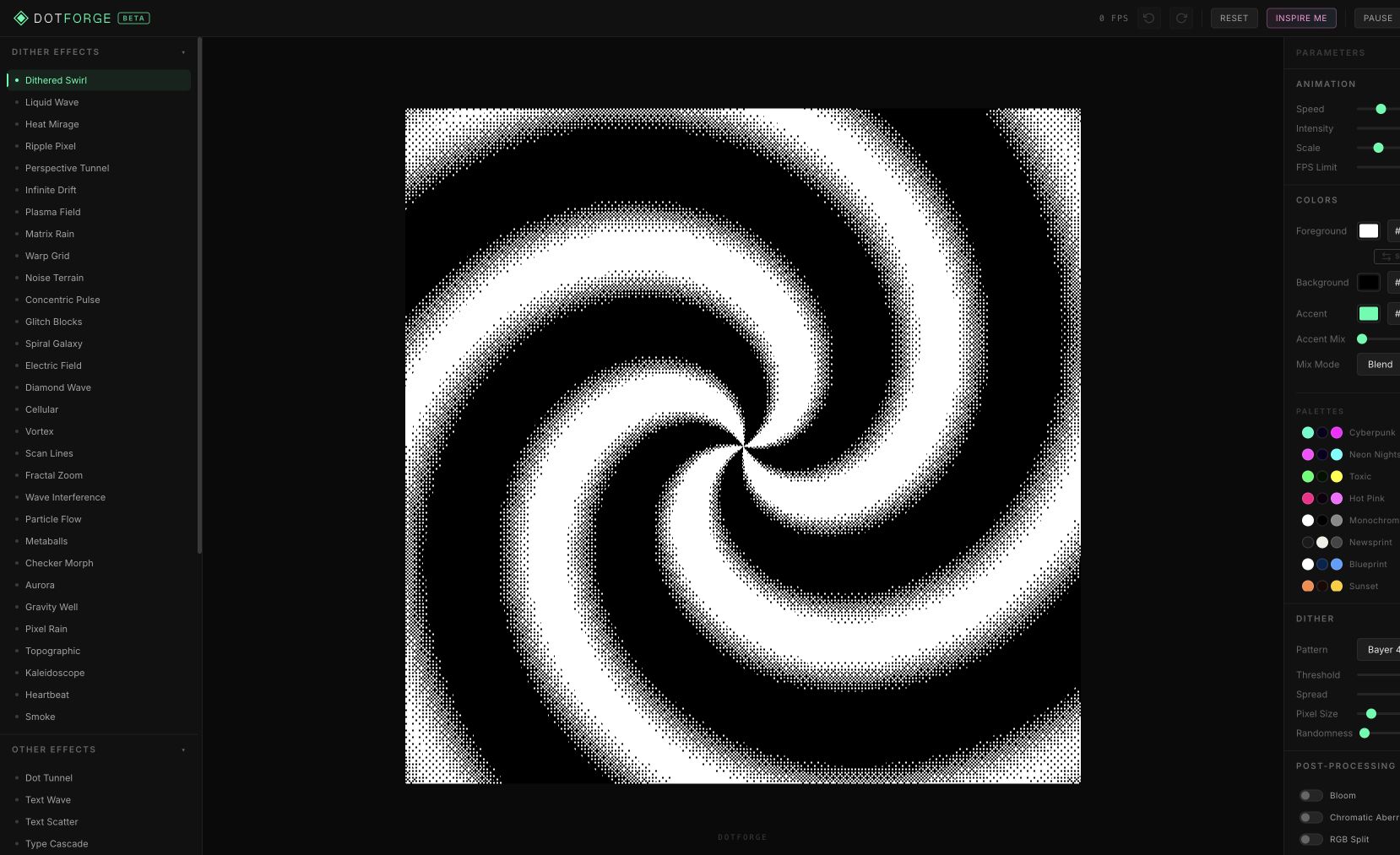
DotForge is a browser-based tool for creating real-time dither animations and visual effects. Choose from multiple dithering patterns including Bayer, halftone, blue noise, crosshatch, and ASCII, then customize animation speed, intensity, scaling, and colors. Add 3D rotation with auto-spin, text overlays, and post-processing effects.
Export your creations as PNG images at various resolutions or as WebM/MP4 videos. Currently in beta and free to use.
Features
- Multiple dither patterns — Bayer, halftone, blue noise, crosshatch, ASCII
- Real-time animation controls with speed and intensity
- 3D rotation with auto-spin
- Export as PNG or video (WebM/MP4)
- Custom color schemes and text overlays
- Inspiration gallery for creative starting points
FAQs
Common questions about DotForge
What does DotForge do?
Is DotForge free?
What can I do with it?
Insights
Traffic and momentum for DotForge
What are alternatives to DotForge?
6 similar tools
' stroke='%234d4d4d'/%3E%3C/svg%3E)
Levels
Browser-based texture processing studio — adjust levels, channel mix, crop, and export alpha masks or height maps from photo references.
Doodles
AI-powered sketch generator — type a prompt and get a hand-drawn doodle, then add it to a shared infinite-scroll collection.
ASCIInator
Create clean, high-quality ASCII art from your images — export as PNG, SVG, or TXT.

Oddgrid
Generate pixelated grid artwork in the browser — tune pattern, colour and motion, then export as PNG, SVG, animated SVG or video.
ASCII Magic
Turn any image or video into ASCII art — blocks, dots, lines, LEGO, Braille, and animated effects with vignette, bloom, and glitch filters.
Ditther
Browser-based pixel art generator — turn images and video into dithered, ASCII, halftone, LEGO, dot, and voxel effects in real time.
Comments