Aashish Kumar
Creator, designer and developer
Browser-based pixel art generator — turn images and video into dithered, ASCII, halftone, LEGO, dot, and voxel effects in real time.
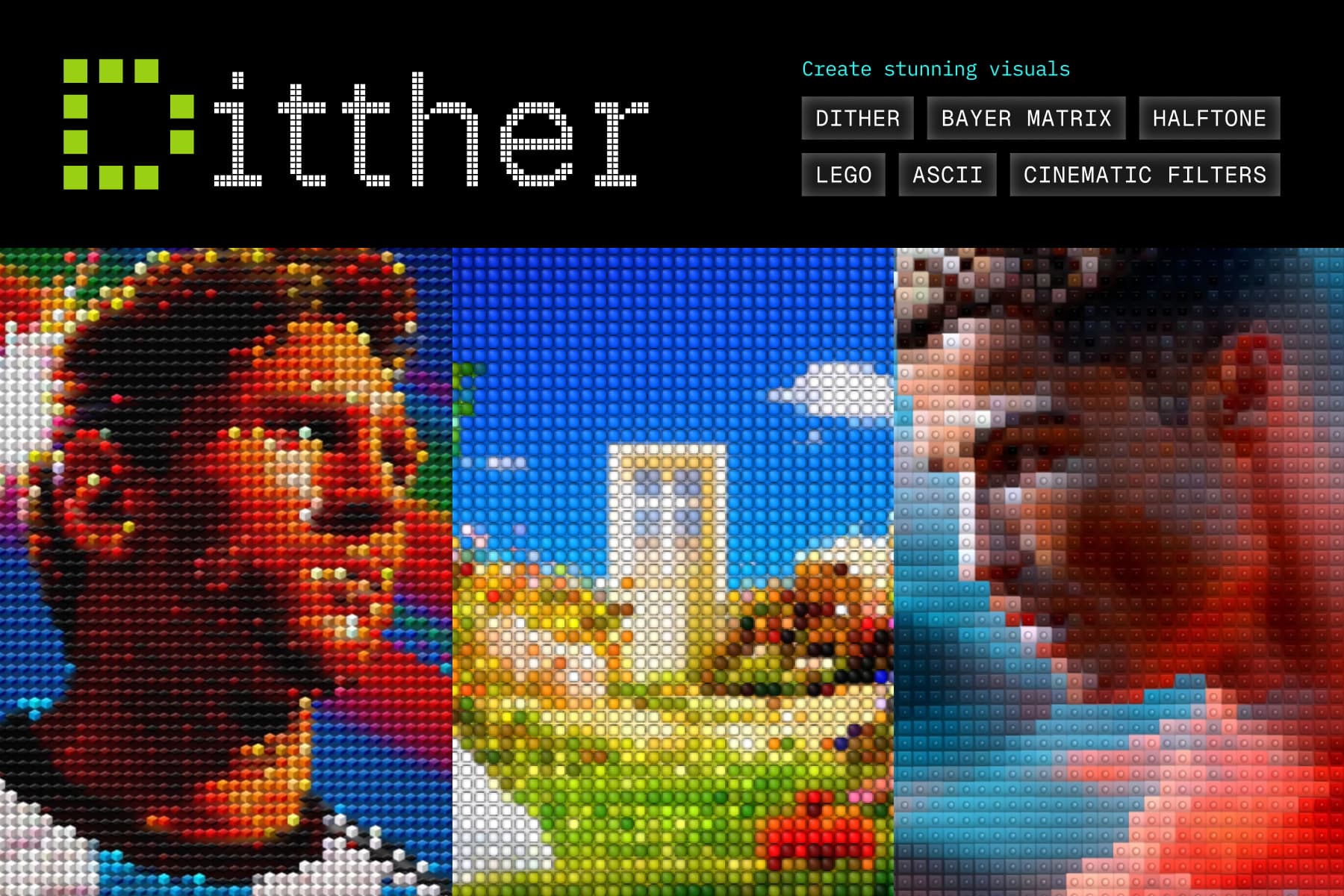
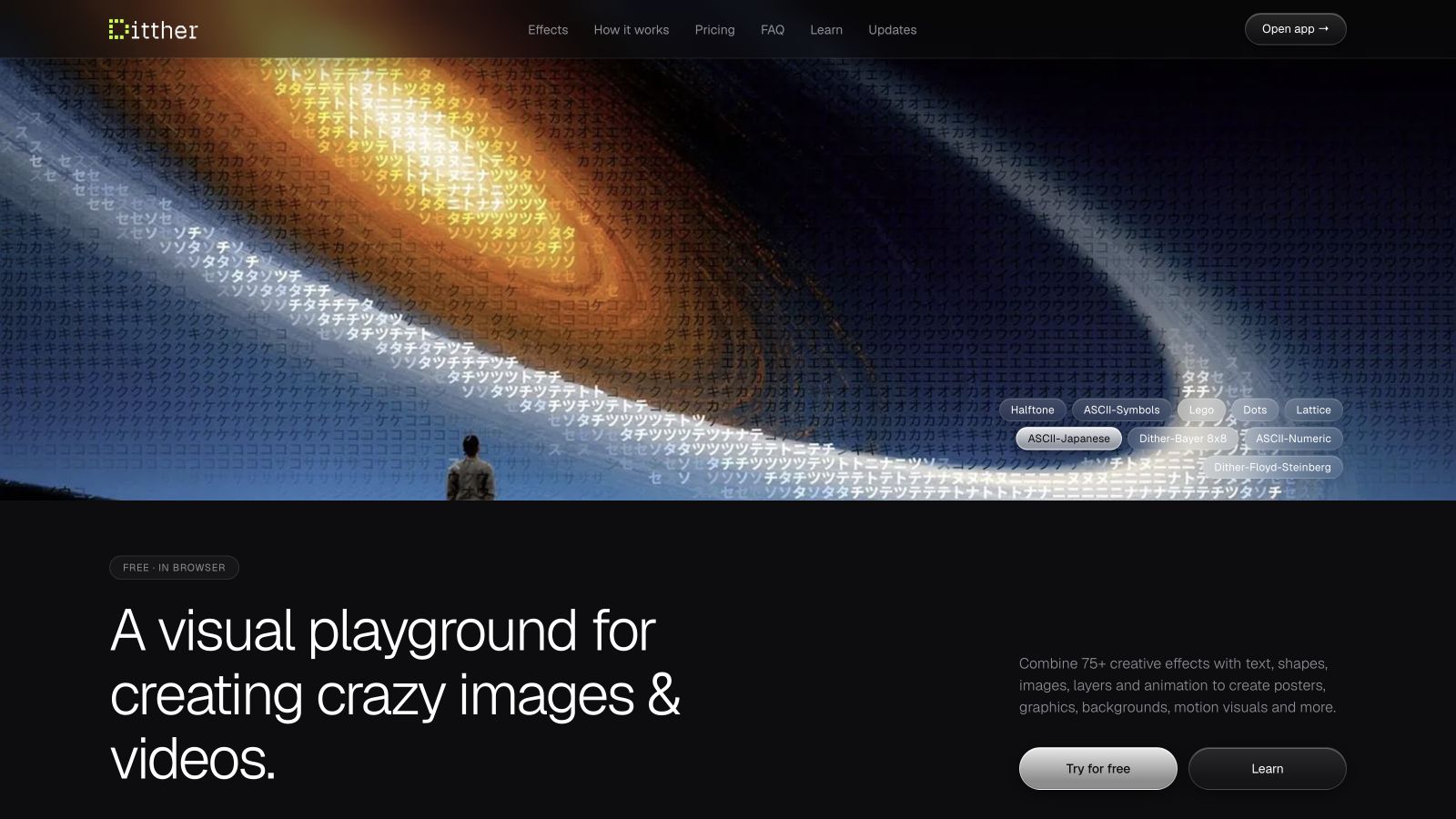
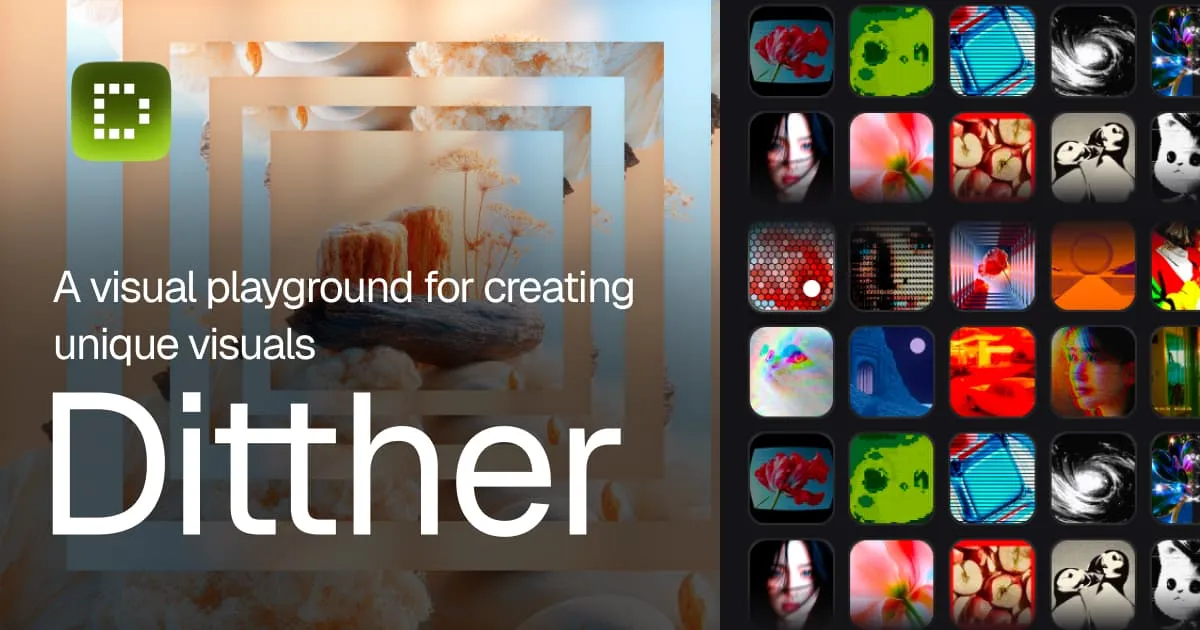
Ditther is a browser-based pixel art generator that transforms images and videos into artistic renderings: dithering, ASCII, halftone patterns, LEGO mosaics, voxel rendering, dot effects, Bayer matrix, and LED display simulation. Everything updates in real time, with duotone color grading, cinematic filters, pixel animation, a shuffle/remix function, and 100+ built-in backgrounds. It runs entirely in the browser on desktop or mobile with no account needed.
Free for all core effects up to 1080p; a one-time Pro upgrade unlocks 4K exports, 500+ backgrounds, premium presets, and 60fps video.
Common questions about Ditther
Traffic and momentum for Ditther
6 similar tools

DotForge
Real-time dither animation tool for creating visual effects with patterns like Bayer, halftone, ASCII, and more.
ASCII Magic
Turn any image or video into ASCII art — blocks, dots, lines, LEGO, Braille, and animated effects with vignette, bloom, and glitch filters.
Doodles
AI-powered sketch generator — type a prompt and get a hand-drawn doodle, then add it to a shared infinite-scroll collection.

Oddgrid
Generate pixelated grid artwork in the browser — tune pattern, colour and motion, then export as PNG, SVG, animated SVG or video.
ASCIInator
Create clean, high-quality ASCII art from your images — export as PNG, SVG, or TXT.
' stroke='%234d4d4d'/%3E%3C/svg%3E)
Levels
Browser-based texture processing studio — adjust levels, channel mix, crop, and export alpha masks or height maps from photo references.
Comments