Browser-based video editor and design platform with reusable motion blocks, real-time 3D and shaders, a built-in code editor, and Figma import.
What is Butter?
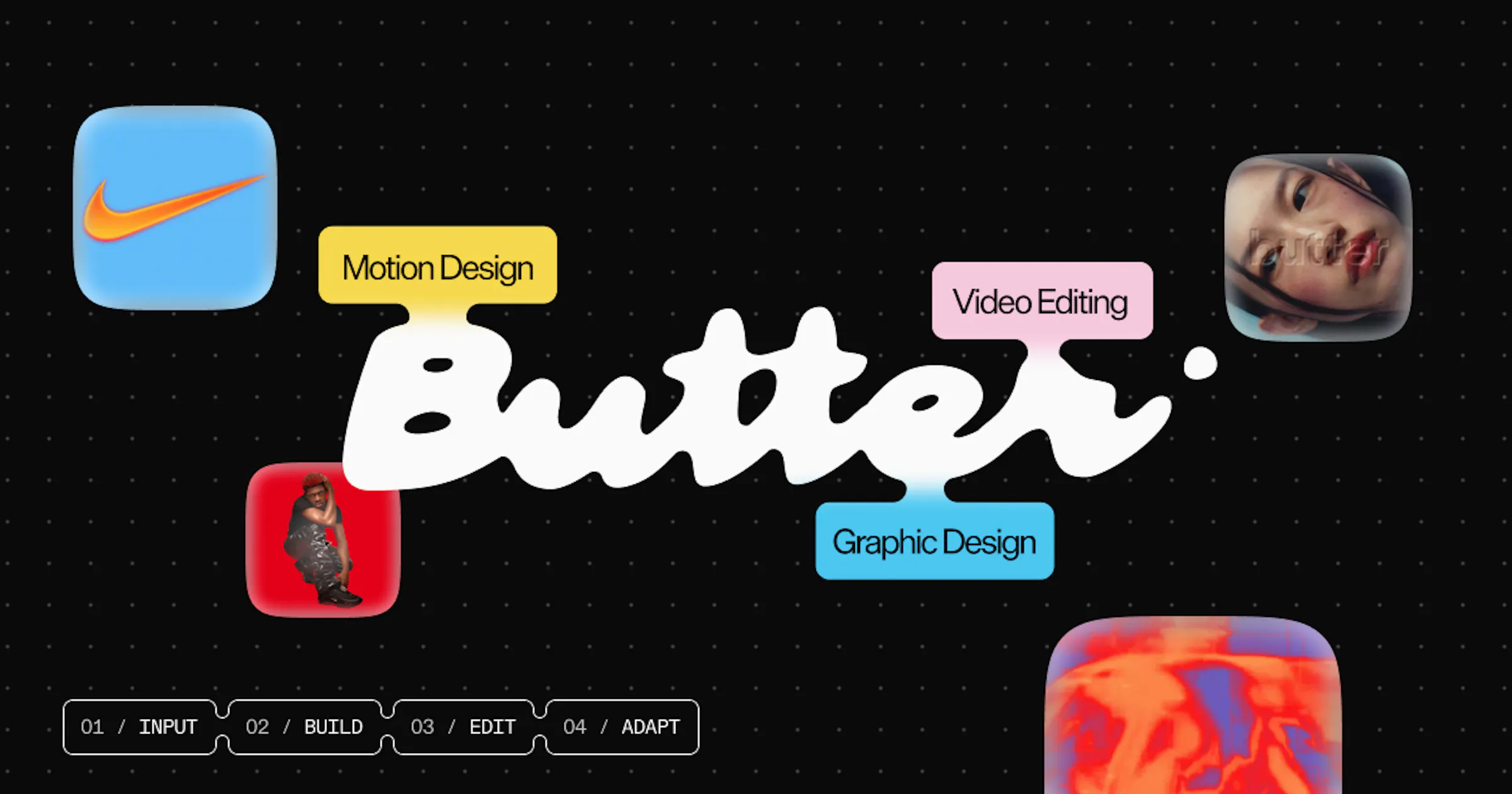
Butter is a browser-based video editor and design platform from Butter Studios in Marina Del Rey, California, built around reusable blocks for motion graphics, kinetic type, 3D, shader effects, captions and layouts. Blocks are customised with dials, sliders and prompts, or edited in a built-in JavaScript code editor, while a WebGPU real-time rendering engine previews motion, VFX and 3D without waiting for renders. Teams can import Figma frames as editable layers, use brand kits and saved components, generate variations and resize projects for every platform in a click, and export 60fps HD video, ProRes with transparent background, GIF or images.
Stock libraries, ElevenLabs-powered voiceovers, one-click captions and real-time collaboration are built in. A free plan exports 720p with a watermark; paid plans start at $18 per month billed annually.
Features
- Reusable Motion Blocks
- Built-in Code Editor
- Real-time 3D & Shaders
- Figma to Video
- Brand Kits & Variations
- AI Captions & Voiceovers
- ProRes, GIF & 60fps Export
FAQs
Common questions about Butter
Is Butter free to use?
Do I need After Effects or a desktop install?
Can I bring Figma designs into Butter?
Insights
Traffic and momentum for Butter
Videos
Official videos and tutorials for Butter.


What are alternatives to Butter?
3 similar tools

mtioon
Prompt-driven motion design editor that connects to Claude Code, reads your project assets, and builds editable videos on a real timeline.

Diffusion Studio
Browser-based video editor on an infinite canvas — multi-track timeline, AI-powered workflows, 4K export, free.

Screen Movie
Native macOS screen recorder and video editor — record, screenshot, animate text and captions, add music, and export product videos in 4K.
Team
The people behind Butter
Ask AI about Butter
Share
Similar Launches
mtioon
Prompt-driven motion design editor that connects to Claude Code, reads your project assets, and builds editable videos on a real timeline.
Diffusion Studio
Browser-based video editor on an infinite canvas — multi-track timeline, AI-powered workflows, 4K export, free.
Screen Movie
Native macOS screen recorder and video editor — record, screenshot, animate text and captions, add music, and export product videos in 4K.
Comments