
Renato Costa
Repository publisher
Turn SVGs and text into interactive 3D objects — 10 material presets, 7 animations, export as PNG, video, or React code.
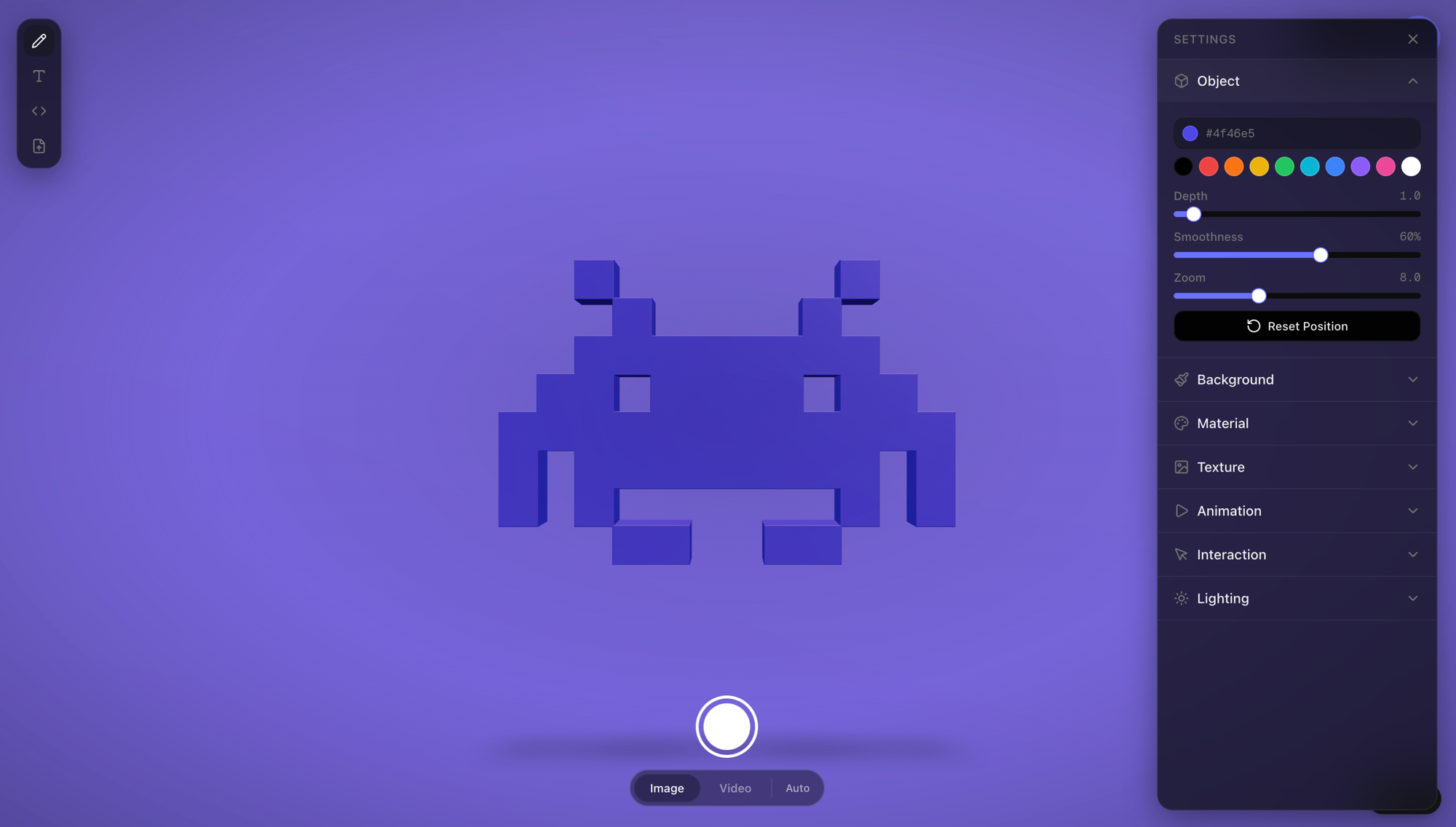
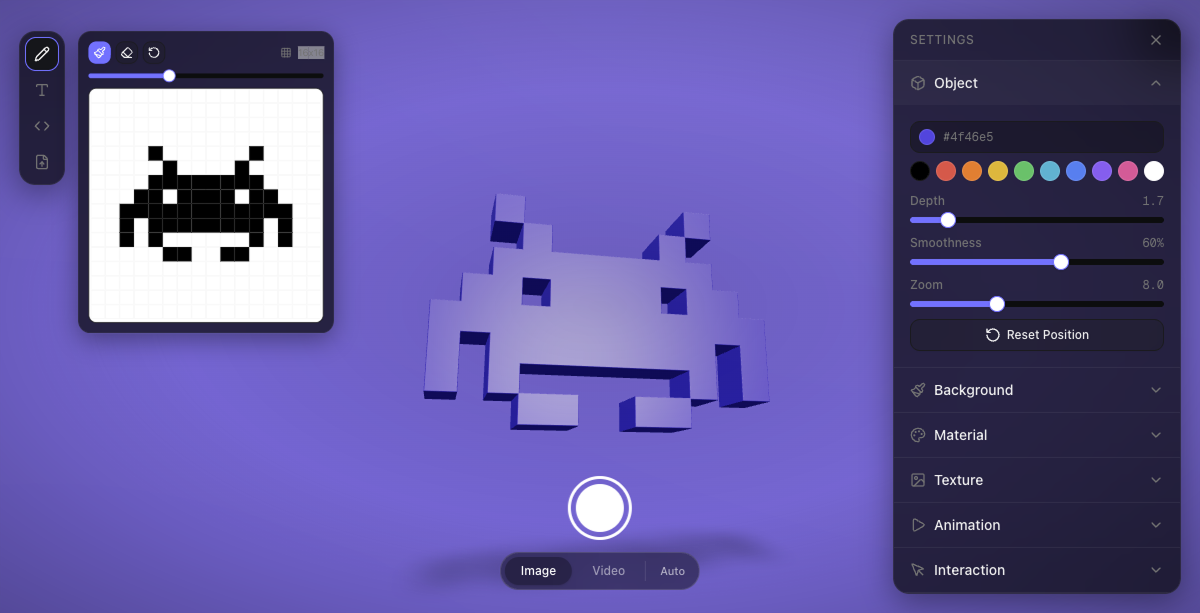
3D SVG is a visual editor that converts SVGs into interactive 3D objects. Input text (with Google Fonts support), draw in a pixel editor, paste SVG code, or upload a file. Choose from 10 material presets — plastic, metal, glass, holographic, and more.
Add one of 7 animation options and export as PNG (up to 4K), video (MP4/WebM at 60fps), or ready-to-embed React JSX code. The engine is also available as an npm package for direct integration.
Common questions about 3D SVG
Traffic and momentum for 3D SVG
6 similar tools
Blender
Free, open-source 3D creation suite — modeling, animation, VFX, rendering, and video editing.

Luma AI
Scan real objects and scenes with a phone camera into photorealistic 3D models using NeRF, or generate 3D assets and video with Dream Machine.

Morflax Studio
Browser-based 3D design platform for creating animations, illustrations, device mockups, and marketing assets.
Project Neo
Adobe's browser-based 3D design tool — create stylized 3D illustrations and compositions faster with intuitive controls.
Unity Studio
Web-based no-code 3D editor — build and share interactive 3D experiences without coding or installing software.
The people behind 3D SVG
Repository publisher
Similar Launches
Pascal Editor
Free open-source 3D building editor — design walls, rooms, levels, roofs, and furniture in your browser.
Blender
Free, open-source 3D creation suite — modeling, animation, VFX, rendering, and video editing.

Inkscape
Free, open-source vector graphics editor — create SVGs, logos, icons, and illustrations.
beUI
Free, open-source animated components for React and Next.js — 108 motion primitives and blocks built with Motion and Tailwind, installable via the shadcn CLI.
useLayouts
Free animated React components and micro-interactions built with Framer Motion and Tailwind CSS, designed to work with shadcn/ui.

Letters
Apple-inspired handwritten animation library — beautiful letter-by-letter text animations.
Comments