


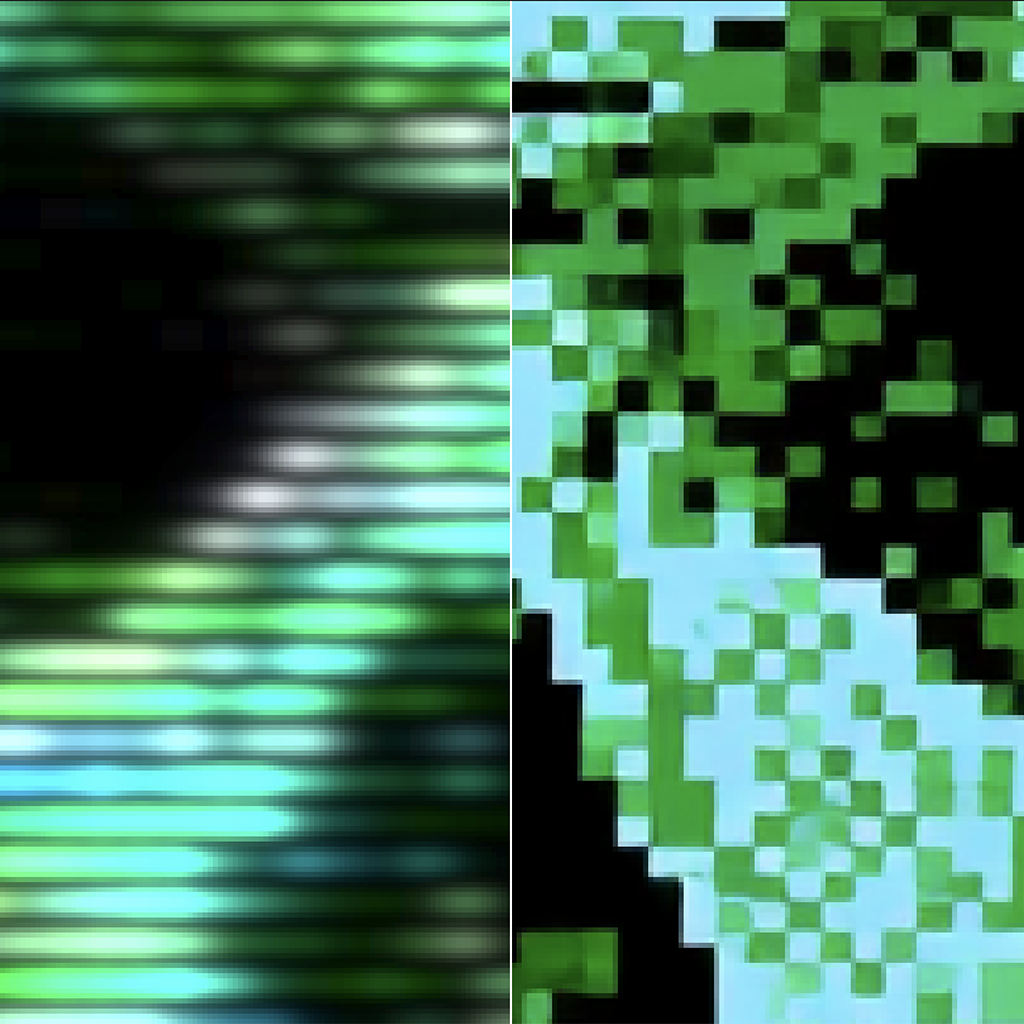
Free, open source Mac app that makes images and video look like an old TV or VHS tape, with a webcam and MiniDV stage, ntsc-rs signal emulation, glitches, and RetroArch CRT shaders.
About NTSCRT
NTSCRT, at github.com, is a native Mac app by Finn McKenty that makes any image or video look like it is playing on a 1980s TV. Its README describes a pipeline: an optional digital camera and codec (webcam, video call, MiniDV), analog signal emulation from ntsc-rs, a simulated TV and VCR for glitches, and the CRT shaders RetroArch uses, run through librashader. The author says the signal emulation and the CRT look are other people's work, and that NTSCRT joins them into one pipeline and adds its own pieces, including the Digital video and Glitch stages, Screen Loop video feedback, cropping, a keyframe timeline, and video and GIF export.
Open an image or video, shape the look in the sidebar, and export. The sidebar runs top to bottom in signal order, and each stage can be switched off. Version 0.18.0, released November 9, 2026, added the Digital video stage. It sits between Downscale and NTSC and is off by default. Its formats are Webcam (2005), Video call, MiniDV, Early web video, and Datamosh, and it runs a real codec, so blocking, smearing, and datamoshing come out of the compression instead of being drawn. The release notes say it is not yet applied in Screen Loop renders.
Exports include PNG, H.264 or HEVC MP4, ProRes MOV, and GIF. The README says the same settings always give the same pixels. Screen Loop, added earlier, is video feedback in the style of a camcorder filming a TV that shows its own picture. The maker says NTSCRT is 100% free and open source.
It needs macOS 14 or later and is a universal binary for Apple Silicon and Intel. The author builds and tests on Apple Silicon and has not personally tested the Intel build. Intel support comes from a contributed fix, and the README asks Intel users to open an issue if something misbehaves. Download the DMG from the GitHub Releases page.
Pricing: Free. The maker describes NTSCRT as 100% free and open source. Download the DMG from https://github.com/finnmckenty/NTSCRT/releases.
Pricing model: Free
Features
- Runs an image (PNG, JPEG, HEIC) or video (MP4, MOV) through a pipeline of crop, downscale, optional Digital video, NTSC signal, TV and VCR glitches, and a CRT shader
- Digital video stage (off by default) with formats for Webcam, Video call, MiniDV, Early web video, and Datamosh, run through a real codec
- NTSC stage built on ntsc-rs: composite noise, chroma bleed, head switching, tape speed, and about sixty more settings
- Glitch stage for rolling, tearing, bending, snow, and tracking noise, from a simulated TV and VCR
- Seven RetroArch CRT shaders with every parameter exposed
- Keyframe timeline, Screen Loop video feedback, and presets saved as JSON
- Exports PNG, H.264 or HEVC MP4, ProRes MOV, and GIF
- Free and open source, for macOS 14 or later
FAQs
Common questions about NTSCRT
What is NTSCRT?
Is NTSCRT free?
What does it run on?
What is the Digital video stage?
What can I export?
Featured





Similar products
- Nancynancyclipboard.com
Light, private, instant clipboard manager for Mac — search 200+ recent copies, paste from the keyboard, pin what you reuse, and nothing ever leaves your machine. Free and open source.
- OpenDesignopen-design.ai
Free, open-source design workspace for Mac and Windows that turns your coding agent into a design engine — prototypes, sites, slides, dashboards, images and HTML video, all on one brand system, stored locally.
- ChippyTeachippytea.com
Free, open-source Mac app that finds the build folders, project dependencies and old installers eating your disk, shows you the size of each, and clears only what you approve.
 Compositorrobbietilton.com
A free, open-source Mac image editor for compositing, retouching, and layered design work.
 FlappyBoardsflappyboards.xyz
Turn any TV into a retro split-flap display — free and open source.
- WhisperTypegithub.com
Free MIT-licensed dictation for macOS. A shortcut records you, Groq transcribes with your API key, and the text pastes into the app you are in.