Understand audience behavior with Webflow Analyze
By Steven Van ·
Explore how audiences interact with your site in Webflow Analyze. Filter and save audiences to uncover insights and optimize experiences.
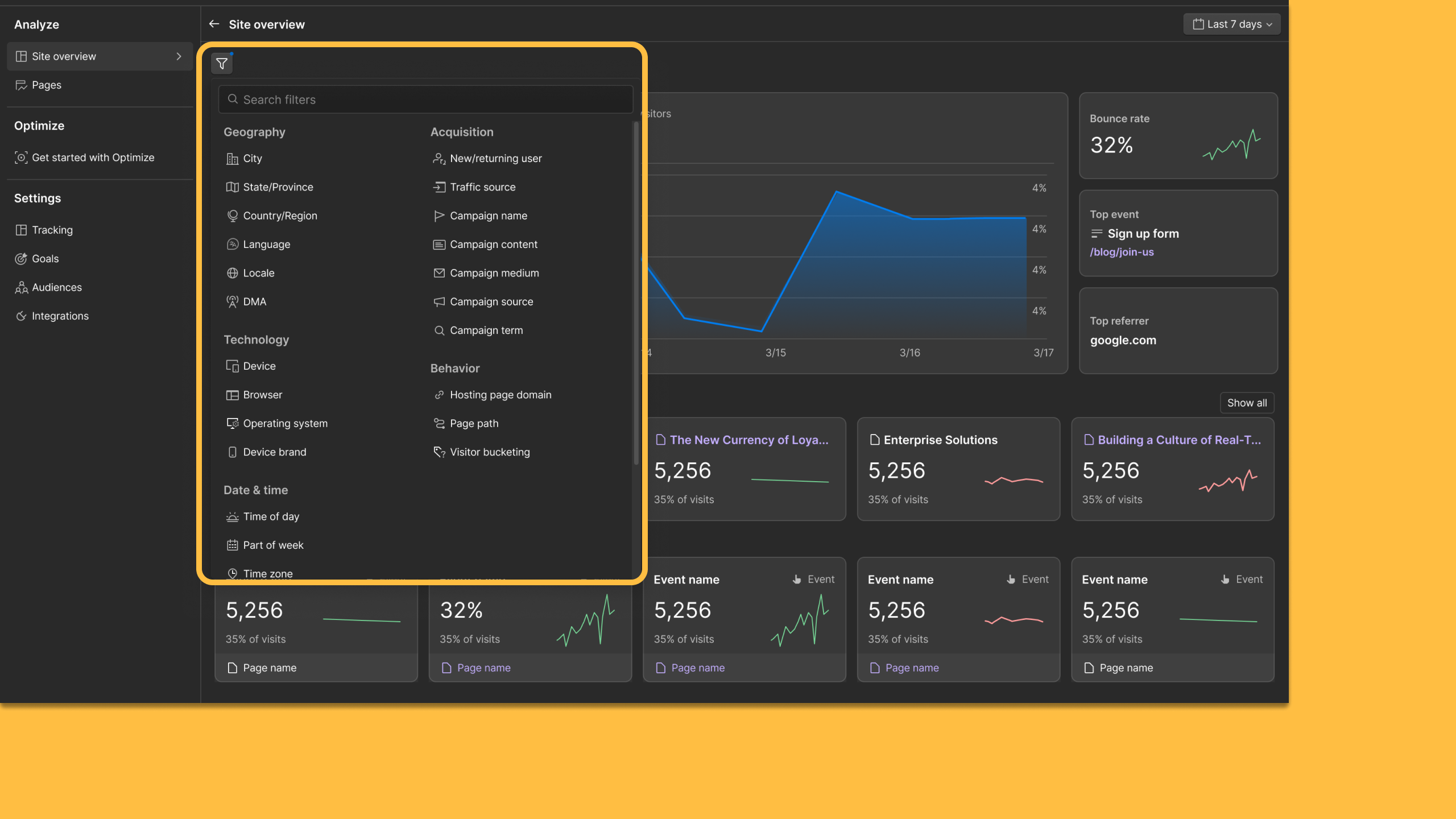
Webflow Analyze now lets teams filter data by audience and save those audiences for reuse. Audience filters can be applied across Site Overview, Page Details, and Analyze Mode, showing how different segments, such as new versus returning visitors, or paid versus organic traffic, interact with a site.
- Filter engagement data by attributes like traffic source, UTM parameters, or visitor type
- Save an audience definition once and revisit it when analysing site behaviour
- Reuse the same saved audience in Webflow Optimize for experiments or personalization
The feature is available now to all Webflow Analyze customers.

Webflow
Build professional websites visually — no code required, with CMS, interactions, and hosting built in.
View Webflow →