Webflow adds unified Site Goals across Analyze and Optimize
By Steven Van ·
One goal, like leads or revenue, now drives reporting and CRO tests across both products for all Analyze and Optimize customers.
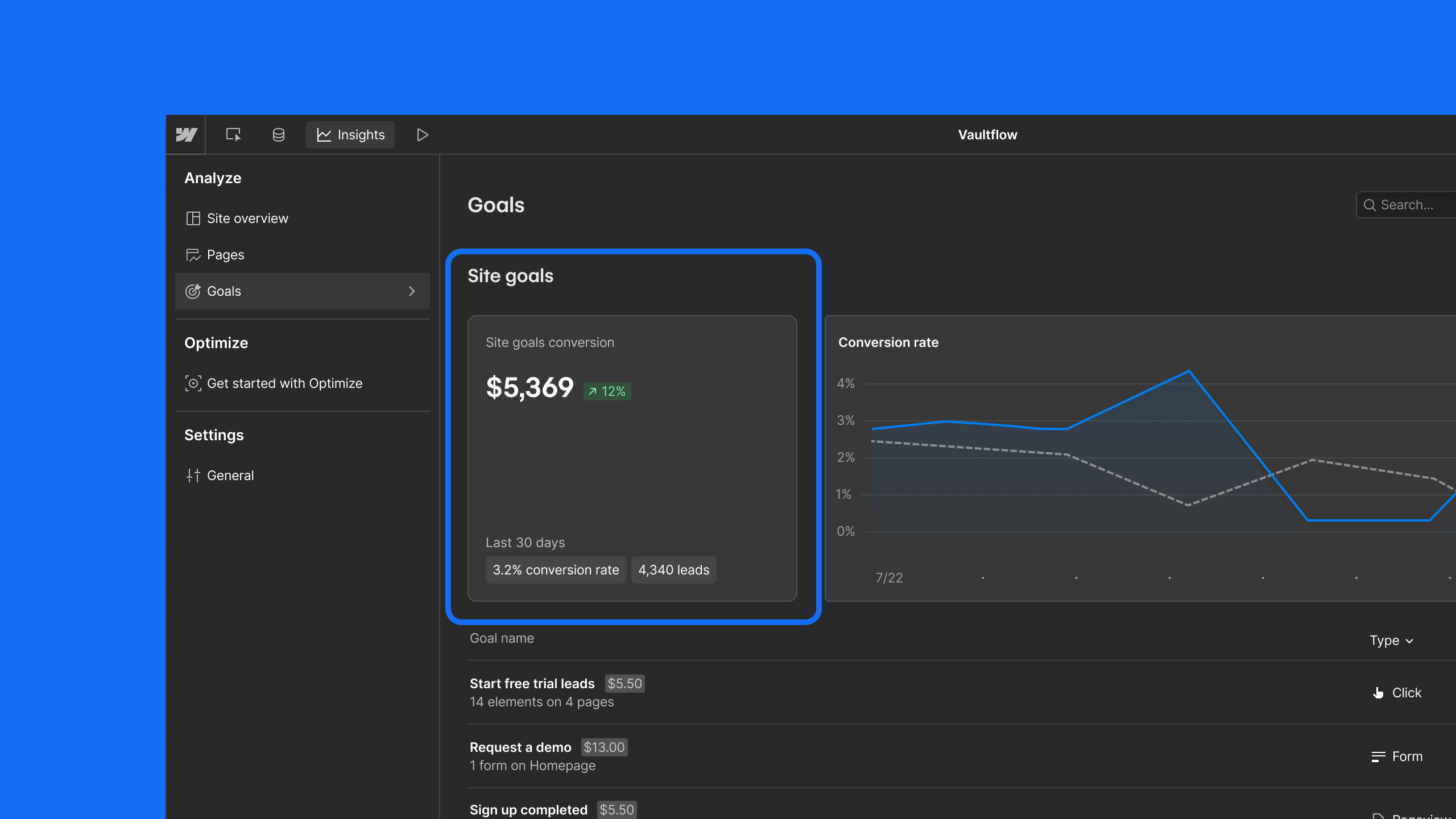
Webflow's Webflow Analyze & Optimize now lets sites define Site Goals: the north star metrics, like leads, conversions, or revenue, that matter most to a business. Once set, a Site Goal applies across the whole product rather than being configured separately in each place.
- In Analyze, the Site Overview shows total conversions, leads, revenue, and more across all Site Goals in one place.
- In Optimize, any Site Goal can be set as the target for an optimization and appears on every report, and Site Goals also feed AI-optimized tests and the Optimize Overview, which shows cumulative ROI of a CRO program.
- A first Site Goal can be set up by promoting an existing goal, creating a new one, or, on Enterprise plans, tracking form submissions through HubSpot or Marketo integrations.
- Each Site Goal can carry an optional value to reflect business impact, such as weighting a demo request above a newsletter signup, and terminology can be customized to say leads, conversions, or revenue.
The update is available to all Analyze and Optimize customers, on both Webflow and non-Webflow sites.

Webflow
Build professional websites visually — no code required, with CMS, interactions, and hosting built in.
View Webflow →