Reviewers can now request edit access right from the canvas
By Steven Van ·
Reviewers or stakeholders with a comment-only link can now request edit access — saving time and keeping work moving without manual follow-ups.
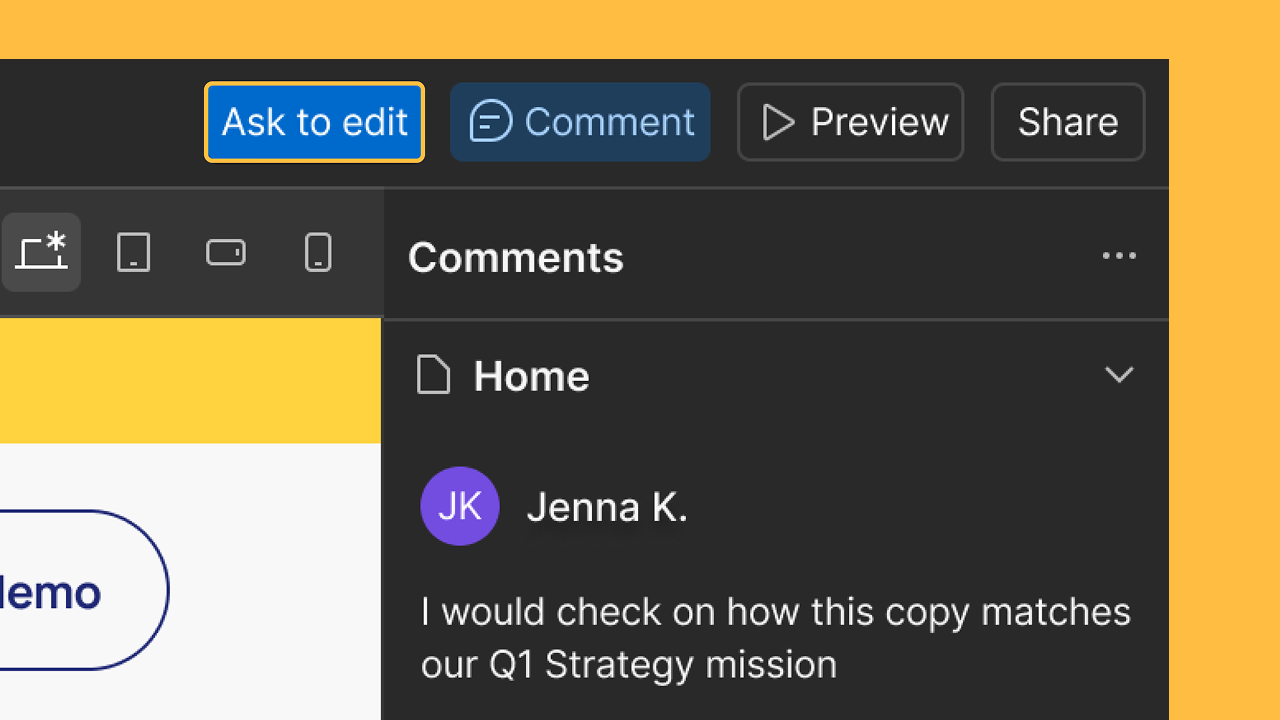
Reviewers and stakeholders with a comment-only link to a Webflow site can now ask for more access without leaving the canvas. An "Ask to edit" option now appears at the top of the canvas for anyone with comment-only access, making the request in place rather than through a separate message.
Workspace Admins are notified by email and in the Dashboard, where they can review the request, choose a role and site access, and approve or decline it in a few clicks. The requester is notified as soon as the admin acts, according to the announcement.

Webflow
Build professional websites visually — no code required, with CMS, interactions, and hosting built in.
View Webflow →