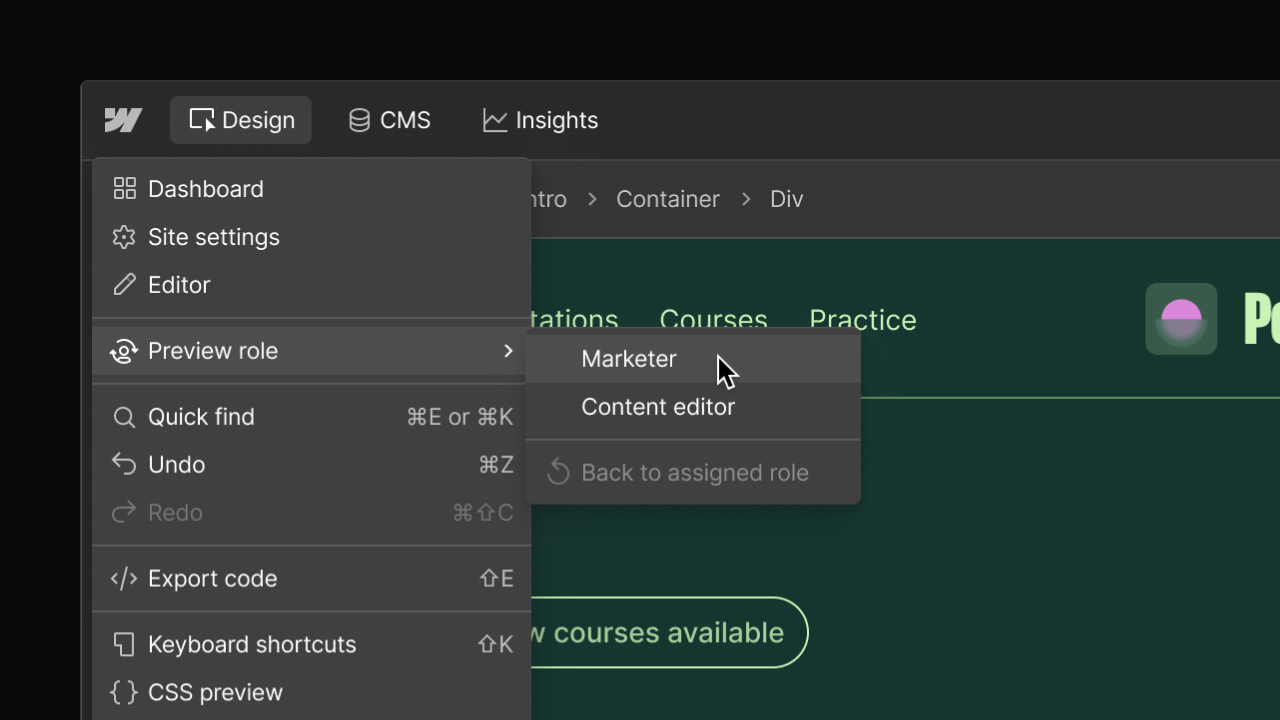
Preview the canvas as a Marketer or Content editor
By Steven Van ·
You can now preview how Marketers and Content editors experience the canvas if you’re a Designer or Admin.
Webflow now lets Designers and Admins preview the canvas as a default Marketer or Content editor, without switching accounts or screen sharing. It's accessed from the hamburger menu in the top left of the canvas, and switching back to your own role at any time is one click away. Your actual permissions stay the same throughout: if your assigned role has fewer permissions than the one you're previewing, you're still blocked from actions you're not allowed to perform.
Preview roles show the default experience for each role, which Webflow says is useful for agencies training clients, onboarding collaborators, or troubleshooting access questions. Separately, adding ?update to the end of any Webflow-hosted live site URL now opens the content editing experience directly on that page.
Read the full announcement for more.