Webflow adds a native mouse move trigger to GSAP interactions
By Steven Van ·
IX3 now supports magnetic buttons, cursor-follow and spotlight effects without hand-rolled GSAP code.
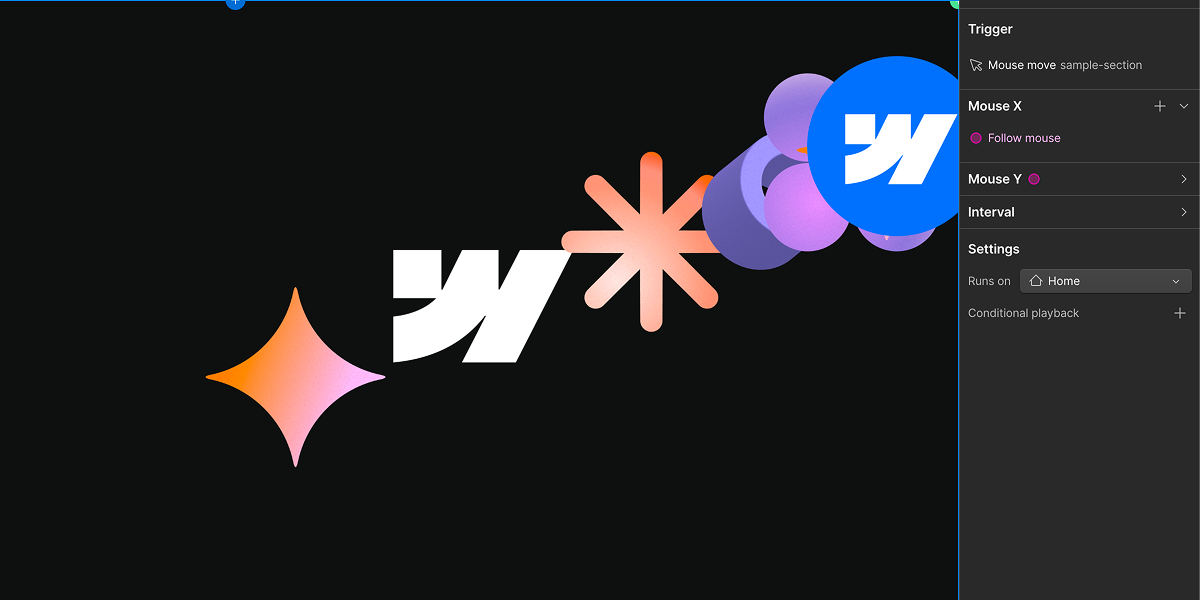
Webflow's Interactions with GSAP (IX3) now has a native trigger for mouse move animations. Previously, effects like elements that follow the cursor, magnetic buttons, or spotlight and glow effects had to be hand-rolled with GSAP or custom code.
- Mouse Move trigger: tracks pointer position relative to the trigger element (or the full viewport) and normalizes it into an X/Y progress value between 0 and 1 that drives the interaction timeline, with configurable smoothing and a defined resting position for when the cursor leaves.
- Mouse Follow action: lets other elements, not just the trigger element, follow the cursor, with per element stagger and chain follow smoothing for magnetic and parallax effects across multiple elements.
- Interval actions: fire action groups based on how far or how fast the cursor has moved, not just its current position.
The three primitives are built on GSAP's Observer and quickSetter. This update launched on 20 July 2026 for Webflow.

Webflow
Build professional websites visually — no code required, with CMS, interactions, and hosting built in.
View Webflow →