Webflow lets custom head and body code vary by locale
By Steven Van ·
Editing a field on a secondary locale stops it inheriting from the primary; a reset option re-syncs it.
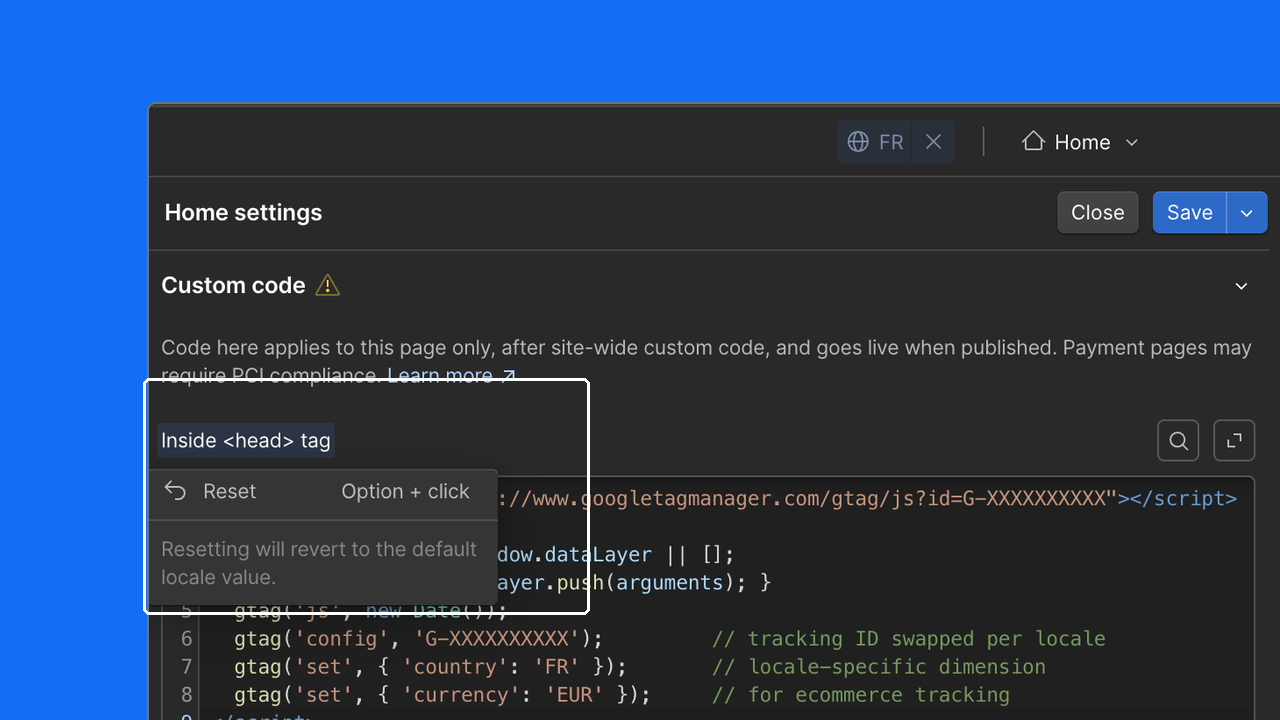
On Webflow, the custom head and body code fields in Page Settings can now be edited independently on each secondary locale, instead of locking and cascading from the primary locale. This makes it possible to add different tracking pixels, analytics scripts, or consent tools per market. Once a field is edited on a locale it stops inheriting from the primary locale; clicking the localized indicator on the field label and selecting "Reset to primary" re-syncs it.
Read the full announcement for details.

Webflow
Build professional websites visually — no code required, with CMS, interactions, and hosting built in.
View Webflow →