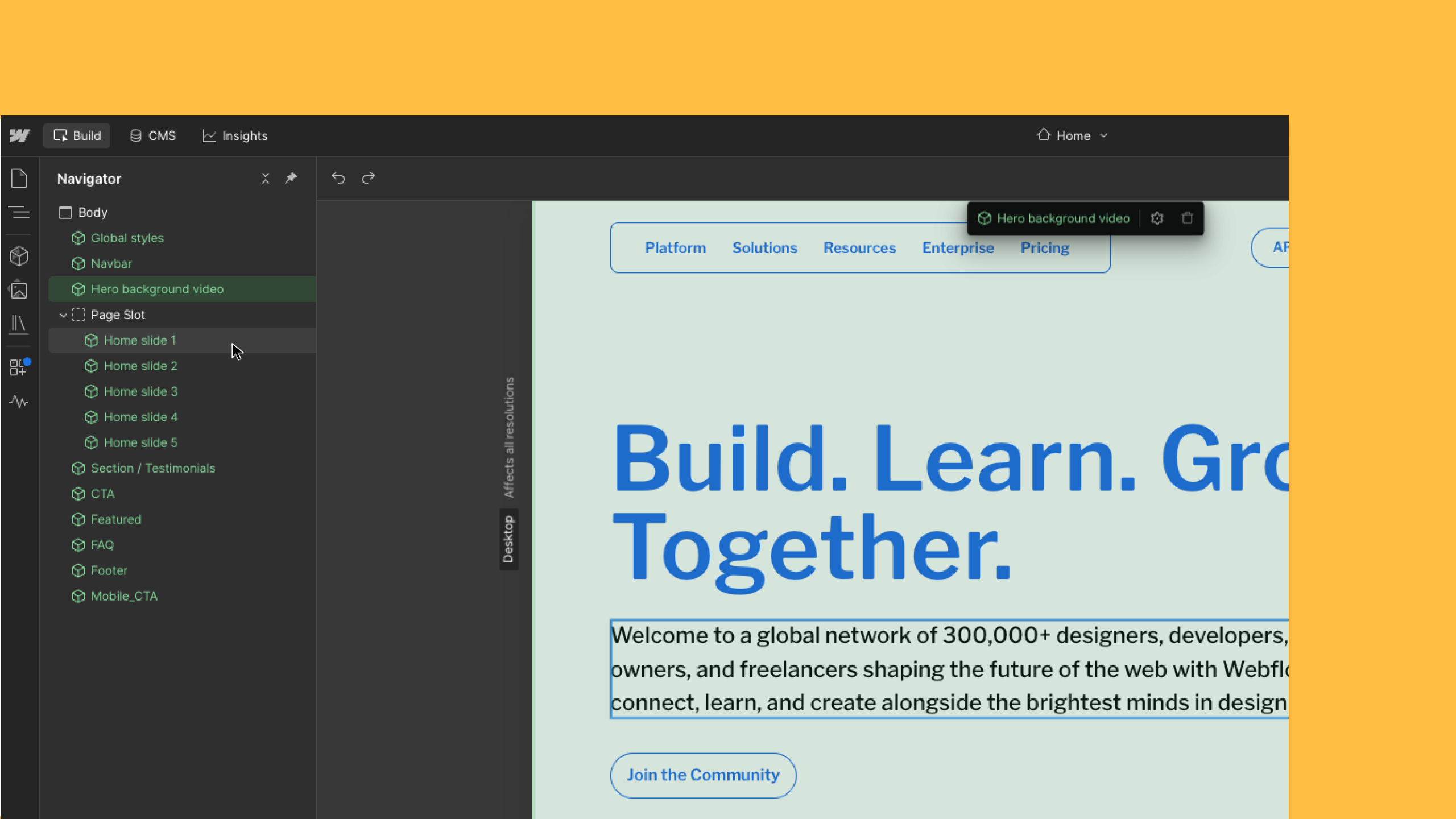
Webflow's Build mode gets arrow-key navigation
By Steven Van ·
Arrow keys now move through parent, child and sibling elements, matching shortcuts already in Design mode.
In Build mode, Webflow now lets you change the selected canvas element with the arrow keys, matching the shortcuts already used in Design mode: up, down, left and right move through parent, child and sibling elements, and Option/Alt plus up or down steps through elements one by one.
This makes it possible to move through a page in sequence, checking content, updating text or reviewing components, without clicking each element individually. Arrow keys only stop on elements that can be selected: a rich text element counts as one stop while components inside it stay reachable, and hidden elements are skipped. The update launched on 24 August 2026 under Webflow's Accessibility category.