Guide AI with custom prompts in Optimize
By Steven Van ·
Custom prompts in Optimize let you steer AI copy suggestions by audience, tone, and intent — helping you launch more relevant experiments, faster.
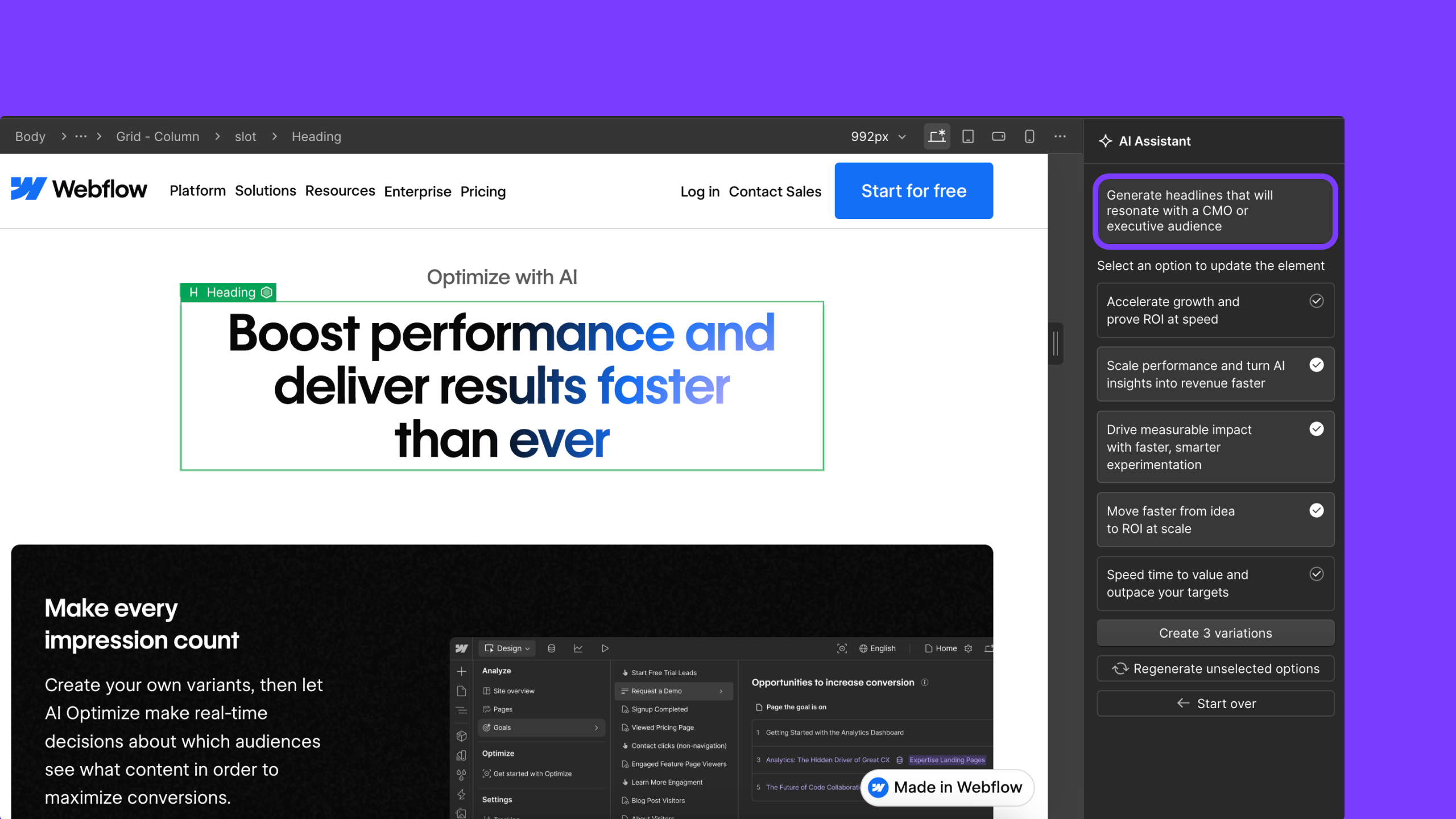
A custom prompt box in Webflow Optimize now sits alongside the tool's AI copy suggestions, letting testers steer rewrites with instructions like "rewrite this for an executive audience" or "highlight time savings and key value propositions". Clicking a text element still opens the AI Assistant with recommended options, but the AI now also takes the custom prompt, the selected element, and surrounding page content into account when generating variations, and prompts can be refined further before picking one or more results to use.
The goal is to cut the need to draft copy in a separate AI tool and paste it back in. Webflow says this is available now to all Optimize customers with unlimited usage.