Webflow adds separate favicons for dark mode
By Steven Van ·
A single square upload now auto-generates every favicon size, including the 48x48 one Google uses in search results.
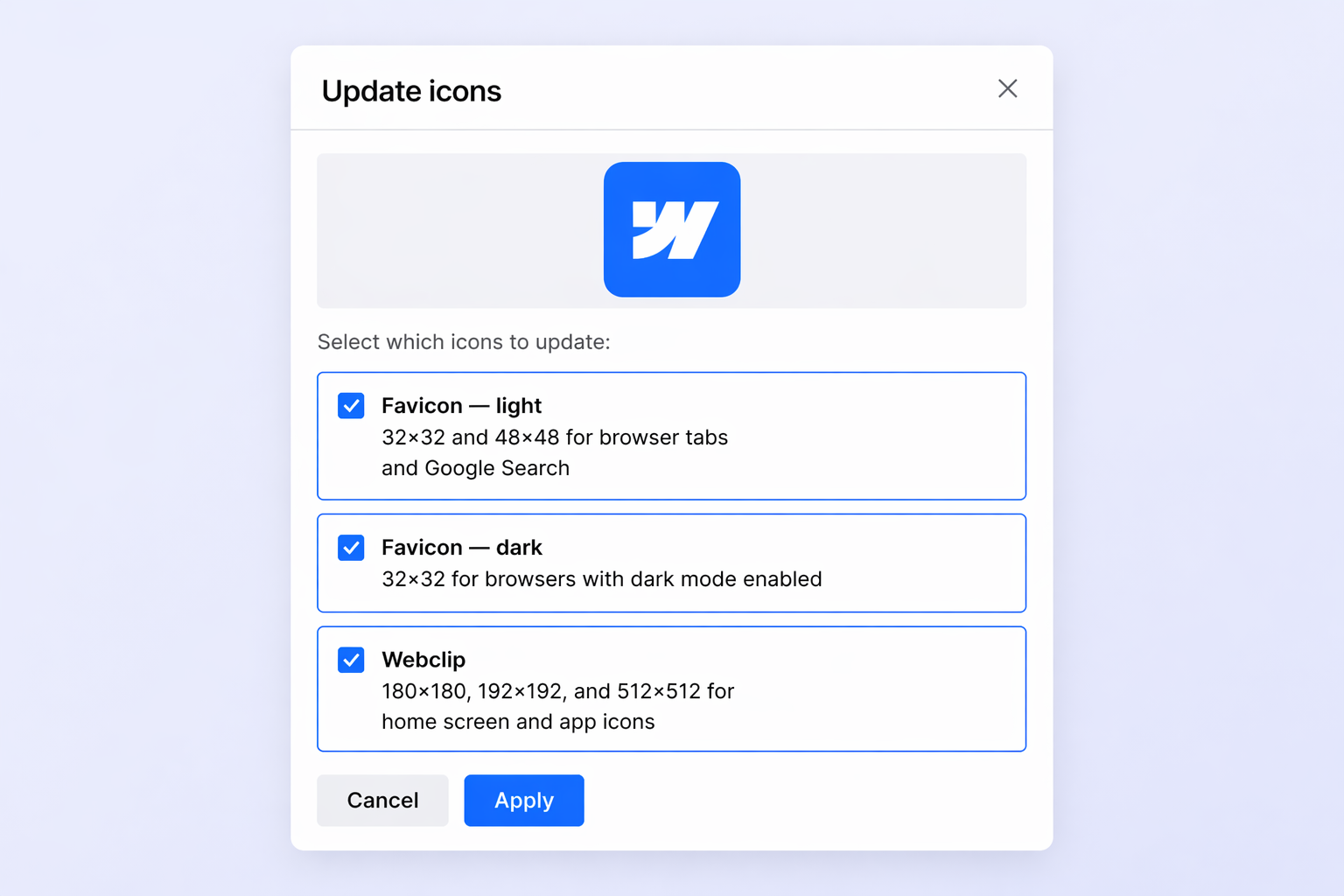
Webflow now supports separate favicons for light and dark mode, switching automatically based on the visitor's browser theme via the prefers-color-scheme media query. The dark mode option appears in Site Settings once a light theme favicon is uploaded.
Alongside this, Webflow has simplified favicon setup generally: uploading a single square image (PNG, JPG, GIF, ICO, or SVG) now generates every required size automatically, including 32x32 and 48x48 favicons, 180x180 and 192x192 touch icons, and a 256x256 webclip. The new 48x48 size is also the one Google uses in search results, so no separate upload is needed for that. Full details are in the announcement.