Edit content in interactive elements
By Steven Van ·
You can now edit content inside interactive elements like nav bars, dropdowns, tabs, and sliders.
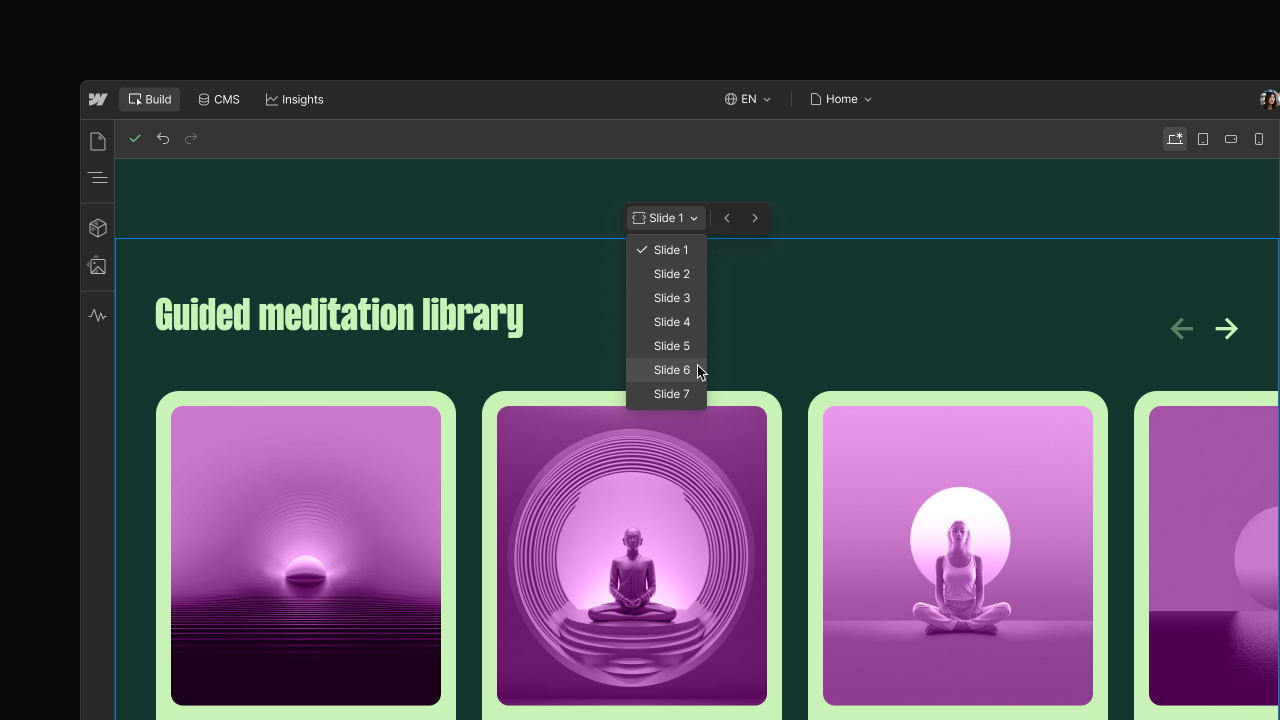
Webflow now lets Marketers and Content editors edit content inside interactive elements directly in the canvas, including nav bars, dropdowns, tabs, and sliders, even when parts of those elements are hidden by default.
- Edit content inside nav bars, dropdowns, tabs, and sliders
- Expose hidden menu items, tabs, or slides directly in the canvas
If an interactive element lives inside a component and its content isn't bound, editing it isn't supported yet; Webflow says support for editing unbound content in components is coming soon. The update is aimed at reducing how often content editors need to ask a Designer for help with everyday changes.

Webflow
Build professional websites visually — no code required, with CMS, interactions, and hosting built in.
View Webflow →