Control who can use Webflow AI in your workspace
By Steven Van ·
Give enterprise teams granular control over Webflow AI.
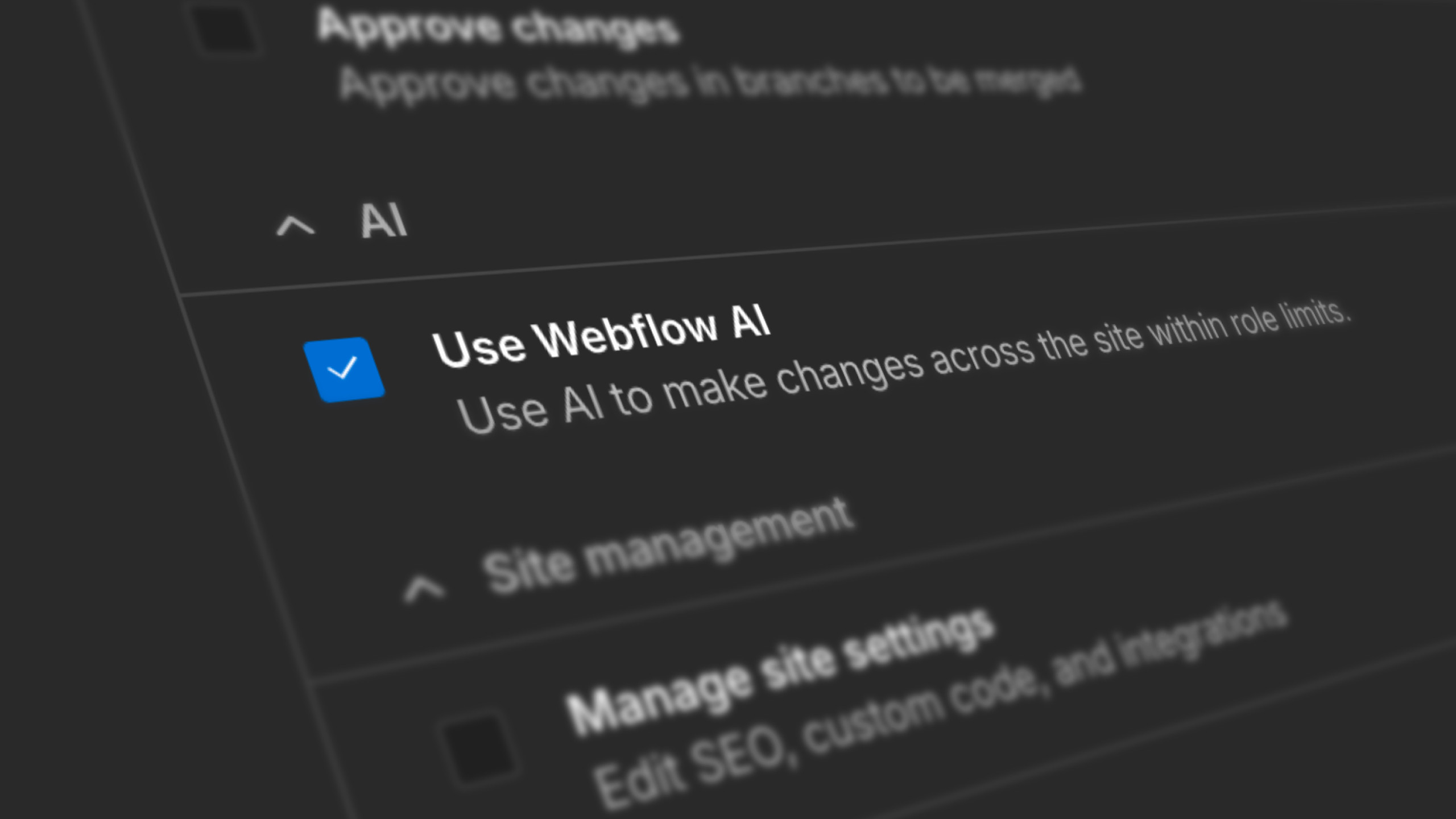
Workspace admins on Webflow can now assign a "Use Webflow AI" permission at the role level through Custom Roles, rather than only toggling AI access for the entire workspace. AI can be enabled for designers and power users while staying off for contractors, EU-based teams, or roles still awaiting internal approval.
- The new permission scopes all AI features currently controlled by the workspace AI toggle.
- The workspace AI toggle remains the global control; Custom Roles add a level of control beneath it.
- Role changes are captured in the workspace audit log.

Webflow
Build professional websites visually — no code required, with CMS, interactions, and hosting built in.
View Webflow →