Control content with conditional logic
By Steven Van ·
Conditional logic now goes beyond visibility — dynamically control variants, text, images, and more.
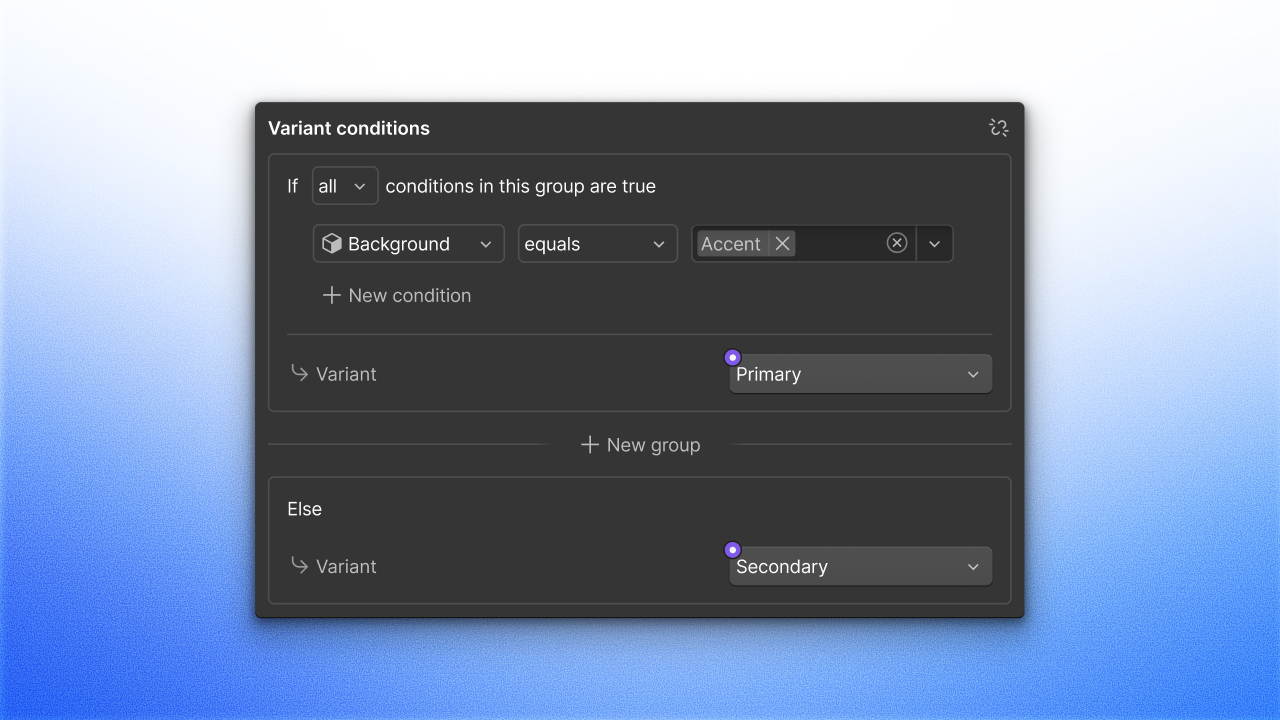
Webflow is expanding conditional logic beyond showing and hiding elements. Building on the earlier Conditional Visibility feature, which used component props, CMS fields, or locale to show or hide elements, the same logic can now control what elements display.
- Conditionals can set variants, text, attributes, images, and video.
- Component slots can be referenced in conditional logic, so content can show, hide, or change based on whether a slot is empty.
- An advanced "keep in HTML" setting has been added for hidden elements, making it easier to reveal hidden content with custom code.
These updates are available now to all sites.

Webflow
Build professional websites visually — no code required, with CMS, interactions, and hosting built in.
View Webflow →