Vercel CLI adds Spend Management
By Steven Van ·
Pro and Flexible Commitment Enterprise teams can set, pause on, and review spend budgets with vercel budgets, from version 59.23.0.
Team Vercel Owners and Billing users can now view and manage the Spend Management budget from the CLI, using the new vercel budgets command. It is available in vercel@59.23.0 and later. Running it returns the team's current spend and the active budget, which also makes it usable from scripts and agents.
View, set, and remove a budget
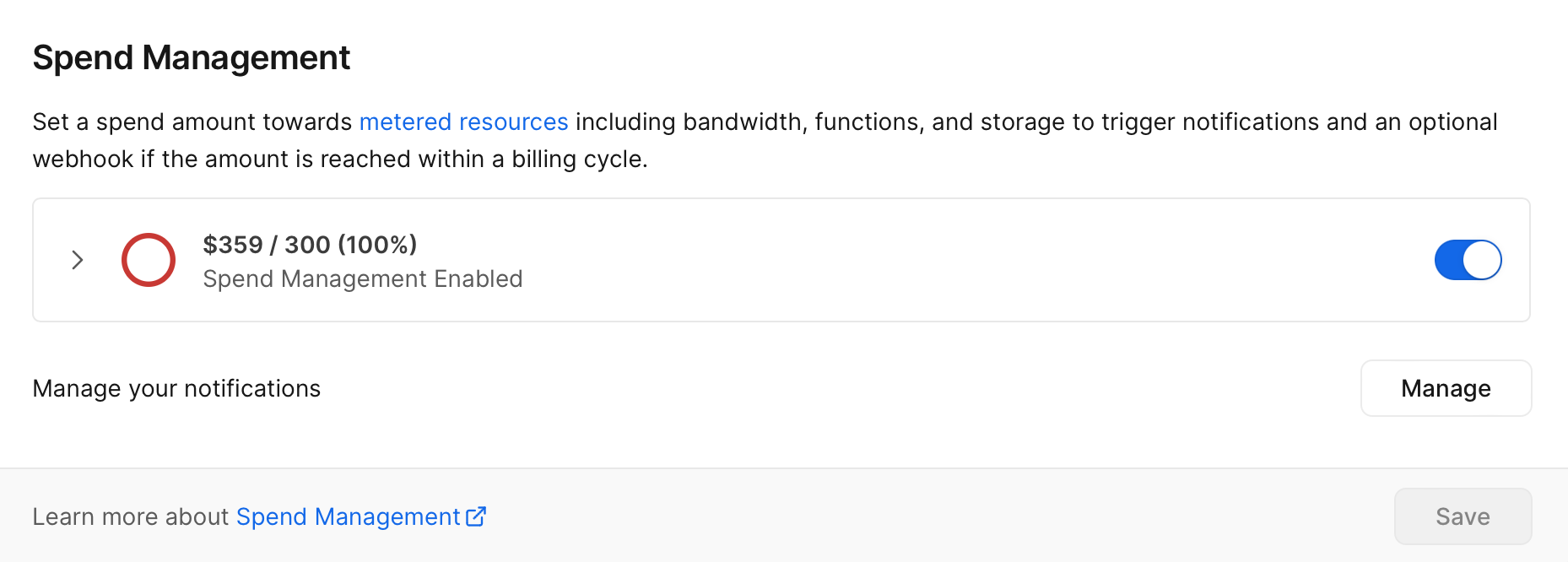
The budget is the same On-Demand Budget shown in the team's billing settings. Three commands cover it:
- vercel budgets shows current spend and the active budget.
- vercel budgets set --amount 200 --pause --webhook https://example.com/spend creates or updates the budget.
- vercel budgets remove --yes removes it.
Setting a budget does not stop usage on its own. The --pause flag pauses production deployments of all projects when spend reaches 100%, and while paused, visitors see a 503 DEPLOYMENT_PAUSED error. The --webhook flag triggers an HTTPS POST at spend thresholds. Pausing is not instant, because Vercel checks spend every few minutes.
Budget alert history
Run vercel budgets alerts for the full alert log, filtered with --since, --until, --limit, and --json. A bare vercel budgets prints the three most recent alerts. Each entry lists the date, threshold, amount spent, budget amount, and configured actions.
Availability
Managing budgets requires the Owner or Billing role. Spend Management is available at no additional cost to Pro teams and to Enterprise teams on the Flexible Commitment plan. The full reference is in the vercel budgets CLI docs.