Two-factor authentication (2FA) team enforcement
By Steven Van ·
Team owners can require 2FA for every member, restricting builds, previews, the dashboard, and API access until it's enabled.
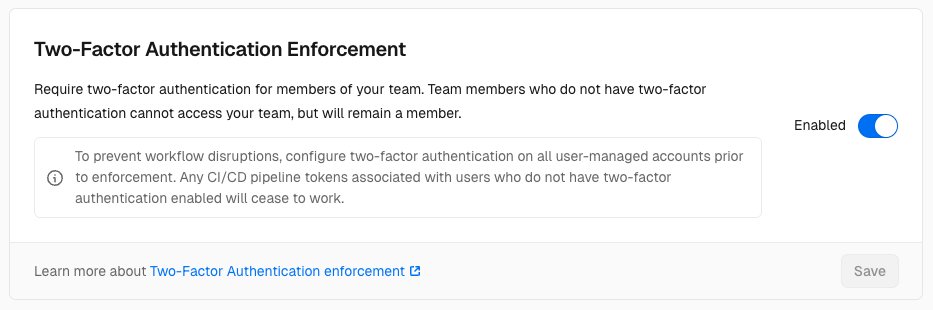
Vercel team owners can now require every member to have two-factor authentication (2FA) enabled before accessing team resources. The setting is in Team Settings > Security & Privacy, under Two-Factor Authentication Enforcement, and owners must have 2FA on their own account first.
Once turned on, members without 2FA are restricted from:
- Triggering builds from pull requests
- Accessing new preview deployments
- Viewing the team dashboard
- Making API requests
- Using access tokens
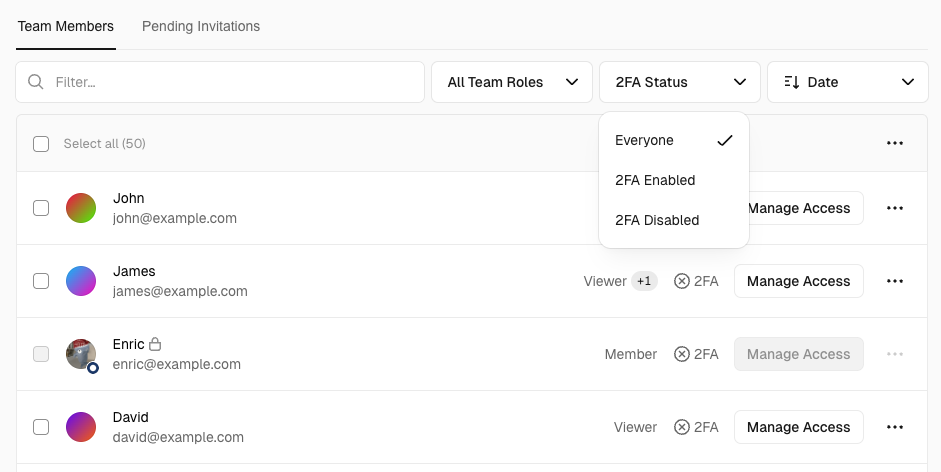
CI/CD pipeline tokens tied to a user without 2FA stop working, and managed accounts such as service accounts or bots need 2FA too. Owners can view and filter each member's 2FA status on the team members page. Members of an enforcing team can't turn 2FA off unless they leave the team, and each user's account settings now list which of their teams require it. Read more in the Vercel documentation.