Two-Factor Authentication (2FA) is now available
By Steven Van ·
Vercel accounts can add an authenticator app or passkey as a second login factor, and teams can require it for every member.
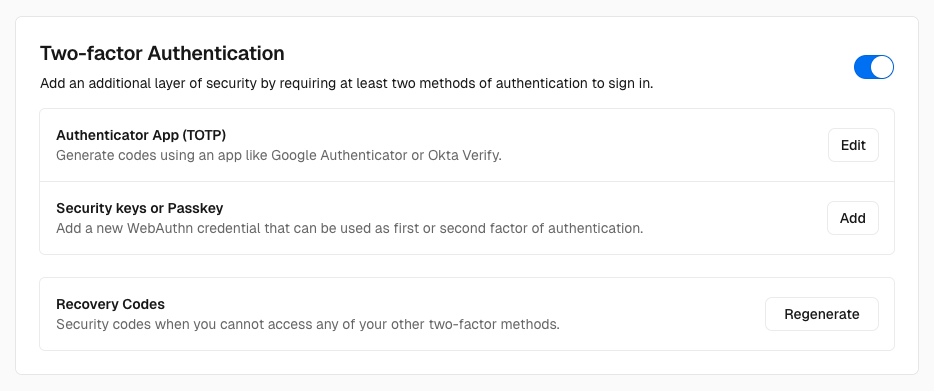
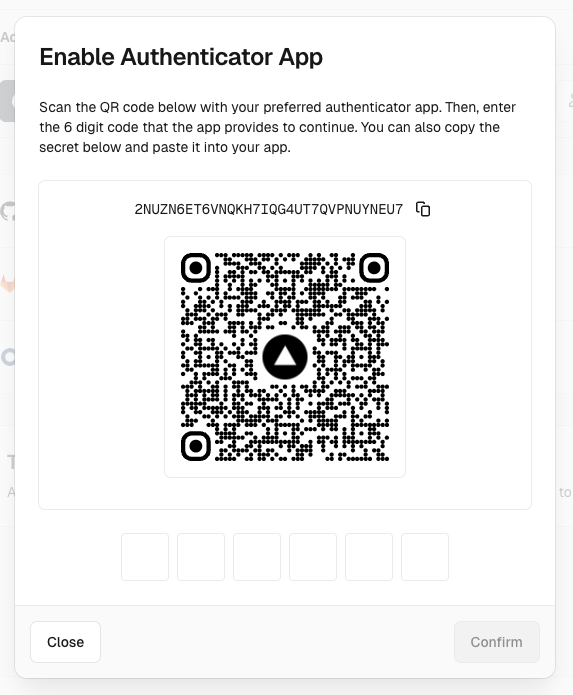
Vercel accounts can now use two-factor authentication. Vercel supports time-based one-time passwords (TOTP) from authenticator apps such as Google Authenticator or Authy. Existing passkeys (WebAuthn keys) can also serve as second factors. The documentation says the extra step protects an account even if the initial login method is compromised.
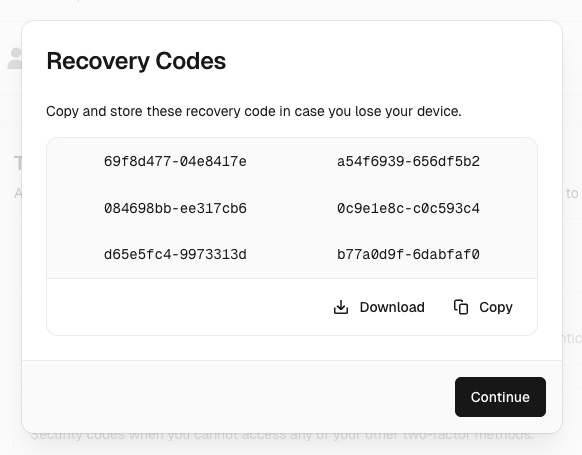
To turn it on, open Authentication in Account Settings and enable 2FA, then set up an authenticator app or passkey and confirm the setup. Vercel then prompts you to save recovery codes. Each code works once, and a new set can be generated at any time. At login, the existing method (email OTP or Git provider) is the first factor, and the authenticator app is the second.
- Passkey logins are already two-factor, so they do not prompt for anything further.
- Team-scoped SAML SSO logins leave authentication to the identity provider, so Vercel asks for no additional factor.
- Teams can enforce 2FA for all members. Once enforced, members must set it up before they can access team resources.