Track a request's full lifecycle with session tracing
By Steven Van ·
Free on all plans with a limit of 1 million spans per month per team, and started from the Vercel Toolbar on preview or production deployments.
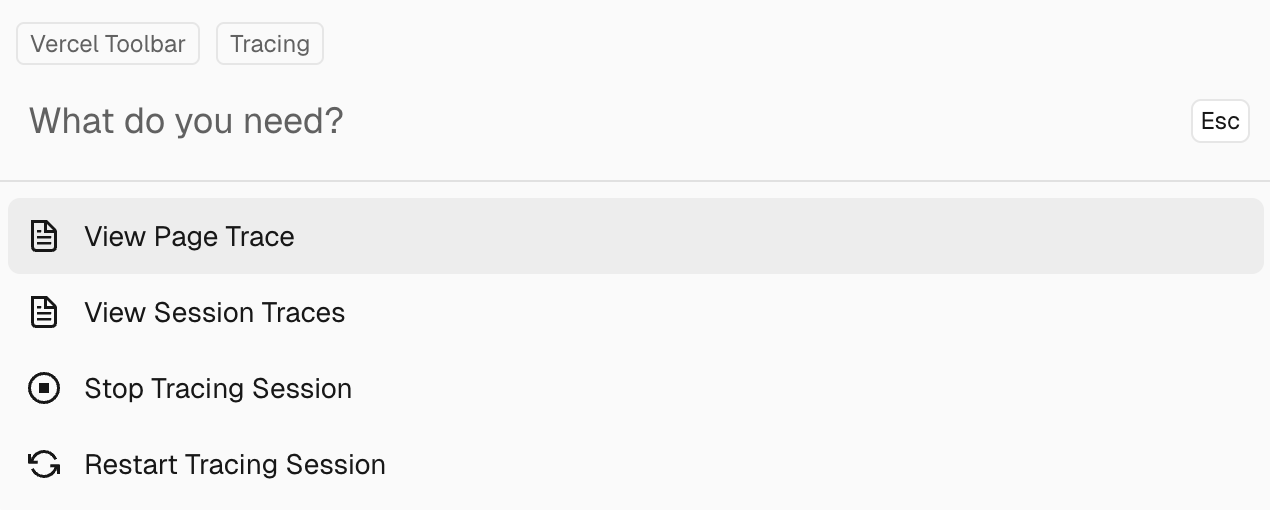
Session tracing is now open to all Vercel users on every plan, including Hobby. It shows the timing of each step in a request's lifecycle, from when it enters Vercel's infrastructure to execution inside Vercel Functions, as described in the announcement.
- Tracing starts from the Vercel Toolbar on a preview or production deployment, with no setup. Local deployments can't be traced.
- Traces include spans for Vercel's routing, caching, middleware and function layers, plus any spans instrumented in your own code.
- Traces can be shared with teammates, and used alongside logs and metrics.
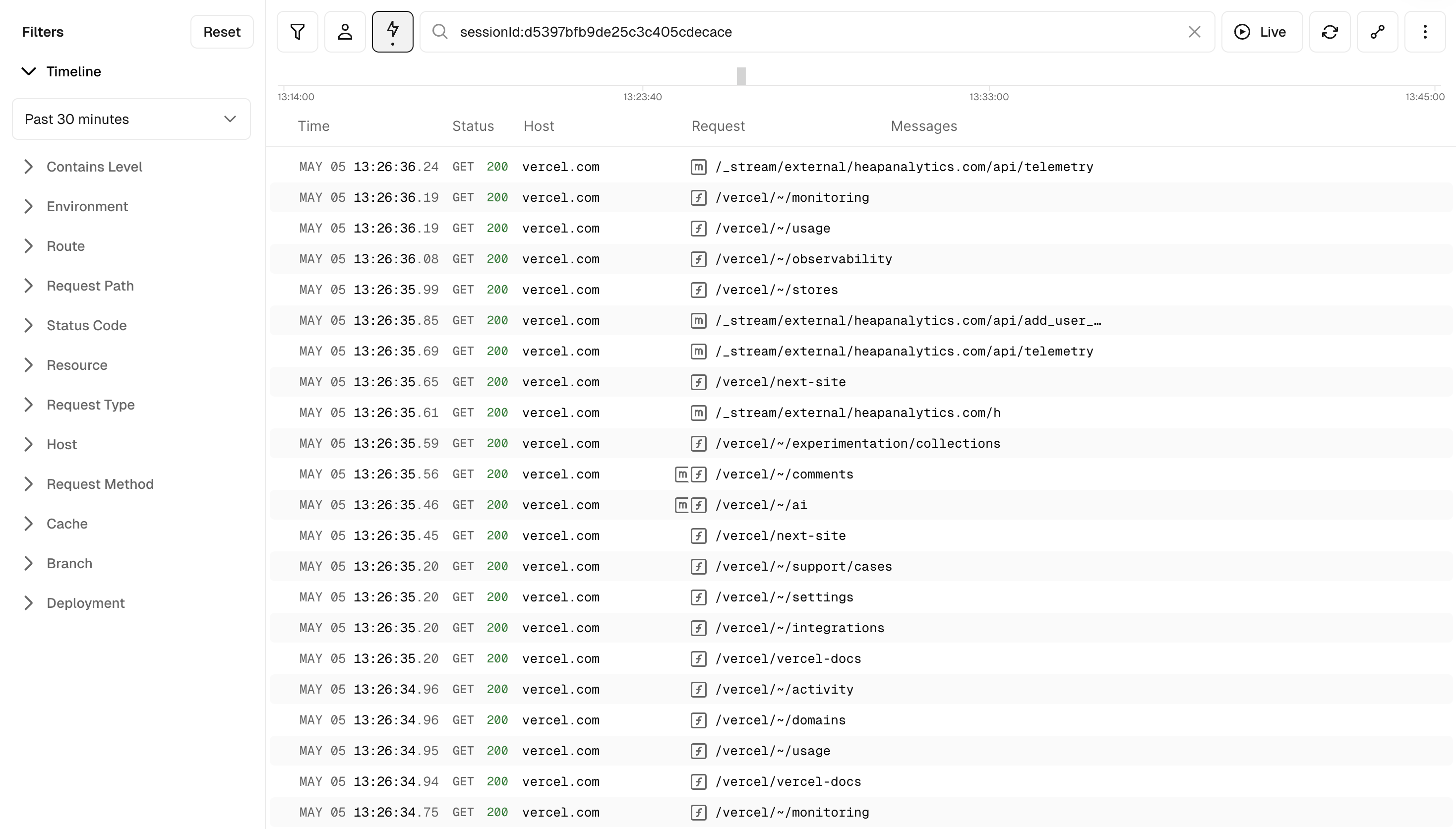
A session trace covers only the requests from the browser that started it. It stays active until it is stopped or cookies are cleared. Traced requests appear in the dashboard's Logs section, filtered to the session ID, and can be viewed as Timeline, Tree or Waterfall.
The docs also describe a CLI route: vercel curl --trace captures a trace for a single request, and vercel traces get inspects it from the terminal.
Session tracing is free, with a limit of 1 million spans per month, per team on Hobby, Pro and Enterprise. That limit is separate from Always-on Tracing usage.