Set up coding agents in one command with AI Gateway
By Steven Van ·
Using coding agents means setting up multiple accounts, provisioning API keys, and scattering observability and billing.
Coding agents like Vercel's AI Gateway partners can now be set up with a single command, instead of provisioning a separate account and API key for each one. The gateway setup centralizes billing and observability for every agent that would otherwise scatter them.
- Any of 200+ models in any agent, including models that agent has no native support for, with automatic fallbacks.
- One dashboard for spend, performance and tokens across all the models agents used.
- Budgets, resets and expiry on the keys agents use.
- Team-wide policy, such as Zero Data Retention or provider restrictions, that applies to every agent request without editing an agent's config.
- Request traces showing the cost, tokens and model behind each call.
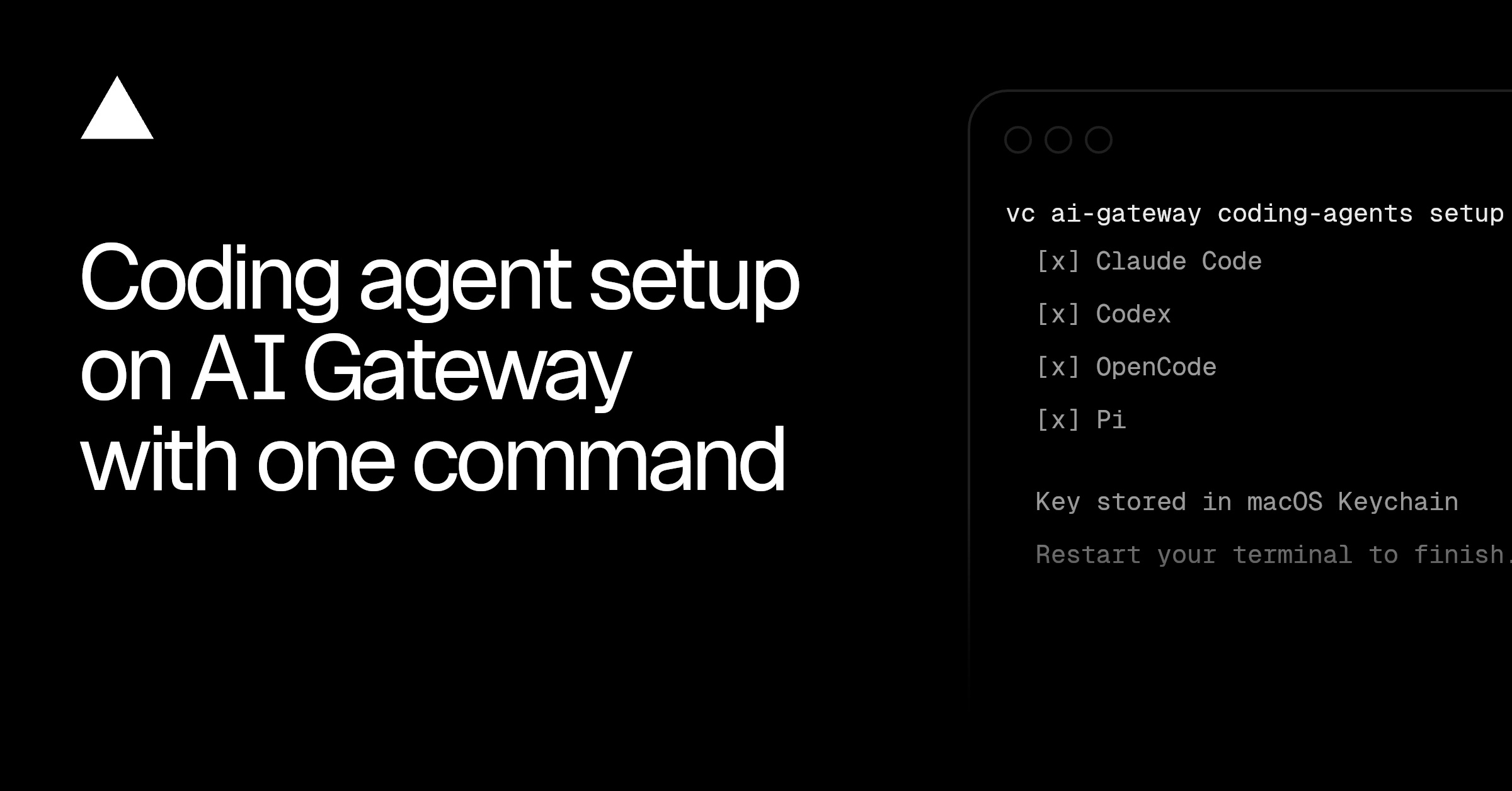
Running vercel ai-gateway coding-agents setup finds the coding agents installed on the machine, creates an API key, and writes the gateway URL and credentials into each agent's own config format, without changing its formatting or pinning it to a model. The command supports nine agents, including Claude Code, Codex, OpenCode, Cursor, Cline, Pi, Hermes, Kilo Code and OpenClaw. Flags let it be scripted, for example --agent claude-code --agent codex --budget 500 --refresh-period monthly --yes sets a monthly budget and accepts the defaults.