Redesigned search and filtering for runtime logs
By Steven Van ·
Vercel's Runtime Logs search bar now turns filters into editable pills, suggests values from your data, and validates queries as you type.
The search bar in Vercel's Runtime Logs tab, in the project dashboard, has been redesigned to make filtering faster.
- Typing a filter such as level:error or status:500 now parses into a visual pill that can be read at a glance and removed with a click, so multi-filter queries are easier to scan and edit without retyping.
- The search bar suggests filter values as you type, based on the project's own log data, and saves recent queries per project so common searches can be rerun without retyping them.
- Filters are validated as you type, with a tooltip flagging errors before a search runs, and pasting a Vercel Request ID automatically converts it into a filter.
The changes are available now in the project dashboard.
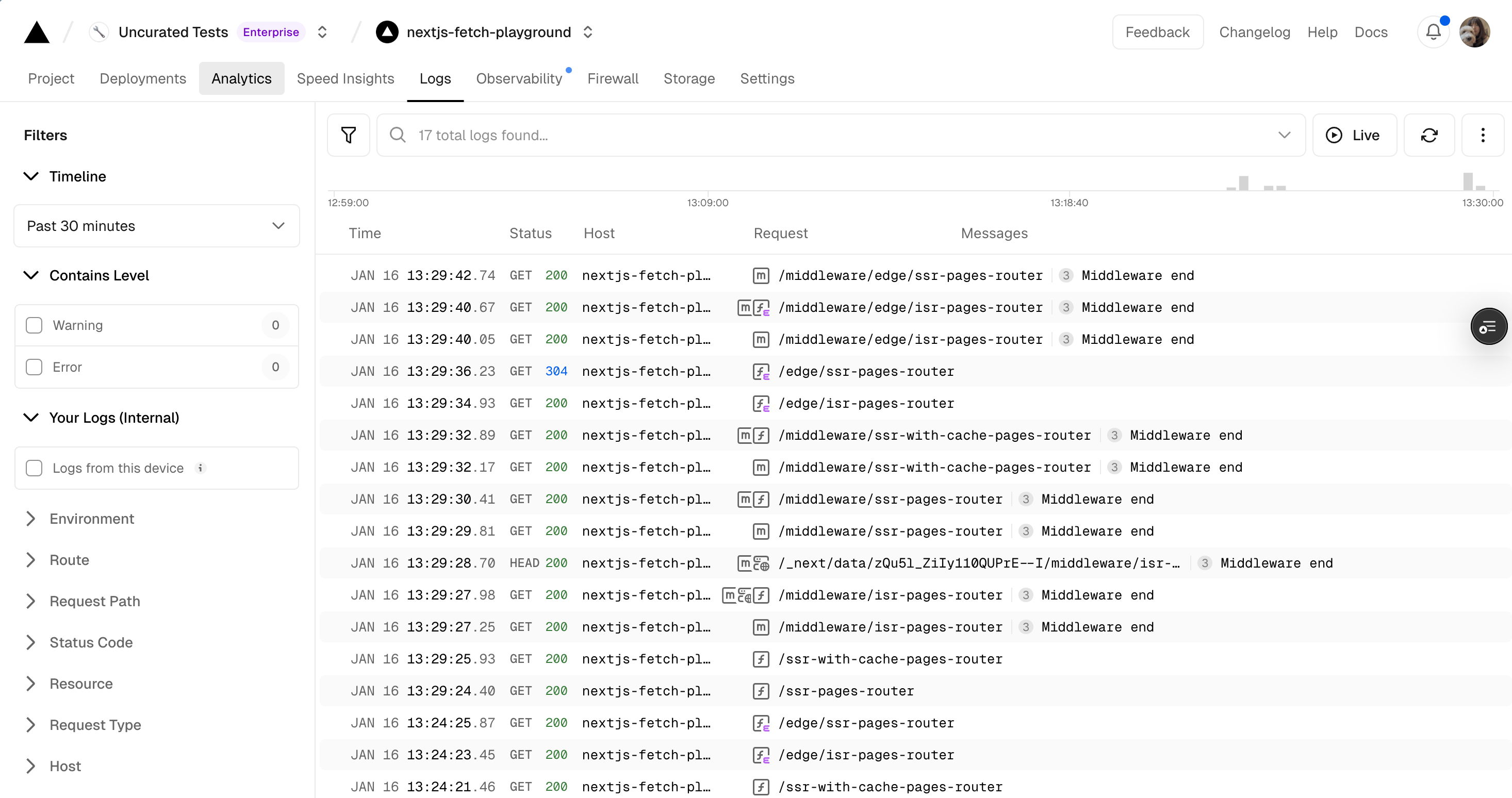
The runtime logs dashboard layout in the project dashboard.
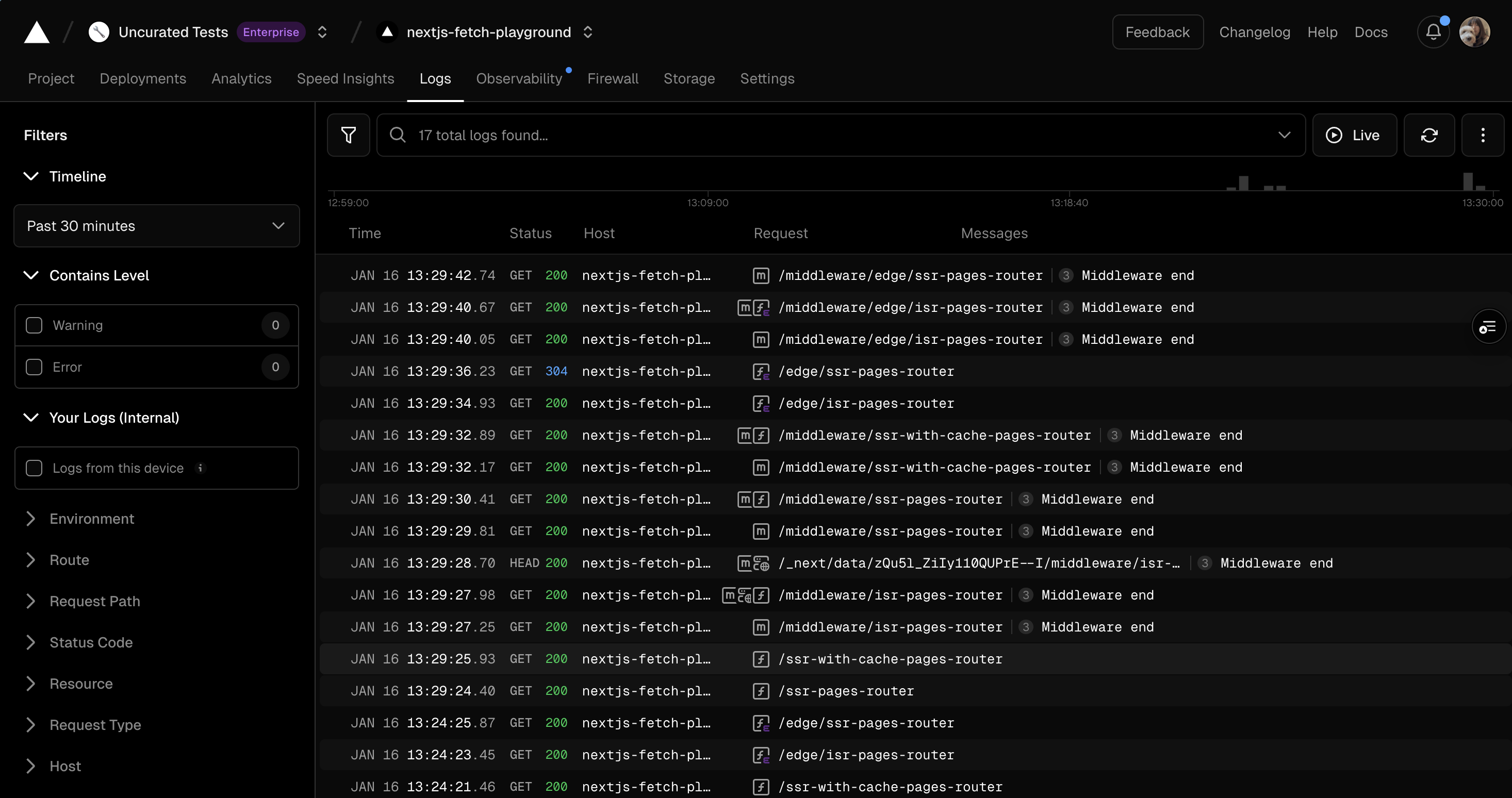
The runtime logs dashboard layout in the project dashboard.
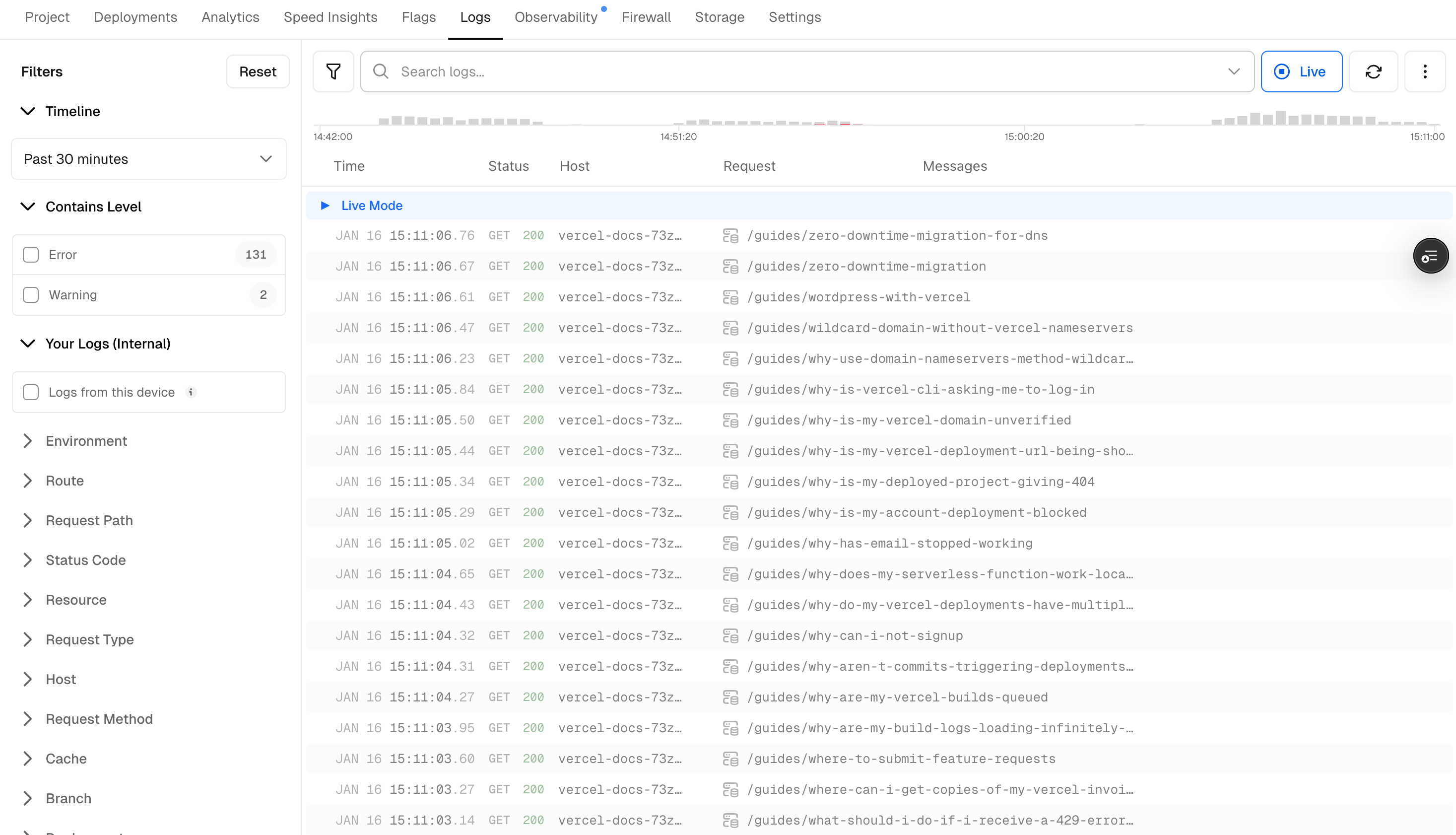
The runtime logs dashboard shown in live mode.
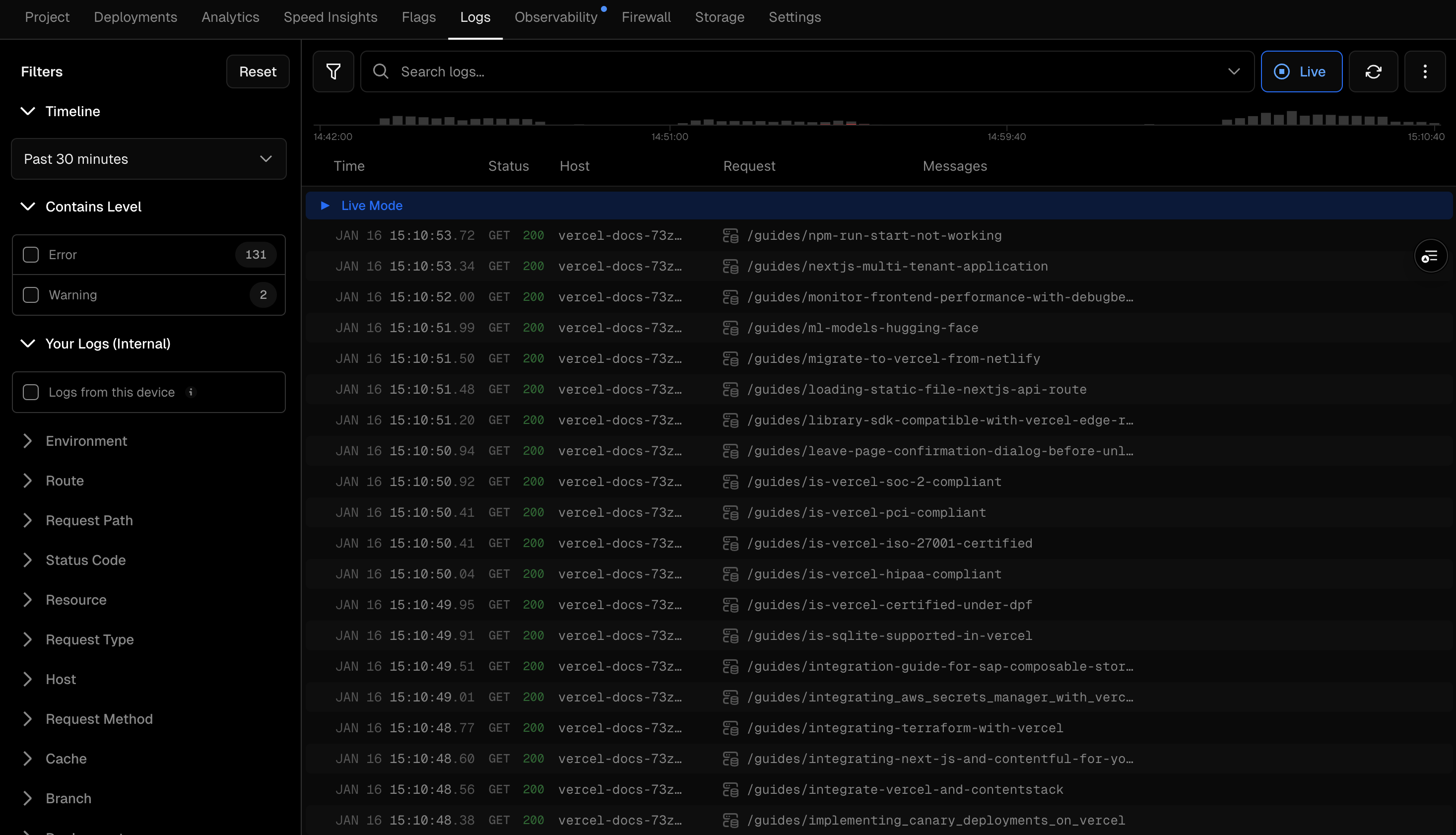
The runtime logs dashboard shown in live mode.
Vercel
The platform for frontend developers — deploy, preview, and scale web apps and AI agents with zero config.
View Vercel →