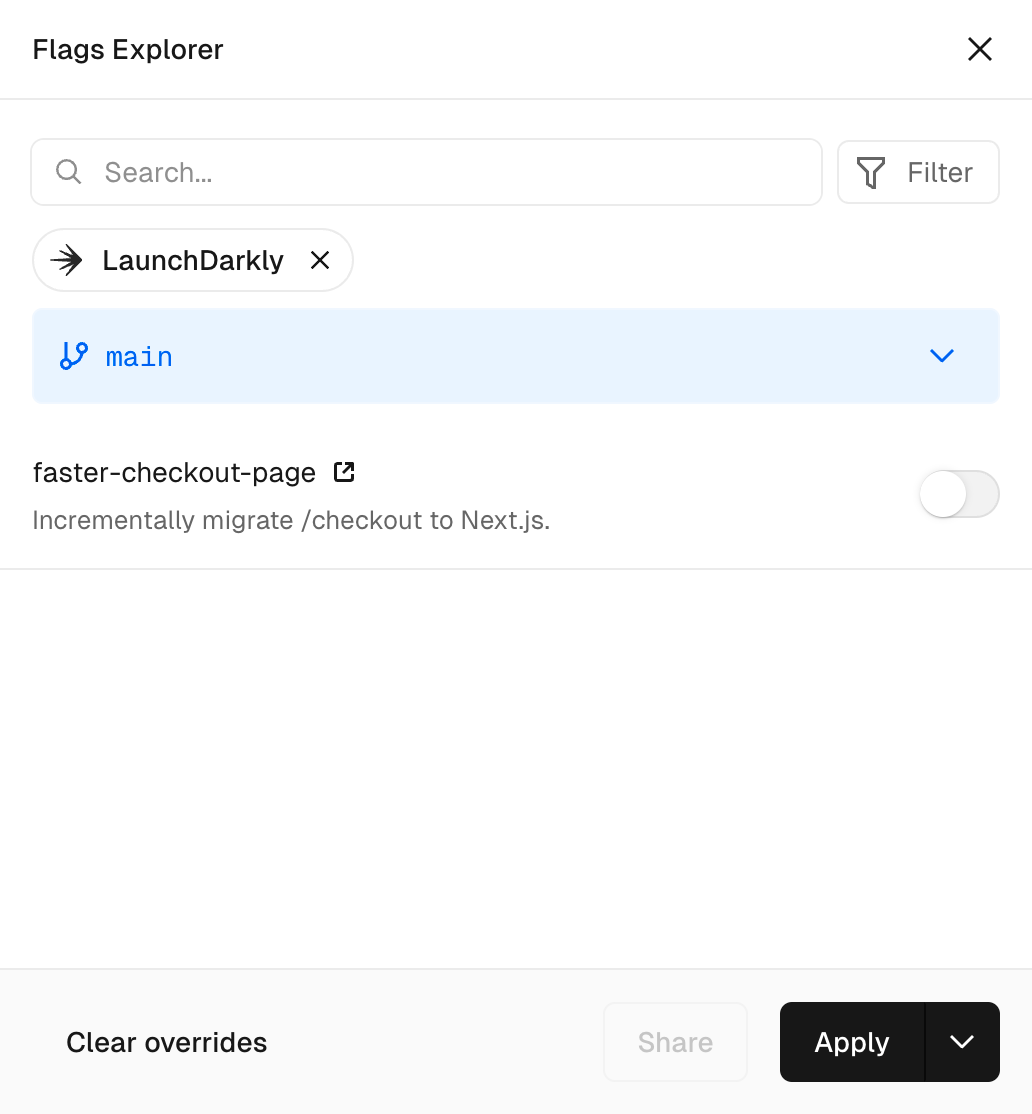
Redesigned Flags Explorer for sharing overrides with your team
By Steven Van ·
Branch and link-based override sharing is available on all Vercel plans, with recommendations shown on preview deployments but not production.
Vercel has redesigned the Flags Explorer in the Vercel Toolbar, which shows the feature flags active in your session and lets you share overrides with your team. The Flags Explorer now keeps overrides, branch recommendations and related actions together in one surface.
Sharing overrides
Overrides normally apply only to your own browser session, in the environment where you set them. There are two ways to recommend them to teammates:
- Branch recommendations: configure the overrides, select the chevron next to the branch name, and choose Save Recommendations. Teammates visiting that branch locally or on a preview deployment are prompted to apply them, so the overrides travel with the branch from local development to preview.
- URL recommendations: configure the overrides and choose Share to copy a link to the current page with the overrides in a query parameter. Teammates who open the link are prompted to apply them. This suits one-off cases such as reproducing a bug.
Dialog and availability
When a branch has overrides set, they are recommended through a dialog to anyone visiting the deployment. Notifications appear on all preview deployments but not on production.
Flags Explorer is available on all plans. Using it requires being logged into the Vercel Toolbar, and the toolbar and feature flags must be set up in the environment you are using.