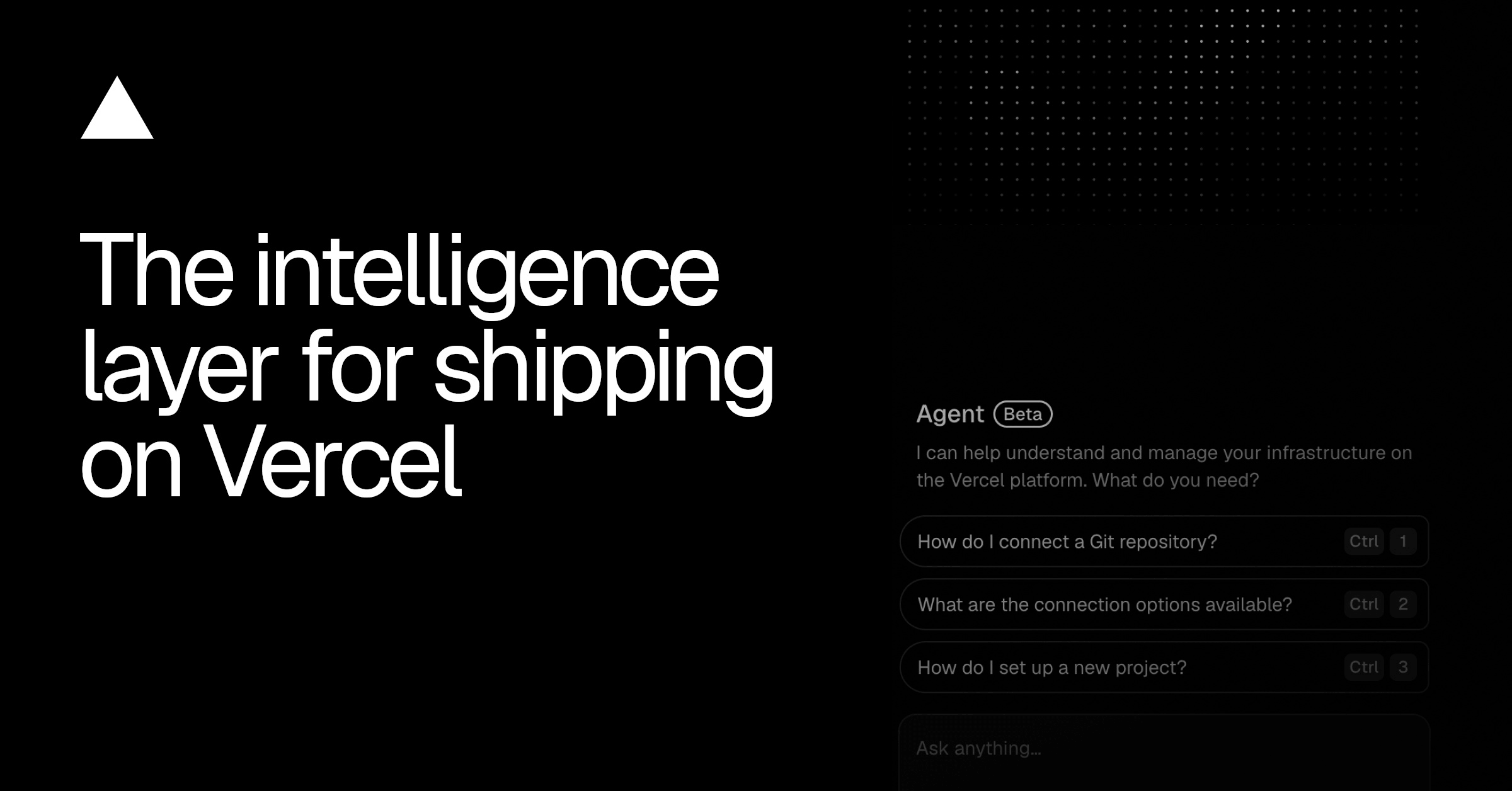
Introducing the new Vercel Agent
By Steven Van ·
Vercel Agent moves into the dashboard to investigate production issues on its own and act once an engineer approves its plan.
Vercel Agent now has a home in the dashboard, where it can investigate production issues, answer questions about a project, and take action once a user approves it. It previously only triaged alerts and reviewed pull requests; Vercel calls this expanded version its first responder for production.
Because the agent is built into the platform that deploys and runs the app, it investigates logs, metrics, and deployments on its own and proposes a fix before an engineer opens their laptop. In Vercel's example, a bad deploy causes the checkout endpoint to throw 500 errors at 11pm; by the time the on-call engineer logs in, the agent has traced the errors to the deploy that shipped four minutes earlier and recommended a rollback. Once approved, it rolls back production and starts work on a fix, cutting the time from alert to mitigation to under three minutes.
Vercel Agent works under its own identity and is read-only by default, so it needs approval before changing anything. It can also be directed manually to review a pull request, trace a cost increase, fix a broken build, or check whether a feature flag is safe to ship. It's reachable through the Vercel Dashboard, GitHub, and the CLI.