Filter for your own requests in Logs
By Steven Van ·
The new user filter in a project's Logs tab matches your IP address and User Agent, so it can misfire behind a VPN or proxy.
Vercel's Logs tab can now show only the requests made from your own browser, which helps when debugging in a high-traffic environment. The user filter is a toggle in a project's Logs tab, and the runtime logs docs describe it under "Logs from your browser".
The filter matches your IP address and User Agent against incoming requests. Per the docs, that data may not always be accurate, especially behind a VPN or proxy, or when other people on the same network share an IP address and browser.
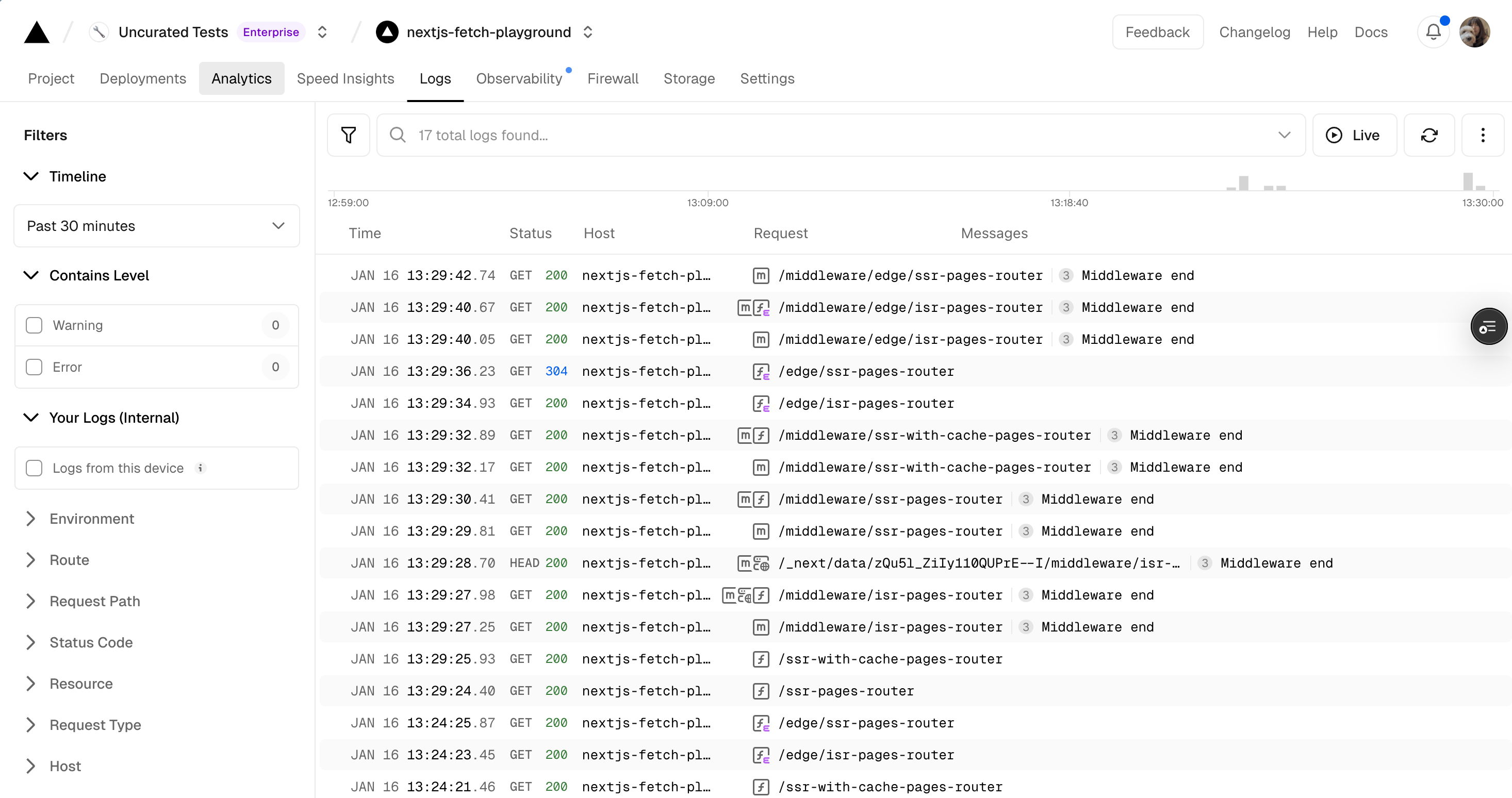
The runtime logs view in a Vercel project's Logs tab
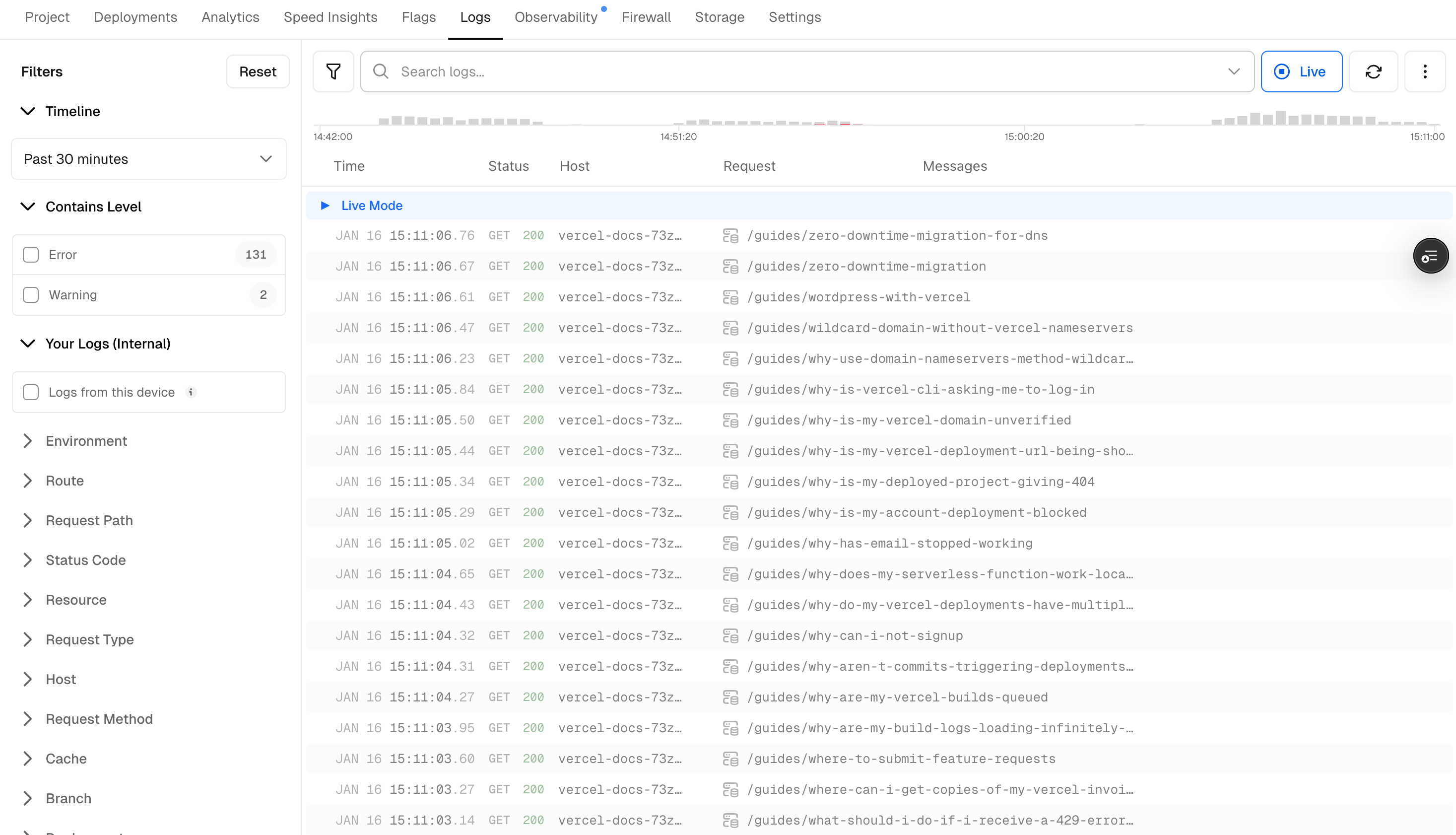
The runtime logs view in live mode
Vercel
The platform for frontend developers — deploy, preview, and scale web apps and AI agents with zero config.
View Vercel →