Customizable widgets for project cards
By Steven Van ·
Each project card on the dashboard Overview tab can now show firewall, observability, Speed Insights or Web Analytics metrics instead of a fixed score.
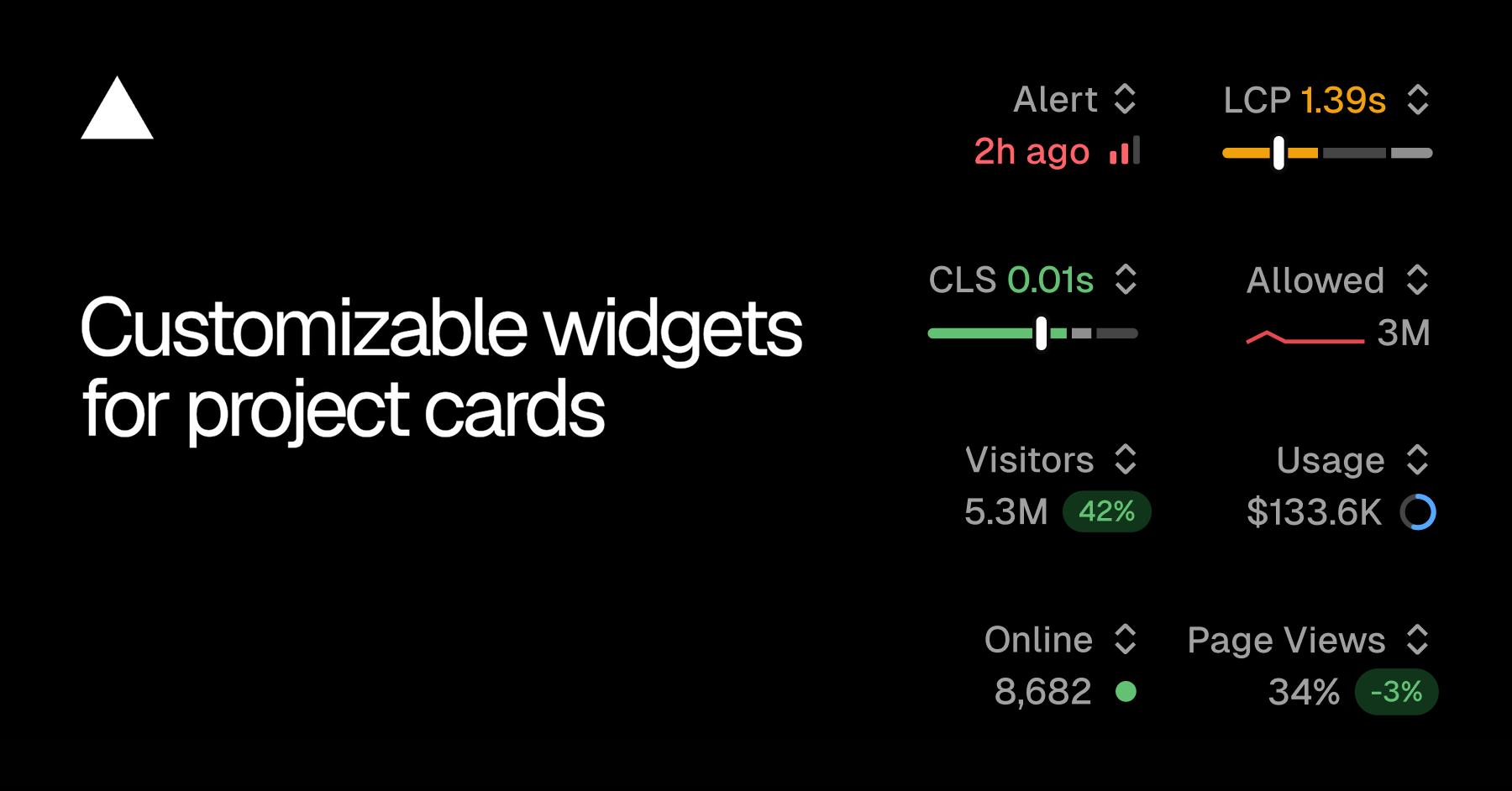
The Overview tab in the Vercel dashboard now lets each project card show a metric of your choosing. Cards used to display a fixed Real Experience Score in the top right. That slot can now be swapped for another metric, as Vercel announced. Vercel's examples: a security-sensitive project can show firewall activity, while a marketing site project shows traffic.
Available widgets
- Firewall: allowed requests, denied requests
- Observability: alerts, edge requests, function invocations, error rate
- Speed Insights: Real Experience Score, LCP, CLS
- Web Analytics: visitors online, visitors, page views
Picking a metric per project
The switcher sits in the top right of each project card. Its menu shows the current value for each available metric. The selection is saved for that project and follows your account across refreshes and devices.
Enabling features from the card
If a project does not have a feature turned on, the enable flow can be started from the widget menu without leaving the Overview tab. This applies to Speed Insights Plus, Web Analytics and alerts.