Add context when using Instant Rollback
By Steven Van ·
Vercel's Instant Rollback now lets teams attach an editable explanatory message, visible to the whole team in the project overview.
Instant Rollback now supports a reason field. When rolling back a production deployment on Vercel, teams can add a message explaining why, which shows up in the project overview and can include links or notes. The message can be updated at any time.
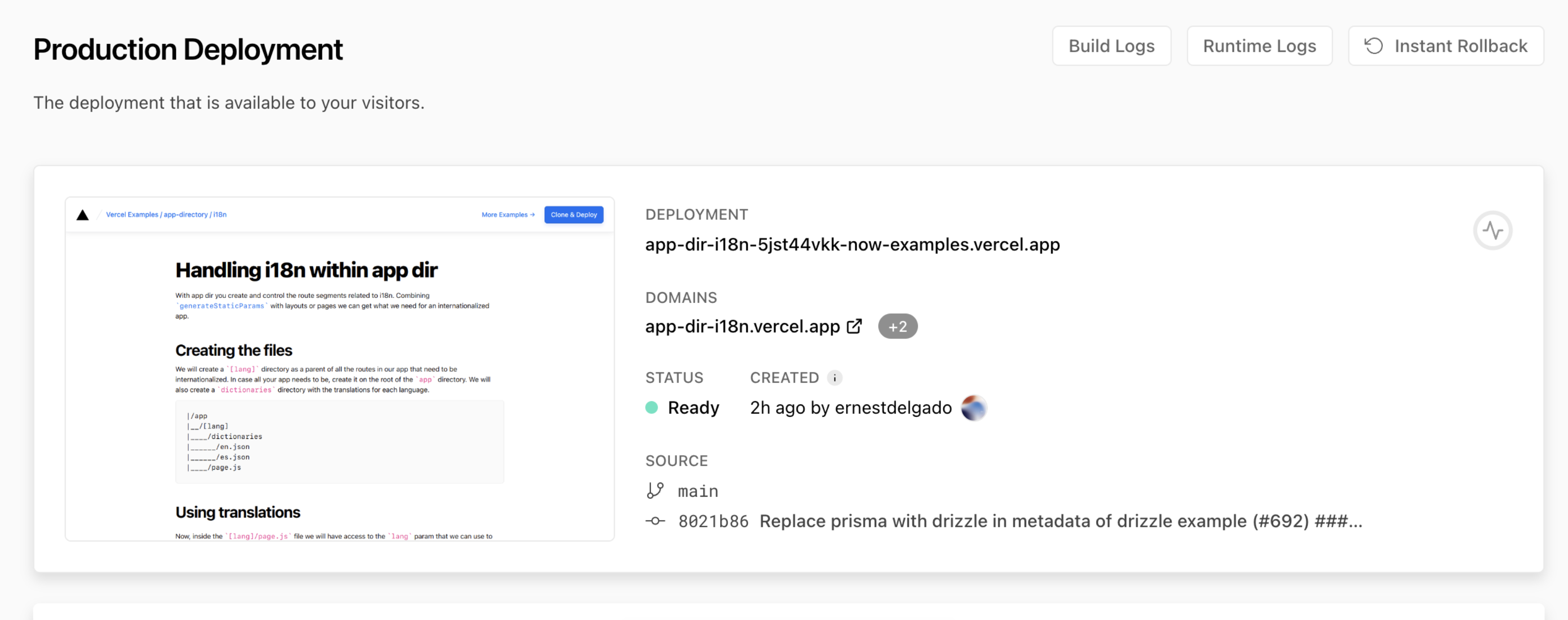
Starting an Instant Rollback from the production deployment tile.
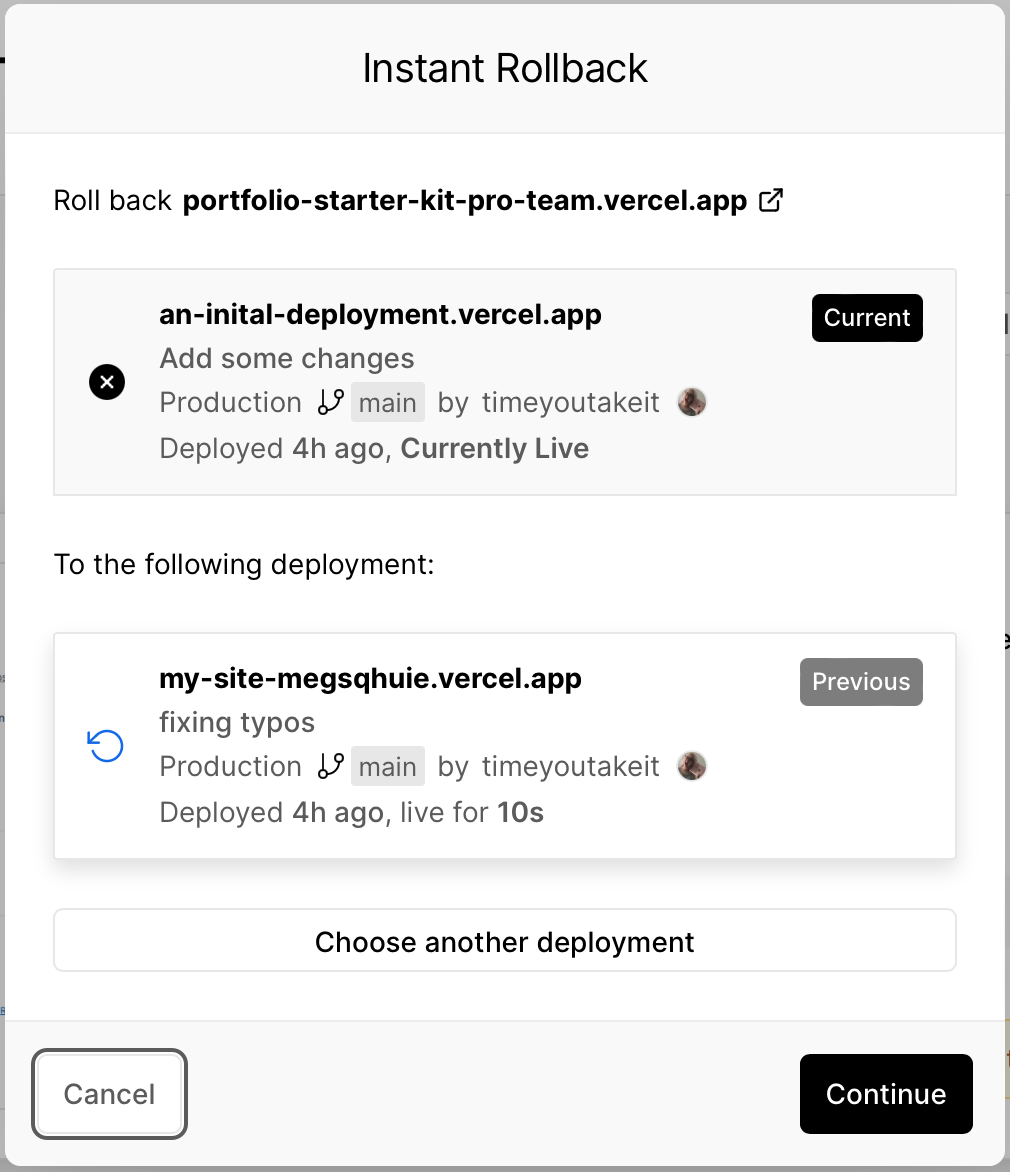
The Instant Rollback dialog showing current and previous deployments.
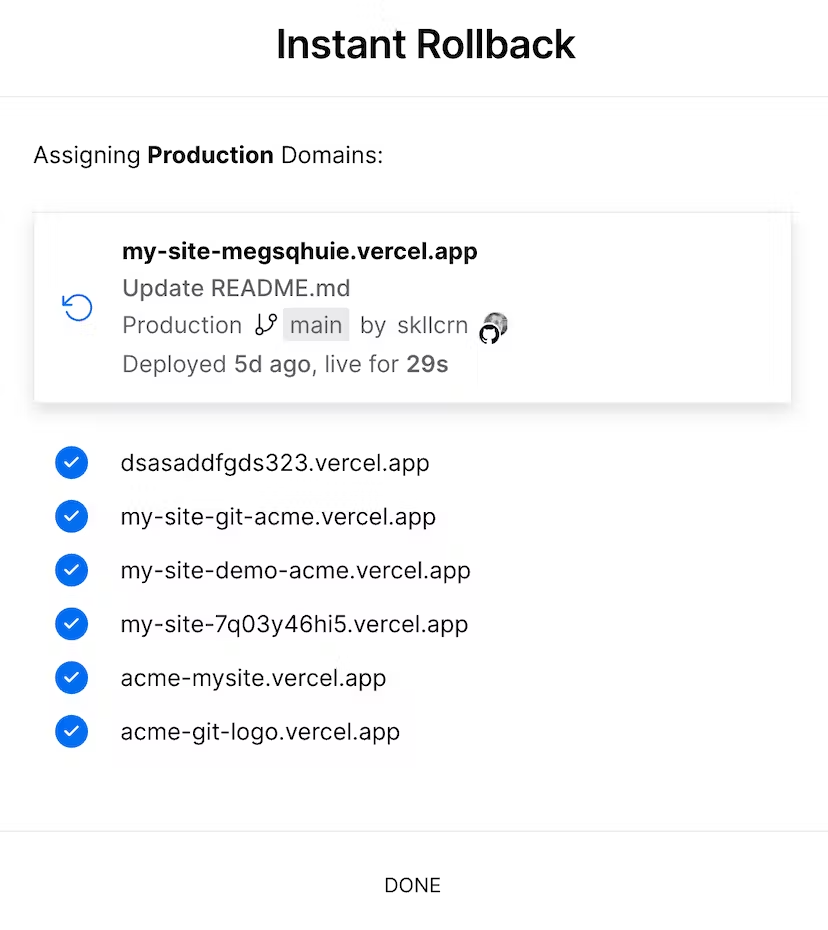
Confirmation message after a successful rollback.
Vercel
The platform for frontend developers — deploy, preview, and scale web apps and AI agents with zero config.
View Vercel →