Introducing Runway Plugins for Adobe
By Steven Van ·
Runway Plugins bring its video and image models into Premiere Pro and After Effects panels, free to download on paid plans.
Runway now runs in a panel inside Adobe Premiere Pro and After Effects, so footage can be generated, edited and placed on the timeline without exporting or leaving the edit.
- Prompt for video with Gen-4.5, Seedance 2.5, Kling 3.0 Pro or Veo 3.1, or for stills with Gen-4 Image, Nano Banana or GPT Image 2, with results landing at the playhead.
- Re-render a clip already on the timeline with Aleph 2.0, including HDR conversion via Runway Ruby, or generate in HDR from the start.
- Upscale footage or isolate a subject without hand-masking, by prompting the subject and inverting the selection.
- A workspace switcher in the panel sets where generations land and which credits they use, and past web generations are one click from the timeline.
The plugin is a free download for macOS and Windows, and works with an existing paid Runway plan and credits.
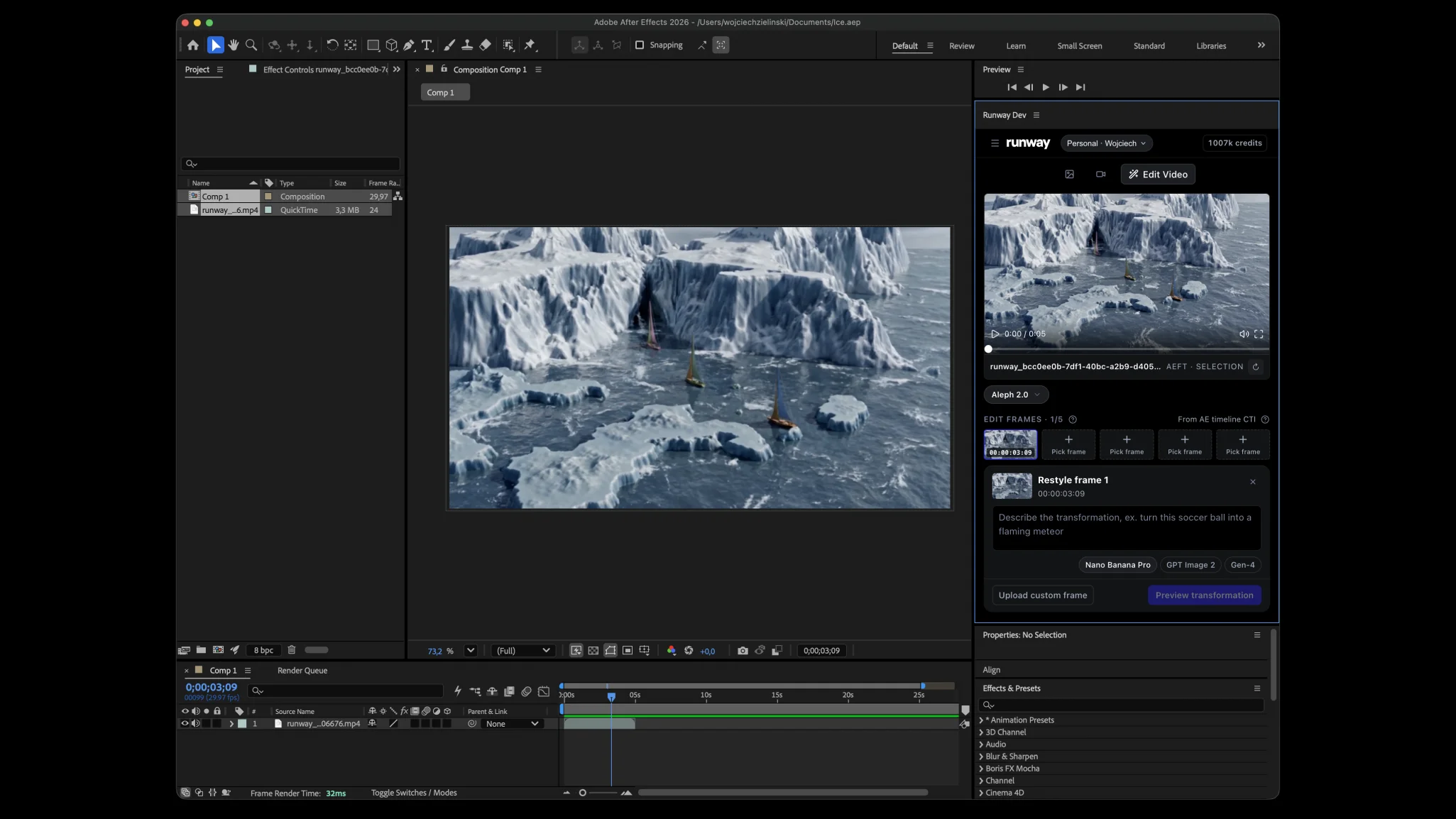
The Runway panel docked in After Effects, editing a clip on the timeline
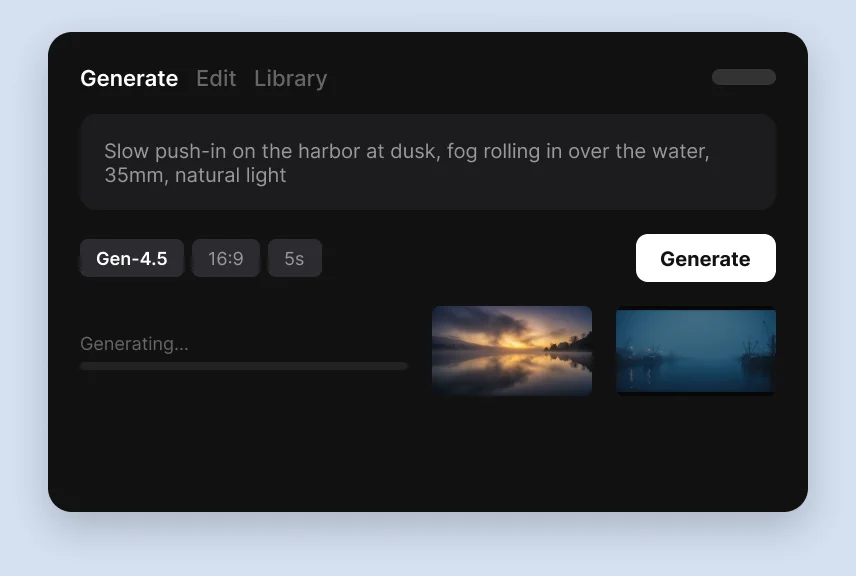
The panel's Generate tab, with a prompt, model options and results rendering
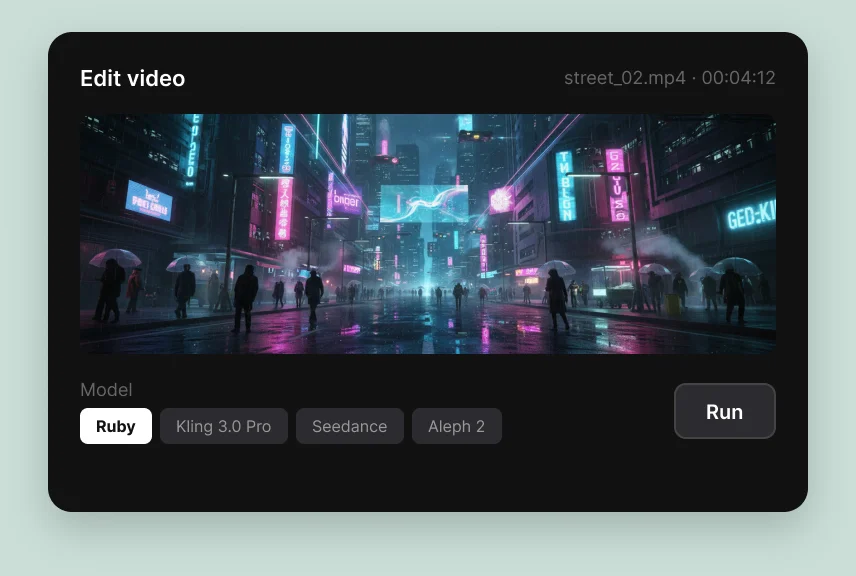
The panel's Edit video tab, restyling a street scene with Aleph 2
Runway
AI-powered creative suite for generating and editing video, images, and 3D — featuring the world's most advanced video generation model.
View Runway →